How to edit a student's contact information or profile
Keep student and contact details accurate and up to date.
Written by Swathi N
Lynk Tower allows you to easily update student or parent information whenever needed. This ensures smooth communication and accurate records across your system.
Why Update Student Details?
You may need to edit details when:
Contact information changes
There are corrections in names or emails
Student details need to be updated
Steps to Edit Student Information
Go to the Students tab in Lynk Tower
Locate the student you want to update
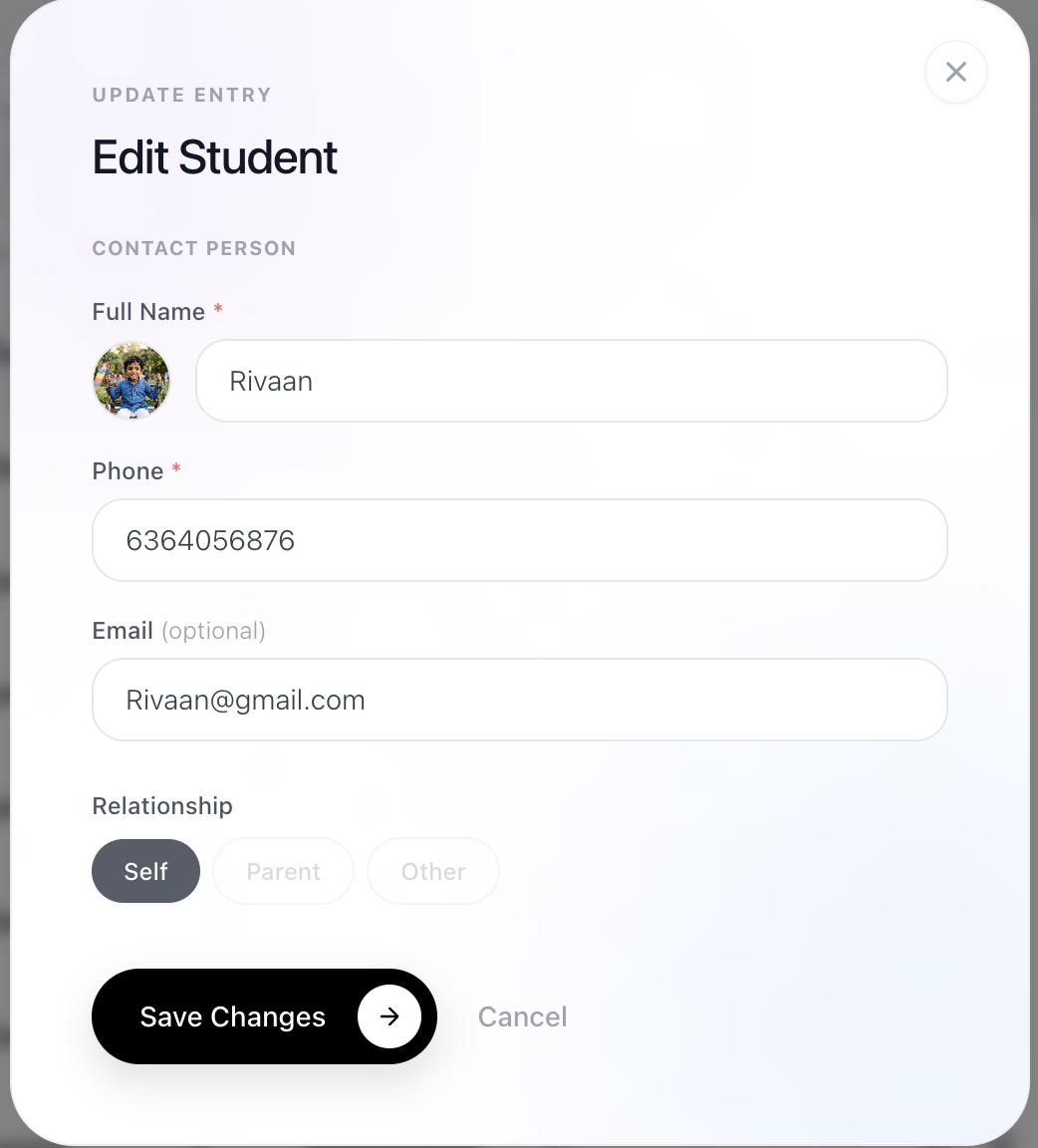
Click on the Edit icon on the student card
Update the required details
Save the changes
What You Can Edit
You can update the following details:
Student Name
Phone number
Email address
Child/Student details (if applicable)
What Cannot Be Edited
Relationship (Self / Parent) cannot be changed once created
If the relationship is incorrect, you will need to create a new entry with the correct details.
Best Practices
Ensure phone numbers are correct for communication
Keep names consistent and properly formatted
Double-check details before saving
Conclusion
Editing student details in Lynk Tower is quick and simple. Keeping information updated ensures better communication, accurate records, and smooth day-to-day operations.