Customizing your Footer
Update your brand details, navigation links, and social media profiles in the footer section.
Written by Swathi N
The Footer is the section displayed at the bottom of your storefront. In Lynk Tower, you can customize the footer to include your academy’s brand information, helpful navigation links, and social media profiles.
This section helps visitors quickly find important information and stay connected with your academy.
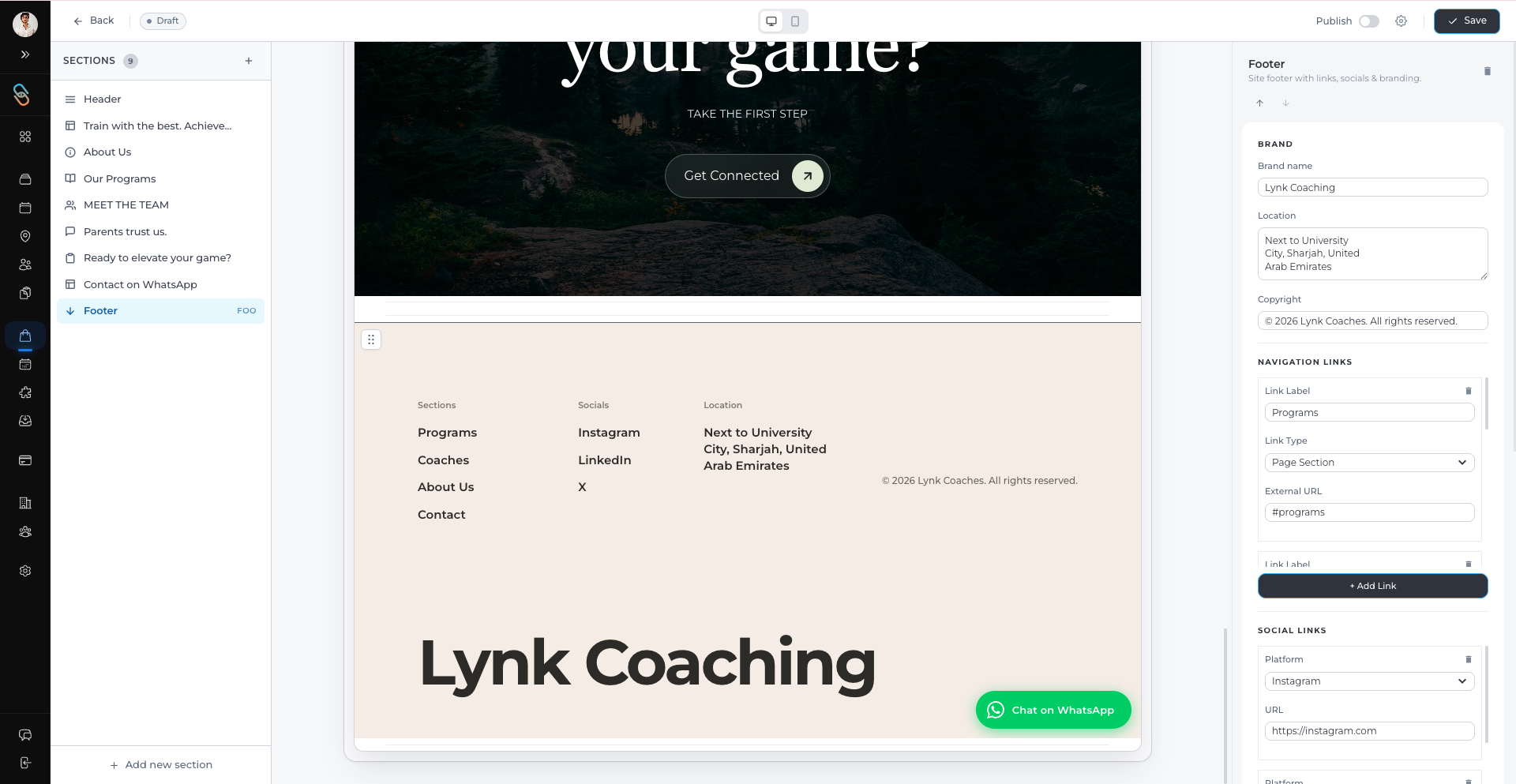
Updating Brand Information
The Brand section in the footer allows you to display important details about your academy.
To update the brand details:
Open Store Builder in Lynk Tower.
Click Open Editor for the storefront you want to edit.
Select the Footer section from the Sections panel.
Update the Brand settings in the right-side panel.
You can edit the following fields:
Brand Text – A short description or name of your academy.
Physical Location – The address of your academy or training facility.
Copyright Information – The copyright notice that appears at the bottom of the page.
This information helps visitors clearly identify your academy and its location.
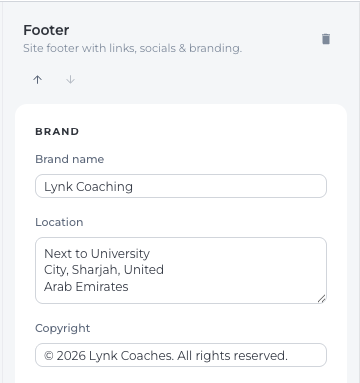
Adding Navigation Links
The Navigation Links section helps visitors quickly move to different parts of your storefront.
To add a navigation link:
In the Footer settings, go to the Navigation Links section.
Click Add Link or edit an existing link.
Enter the following details:
Link Label – The text displayed on the link.
Link Type – The type of navigation link either Page Section or the External URL
Target Section or External URL – The section of the page or the URL the link should redirect to.
These links help visitors jump directly to important sections of your storefront, such as programs, team information, or contact details.
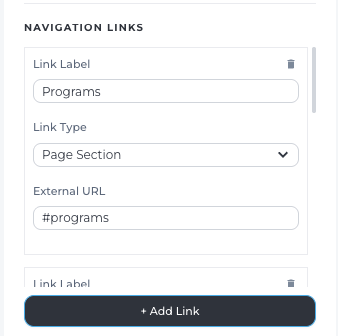
Adding Social Media Links
You can also connect your academy’s social media profiles through the footer.
To add a social link:
Open the Social Links section in the Footer settings.
Click Add Social Link.
Select the Platform (for example: Instagram, Facebook, or YouTube).
Enter the URL for your social media profile.
Once added, the social icons will appear in the footer so visitors can easily access your social channels.
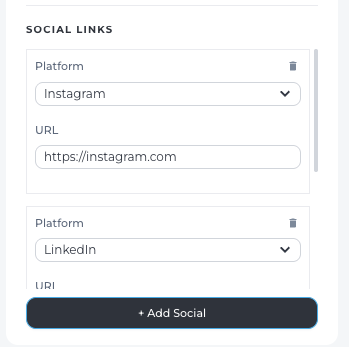
Conclusion
The Footer section in Lynk Tower helps organize important information at the bottom of your storefront. By updating brand details, adding navigation links, and connecting social media profiles, you can make it easier for visitors to explore your website and stay connected with your academy.