Viewing a venue's complete calendar
How to open the scheduler directly from a venue to view the complete schedule of sessions happening at that location.
Written by Swathi N
In Lynk Tower, venues are connected to the batches and sessions conducted at that location. If you want a detailed view of all scheduled sessions, you can open the venue’s calendar directly from the Active Batches popup.
This feature helps you quickly navigate to the Scheduler tab, where you can see the full schedule of sessions for a particular batch at that venue.
Why Use the Venue Calendar View?
Viewing the venue schedule helps you:
Track all sessions happening at a specific location
Check upcoming classes for a batch
Avoid schedule overlaps at the same venue
Get a clear calendar view of sessions
This is especially useful for academies managing multiple batches at the same location.
How to View the Venue’s Schedule
Follow these steps to view the calendar for sessions at a venue.
Step 1: Go to the Venues Tab
Open the Venues section in Lynk Tower.
Step 2: Open the Venue’s Batches
Find the venue you want to check and click the Batches button on the venue card.
This will open a popup showing the active batches running at that venue.
Step 3: Click “View in Scheduler”
Inside the popup, click the View in Scheduler button for the batch you want to inspect.
Step 4: View the Batch in the Scheduler
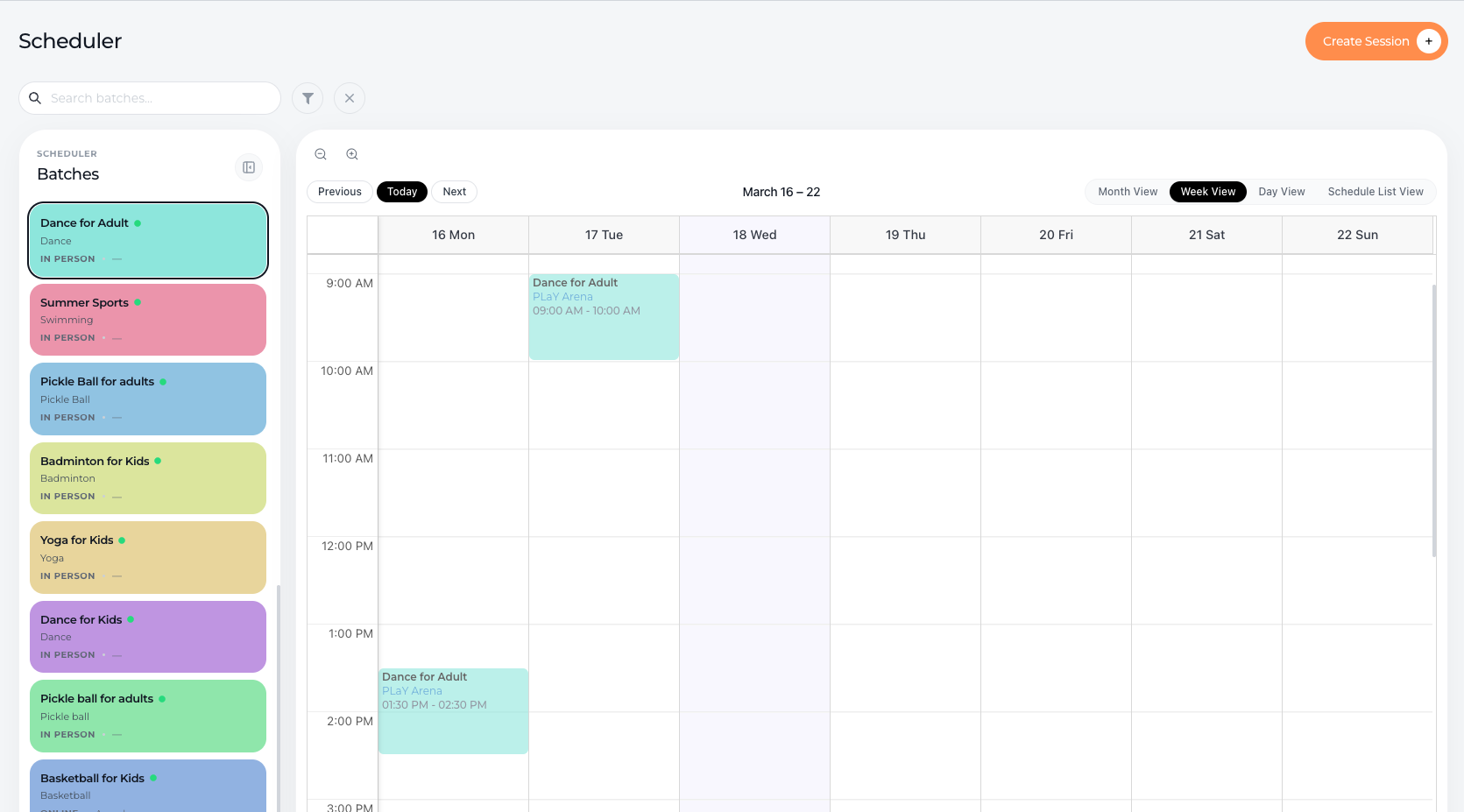
You will be redirected to the Scheduler tab, where you can see the calendar view of all sessions scheduled for that batch at the selected venue.
This allows you to view session timings and dates in a clear calendar format.
Benefits of Using the Scheduler View
Opening the scheduler from a venue helps you:
Quickly access the session calendar for a specific location
Monitor class schedules and timings
Plan future sessions without conflicts
Manage venue usage more efficiently
Conclusion
The View in Scheduler option in Lynk Tower allows you to jump directly from a venue to the scheduler and view the complete calendar of sessions for a specific batch at that location. This makes it easier to track schedules, manage venue availability, and organize your coaching sessions more efficiently.