Organizing your locations: Customer vs. External Venues
How to categorize and filter your venues based on where coaching sessions take place.
Written by Swathi N
In Lynk Tower, venues can be organized into different categories to help you manage where your coaching sessions are conducted. The platform provides Customer Venues and External Venues tabs so you can easily separate locations based on who travels for the session.
This makes it easier for coaches and organizations to manage sessions that happen at the student’s location versus those conducted at a dedicated training facility.
Understanding Venue Types
Lynk Tower allows you to categorize venues into two main types.
Customer Venues
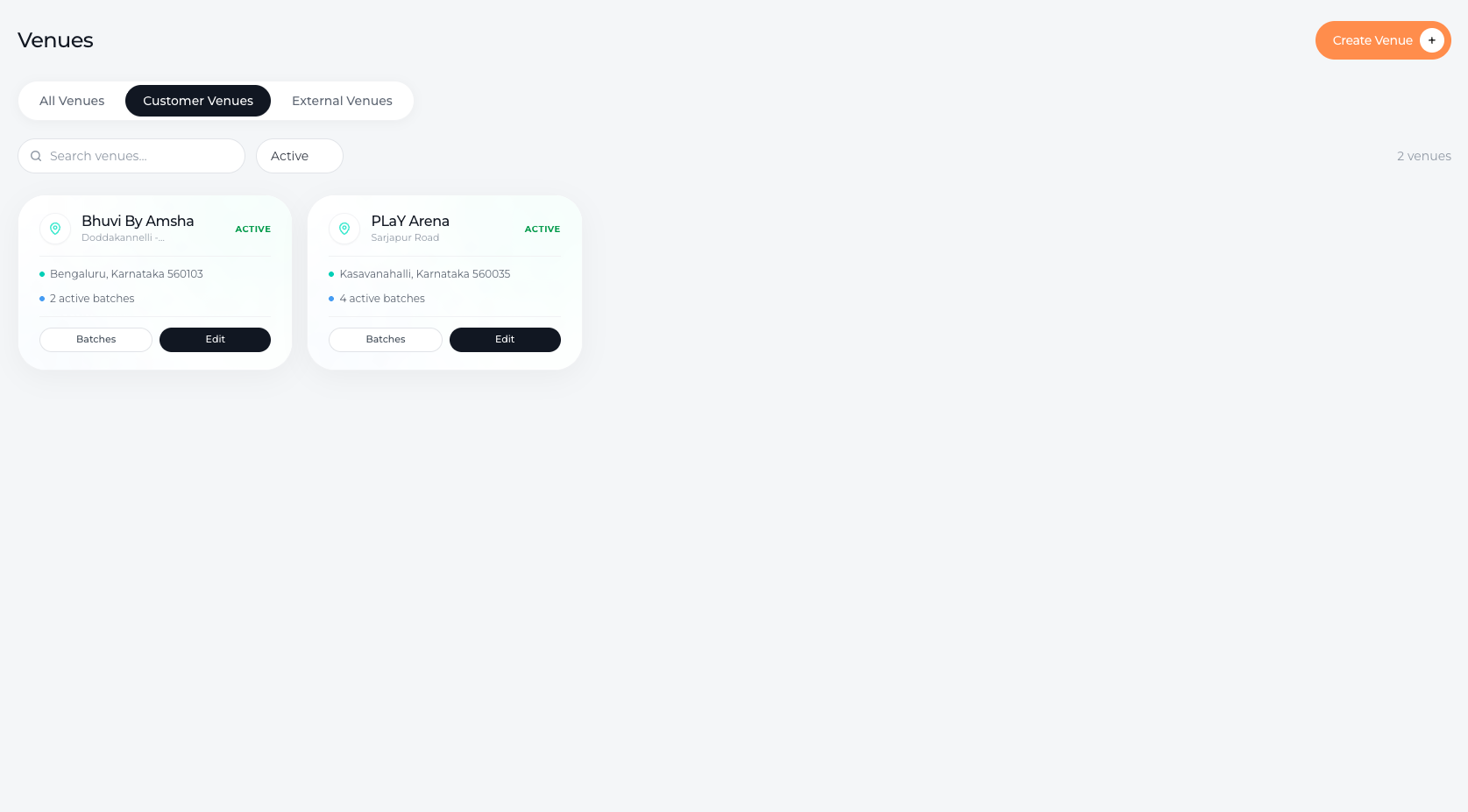
Customer venues refer to locations where the coach travels to the student’s place to conduct the session.
These may include:
A student’s home
Residential communities
Private training spaces arranged by the student
This option is commonly used for personal coaching sessions or home-based classes.
External Venues
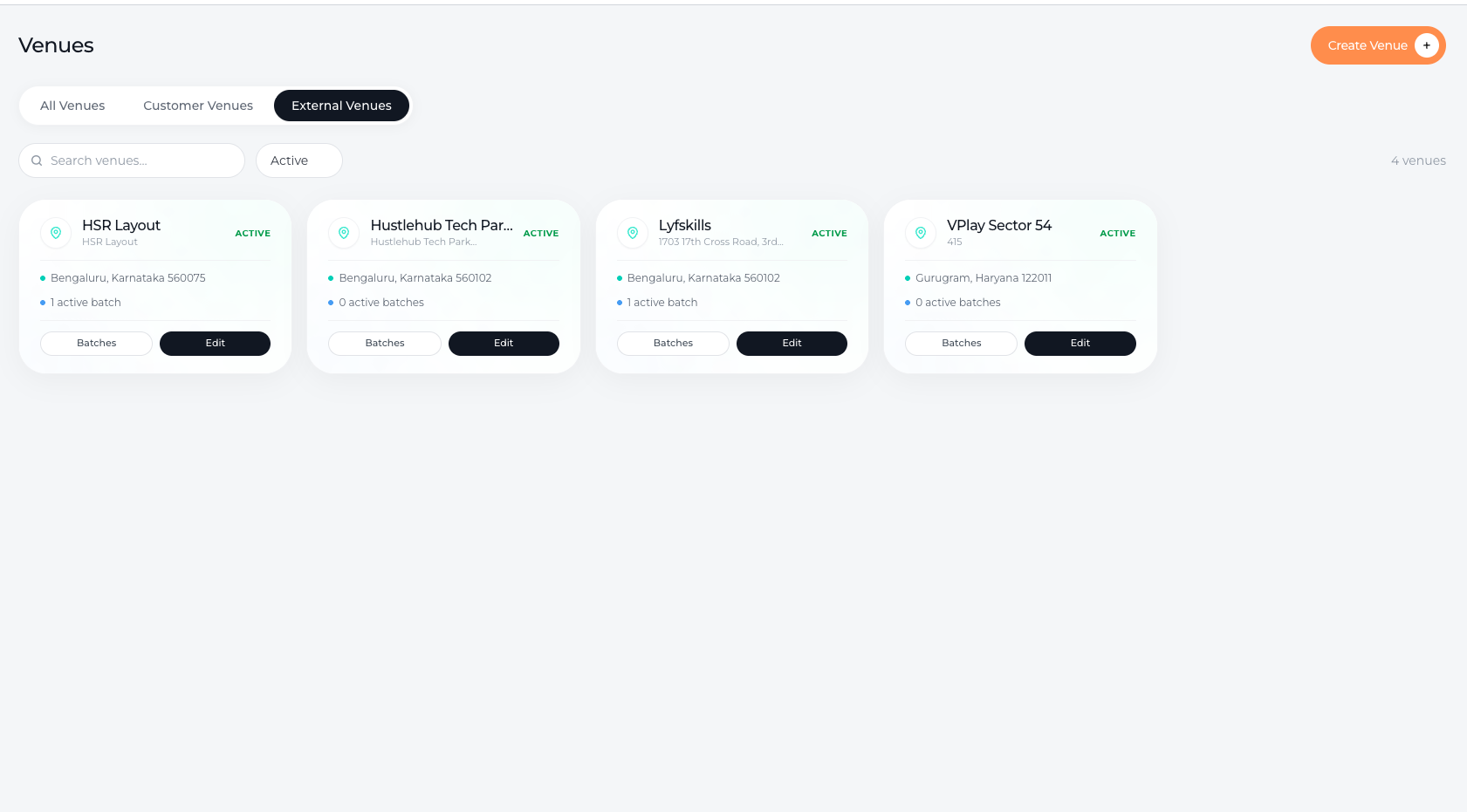
External venues refer to fixed locations where students travel to attend sessions.
These may include:
Sports academies
Dance studios
Fitness centers
Training grounds
Activity centers
In this case, the venue acts as the central location for the class, and students travel there for their sessions.
Switching Between Venue Tabs
To keep your venue list organized, Lynk Tower provides separate tabs for Customer and External venues.
You can:
Click on the Customer Venues tab to view locations where coaches travel to the student.
Click on the External Venues tab to see venues where students travel for sessions.
Switching between these tabs helps you quickly filter and manage the different types of locations your organization uses.
Benefits of Organizing Venues
Categorizing venues helps improve scheduling and clarity across your coaching operations.
Some benefits include:
Easily identifying where sessions take place
Quickly selecting the right location when creating batches
Keeping home sessions and facility sessions clearly separated
Managing multiple coaching locations efficiently
Conclusion
By organizing venues into Customer Venues and External Venues, Lynk Tower helps you clearly manage different types of coaching locations. With simple tab-based filtering, you can quickly switch between venue types and keep your session locations structured and easy to manage.