Difference between coach and admin roles in an organisation
Coach accounts deliver sessions, while admin profiles manage coaches, batches, and operations.
Written by Sumit Kapoor
Introduction
At an organisation level, Lynk supports two distinct account roles—Coach and Admin—each created for a specific responsibility within an academy or organisation setup.
Coach accounts focus on teaching and session execution
Admin accounts focus on control, structure, and operational management
This separation ensures smooth functioning without role overlap.
An individual can be in multiple organisations with admin role in one organisation and a coach role in another organisation. Irrespective of an individual coaches affiliation to organisations, they will have full rights and access to their own batches and students.
Coach Role: Delivery-Focused
A coach account is designed for on-ground execution and direct interaction with students.
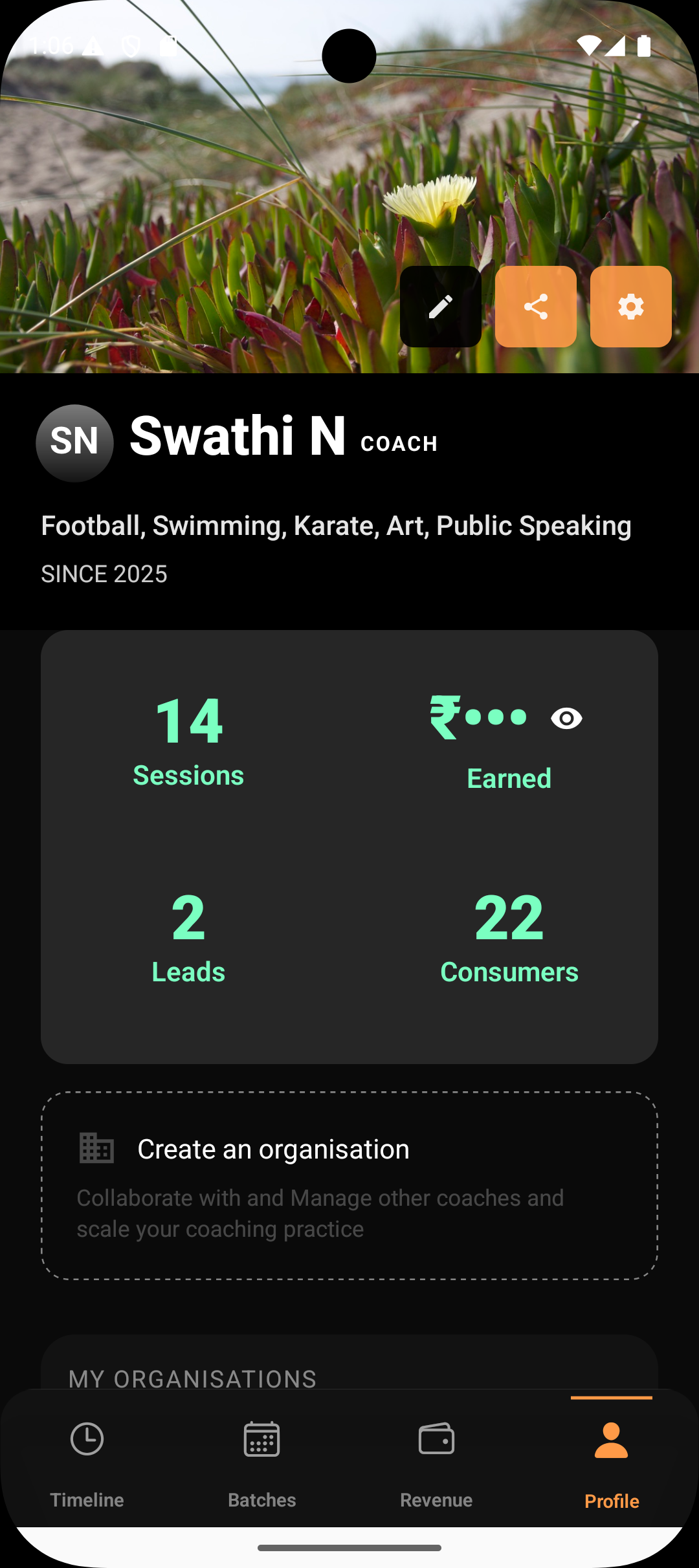
What a Coach Can Do
Conduct sessions for assigned batches
Generate and follow session plans
Mark attendance
Add coach notes
View students in assigned batches
Generate progress reports
What a Coach Cannot Do
Create, edit, or close batches
Manage student enrollments
Assign or remove coaches
Send payment requests to organisation students
Modify admin-level settings
This allows coaches to focus entirely on teaching.
Admin Role: Management-Focused
An admin account represents the academy’s operational layer and controls how coaches and batches are managed.
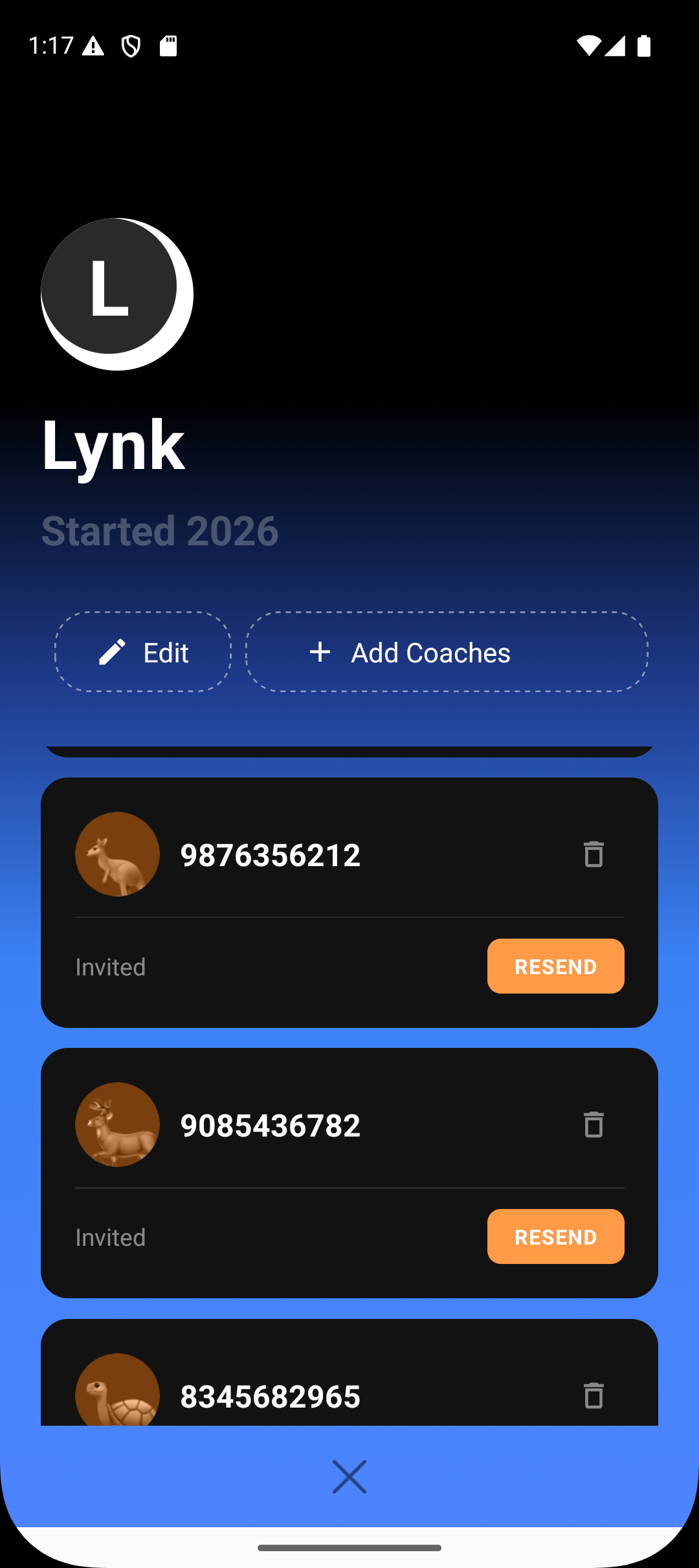
What an Admin Can Do
Add or remove coaches
Assign and reassign coaches to batches
Create, edit, and close batches
Manage student enrollments
Edit session details when required
Send payment requests to students
Oversee academy-wide operations
Admins typically do not conduct sessions themselves however they can assign batches to themselves if they also happen to be a senior coach.
Functional Difference at a Glance
Organisation Area | Coach Role | Admin Role |
Primary role | Session delivery | Operations & management |
Conduct sessions | ✅ | ✅ |
Session planning & notes | ✅ | ✅ |
Attendance & reports | ✅ | ✅ |
View students in batch | ✅ | ✅ |
Edit batch details | ❌ | ✅ |
Manage students | ❌ | ✅ |
Add / remove coaches | ❌ | ✅ |
Assign batches | ❌ | ✅ |
Send payment requests | ❌ | ✅ |
Operational oversight | ❌ | ✅ |
Why This Separation Matters
Separating coach and admin roles:
Prevents accidental operational changes
Reduces administrative load on coaches
Improves accountability
Supports scalable academy growth
Keeps batch and student data structured and secure
Summary
Coach accounts in Lynk are built for session delivery, attendance and coaching notes. Admin accounts handle all operational responsibilities, including coach management, batch assignments, enrollments, and payments. This role-based structure ensures efficiency, clarity, and scalable academy operations. It is important to understand that the definition of admin and coach is limited to an organisation only.