How venues are linked to batches
Batches carry the venue so sessions inherit venue consistently.
Written by Sumit Kapoor
How venue linkage works
When you create a batch, you select a venue as part of the setup. This venue becomes a core property of the batch.
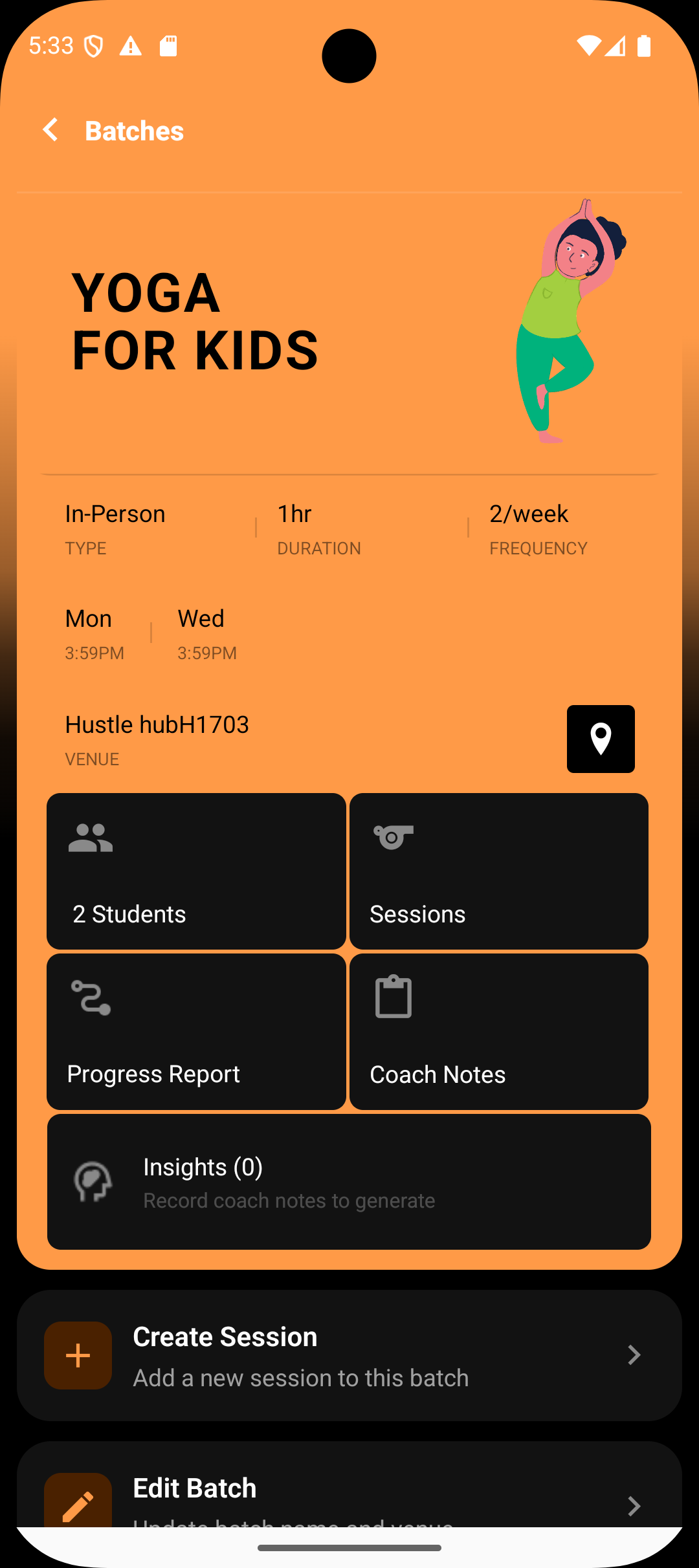
The batch-level venue defines where the sessions are expected to happen.
This removes the need to set location details for every individual session.
How sessions inherit the venue
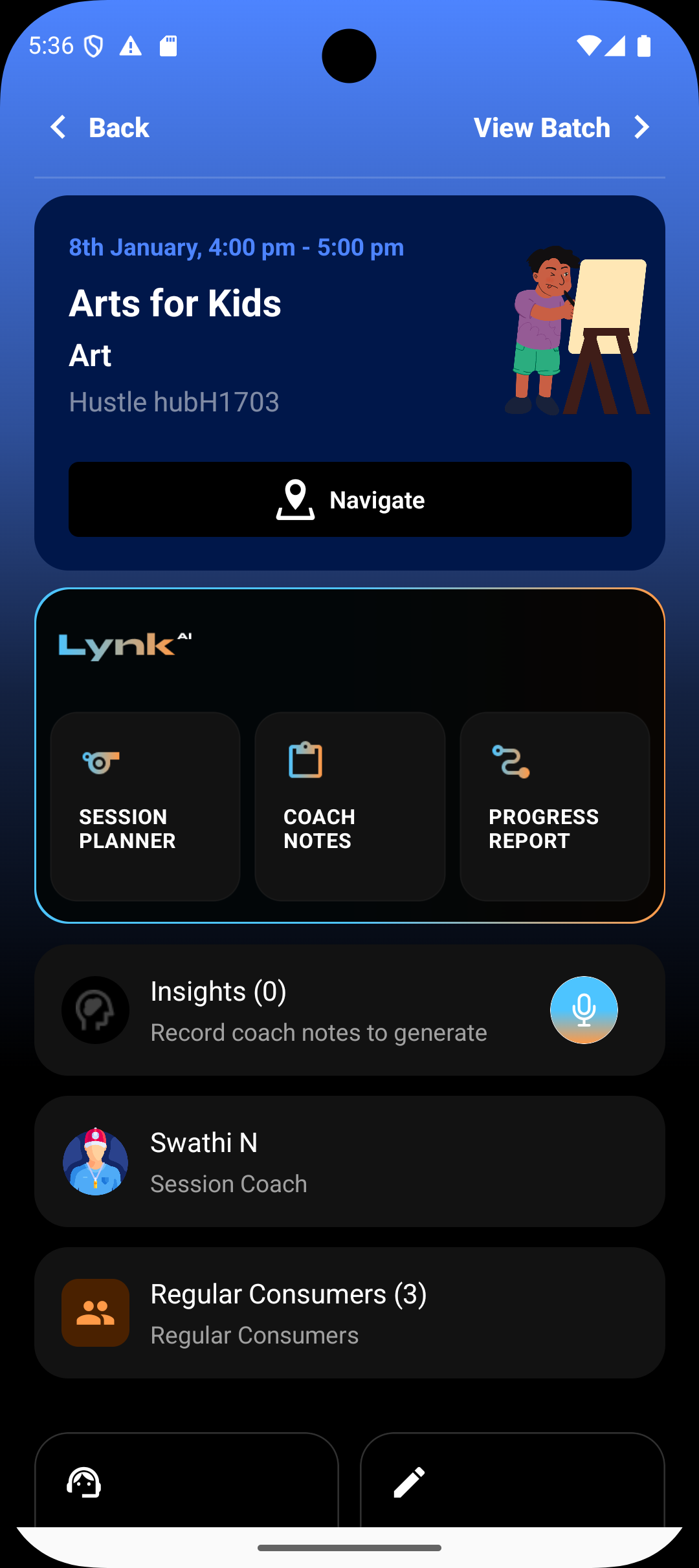
All future sessions generated from the batch automatically display the same venue.
Coaches see a consistent location across the batch timeline.
Navigation and location expectations stay aligned for every session.
Editing the batch venue
You can edit the batch later to change the venue if needed.
Once updated, upcoming sessions reflect the new venue.
Past completed sessions remain unchanged to preserve historical accuracy.
Important note
Venue applies only to offline batches.
Online batches do not carry a venue; sessions are handled virtually.
Summary
Linking a venue at the batch level ensures all sessions share the same location context, reducing setup effort and avoiding confusion. Changing the batch venue updates future sessions while keeping past records intact.