What is a batch
A batch is the container that defines your class setup—students, schedule, venue, and the sessions that get created from it.
Written by Swathi N
A batch is the foundation of how classes run in Lynk.
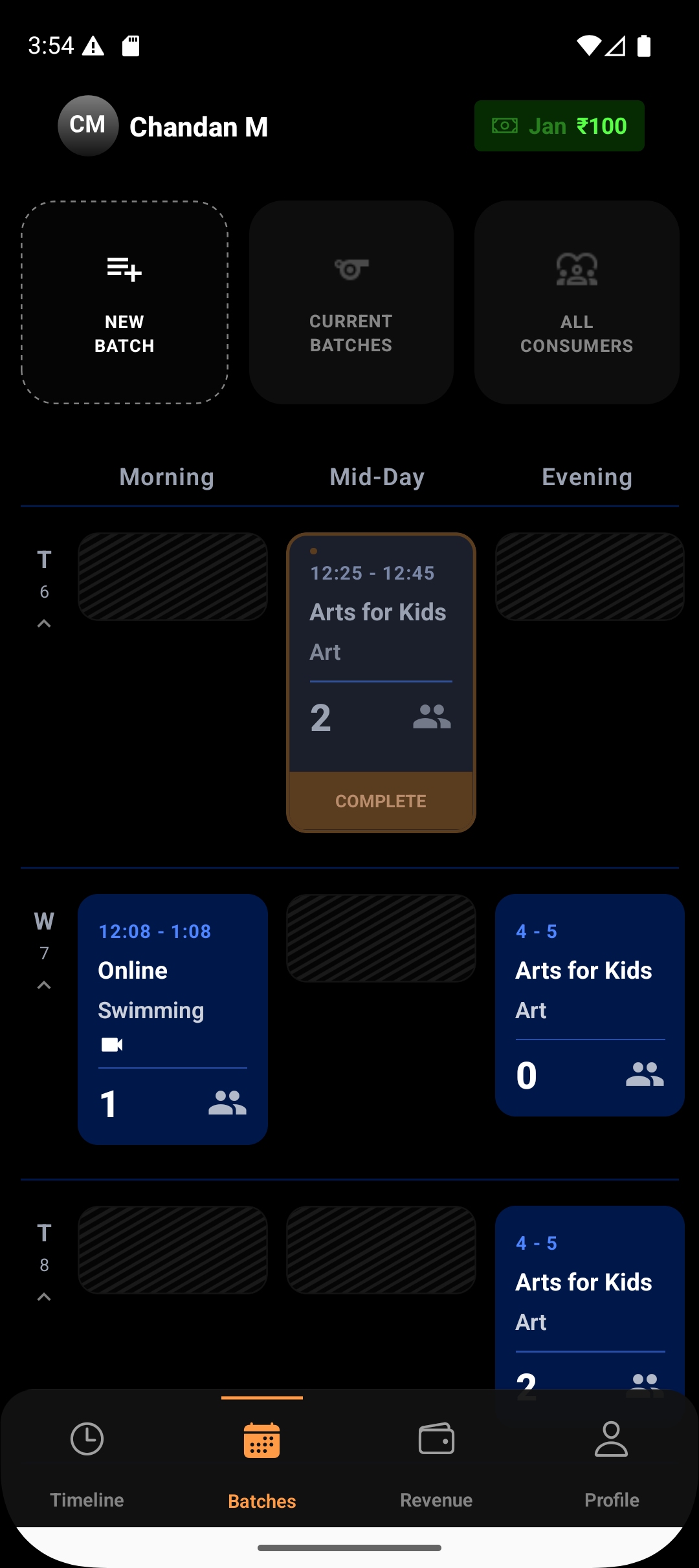
It acts as a central container that defines everything about a class — from who attends, when it happens, where it takes place, and how sessions are managed.
Instead of setting up the same details again and again for every class, you create a batch once — and Lynk handles the rest.
Why Batches Matter
When you manage multiple students, schedules, and sessions, things can quickly become fragmented.
Batches help you:
Keep students organized
Maintain consistent schedules
Track progress in one place
Avoid manual coordination for every session
Every session, attendance record, coach note, and progress report flows from a batch.
What a Batch Contains
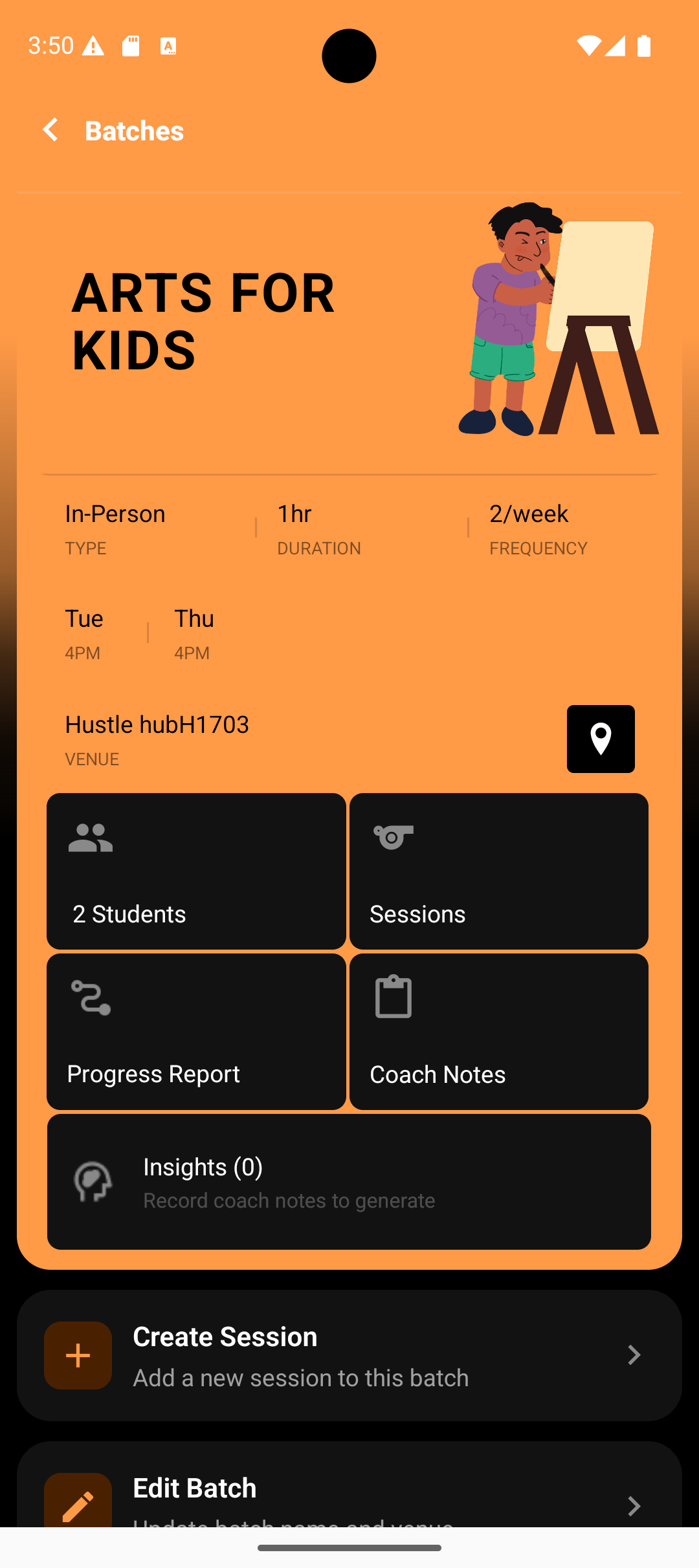
From the batch screen, you can clearly see all the core details of a class setup.
Each batch defines:
Batch Name
(Example: Arts for Kids)
Class Type
In-person or Online
Duration
Length of each session (e.g., 1 hour)
Frequency
How often sessions occur (e.g., 2 times per week)
Schedule
Days and time slots (e.g., Tuesday & Thursday at 4 PM)
Venue
Physical location or online meeting context
This ensures every session created under the batch follows the same structure.
Students Inside a Batch
A batch holds the group of students attending that class.
From the batch screen, you can:
View total students enrolled
Access individual student details
Track attendance and participation
See progress reports linked to that batch
This makes batch-wise student management simple and transparent.
Sessions Are Created From Batches
Sessions don’t exist independently — they are always created inside a batch.
From the batch screen, you can:
Create new sessions
View all past and upcoming sessions
Edit session details if needed
Record attendance for each session
This ensures every session remains tied to the correct class, students, and schedule.
Coach Notes & Progress Reports
Each batch acts as a hub for learning documentation.
You can:
Record coach notes for sessions
View past notes anytime
Generate progress reports based on sessions and notes
Share reports with parents or learners
Because everything is batch-linked, insights remain structured and easy to review.
Insights at the Batch Level
Lynk also shows batch-level insights, generated from:
Session data
Attendance patterns
Coach notes
These insights help you understand:
How the batch is progressing overall
Areas where students may need more focus
Engagement trends across sessions
In Summary
A batch is not just a class name —
it’s the central structure that keeps your coaching organized.
With batches, you can:
Define your class once
Run consistent sessions
Track students and progress effortlessly
Manage everything from a single screen
If you’re running recurring classes, batches are where everything begins in Lynk.