How sessions are created from a batch
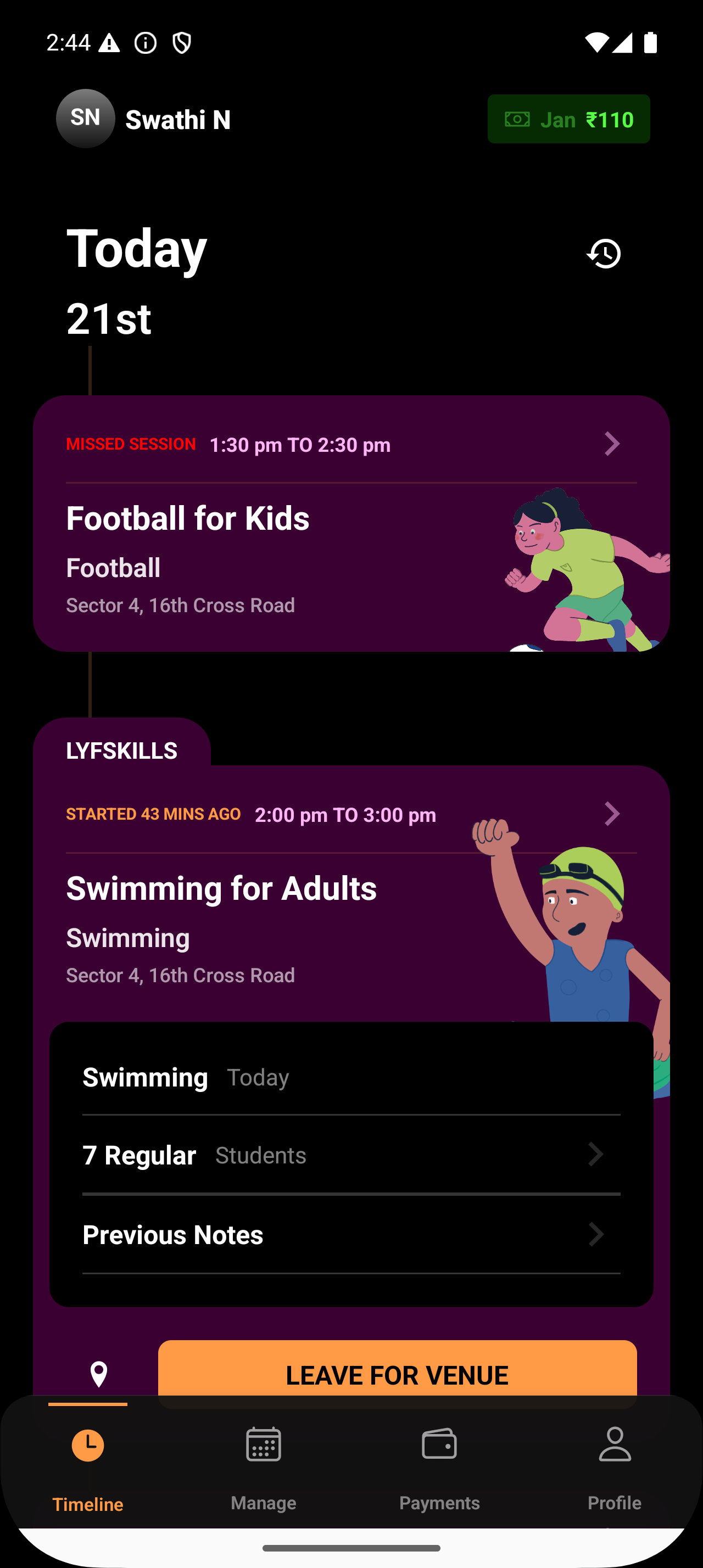
Lynk generates sessions automatically from your batch schedule (days and time). Each planned occurrence becomes a session card and appears in your upcoming sessions list.
Written by Sumit Kapoor
What gets carried into each session
Every session created from a batch inherits:
Date and time from the batch schedule
Venue or online mode (including Google Meet for online batches)
Student roster from the batch
Coach assignment
This ensures consistency across all sessions.