What is a session
A session is one class instance where you mark attendance and optionally add coaching notes. It records when, where, and how the class was conducted, helping Lynk track delivery and activity accurately.
Written by Sumit Kapoor
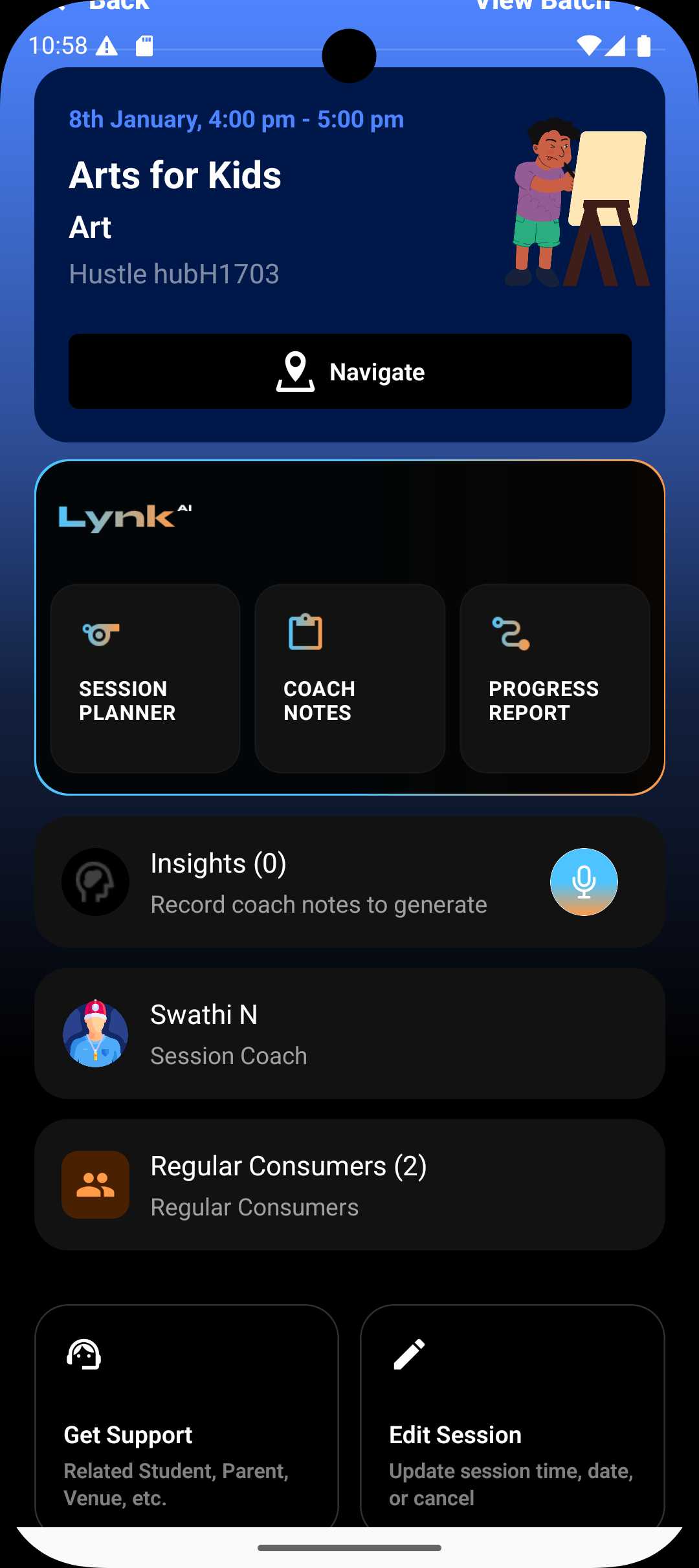
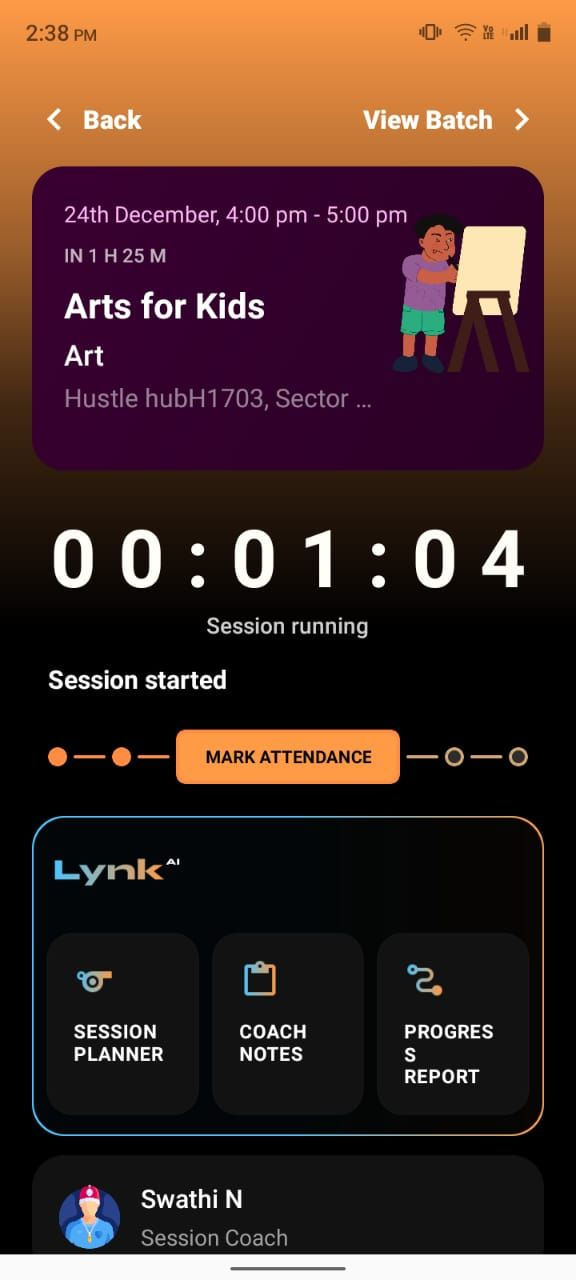
What happens inside a session
During a session, you can:
Leave for the venue and track arrival (for offline sessions)
Tap I Have Arrived to confirm session start
Mark student attendance
Add coach notes and session observations
Complete the session once the class is finished
This ensures the session is captured as a completed delivery event.
Sessions and batches
Sessions are usually generated from a batch schedule
They inherit the batch roster, venue (or online mode), and timing
Any students in the batch automatically appear for attendance marking
Changes to the batch affect future sessions, not completed ones
Why sessions matter
Sessions are the operational backbone of Lynk:
Attendance tracking
Progress and insights generation
Coach notes and performance records
Accurate delivery history
Without sessions, there is no verified record of teaching activity