What is payouts
Payouts show how and when collected payments are settled into your bank account.
Written by Sumit Kapoor
Introduction
Payouts in Lynk represent the final step of the payment lifecycle—when the money paid by students is transferred to your registered bank account.
While payments are collected instantly from students, payouts follow a scheduled settlement cycle (T+1). This ensures all successful collections for a day are consolidated, processed, and deposited together in a predictable manner.
The Payouts tab gives you complete visibility into:
What amount is scheduled for settlement
When it will be processed
When it is deposited into your bank account
How Payouts Work in Lynk (T+1 Cycle)
Lynk follows a T+1 payout model, meaning payments collected on Day T are settled on Day T+1.
Daily Cut-off Rule
All student payments successfully paid before 12:00 AM (midnight) are considered for the next day’s payout.
Payments made after midnight roll into the following payout cycle.
Payout Lifecycle at a Glance
Every payout in Lynk moves through a fixed lifecycle before reaching your bank account. This lifecycle is reflected through different payout states in the app.
Step 1: Payout Calculating
Between 12:00 AM and 9:00 AM, Lynk:
Aggregates all eligible payments
Applies gateway fee adjustments
Calculates the final payout amount for the day
During this phase, the payout amount is not yet finalized.
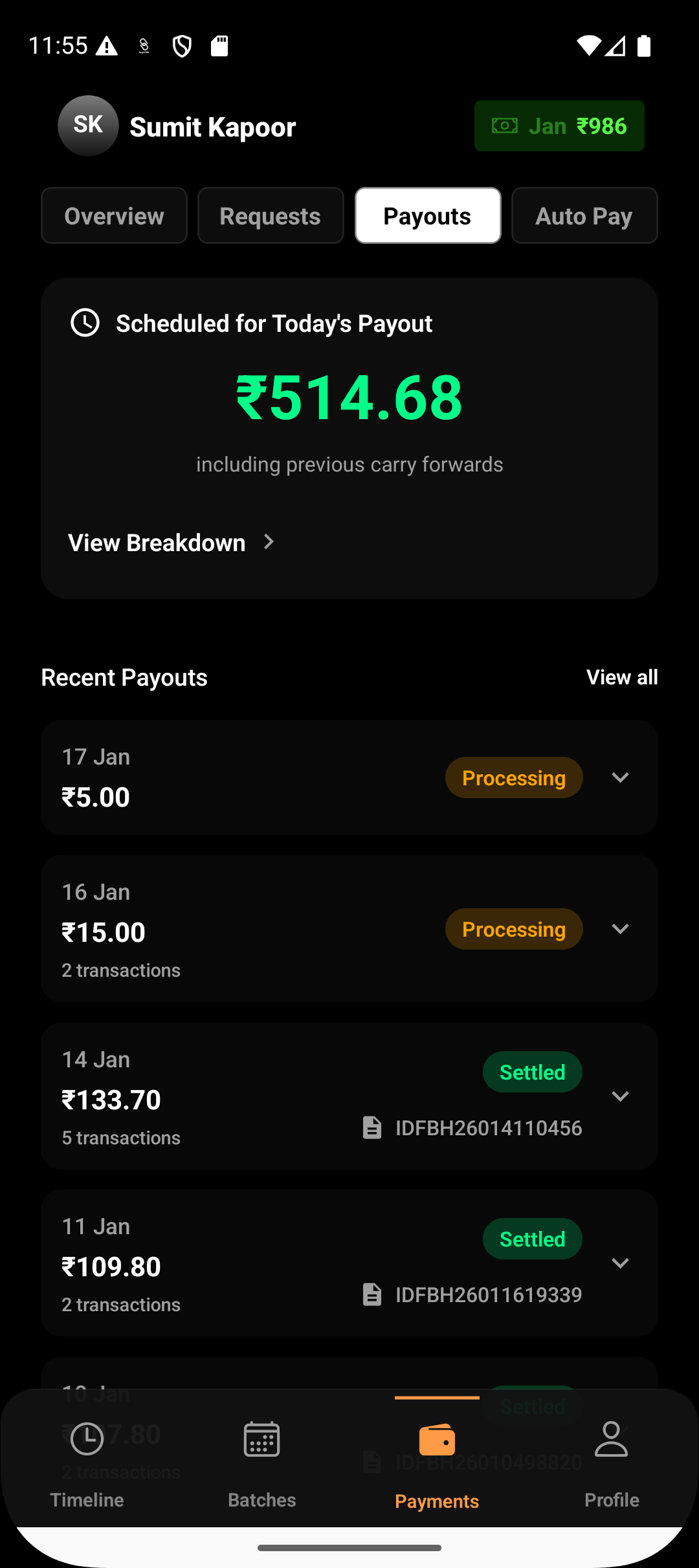
Step 2: Scheduled for Today’s Payout
From 9:00 AM onwards, Lynk displays the payout status for the day:
If there is a payable amount, it is shown as Scheduled for today’s payout
If no payments were collected, the payout shows ₹0 for the day
This step confirms whether a payout will be processed.
Step 3: Deposited
For non-zero payouts:
Lynk initiates the bank transfer at 6:00 PM via NEFT
The payout status updates to Deposited
The amount typically reflects in your bank within 2–3 hours
Once deposited, the payout cycle is complete.
What the Payout Amount Includes
Each payout amount represents:
Total payments successfully paid by students
Minus applicable gateway fees (if absorbed by you)
Adjusted for any failed or reversed transactions
The payout always reflects the net amount you receive, not the gross amount paid by students.
Viewing Payout History
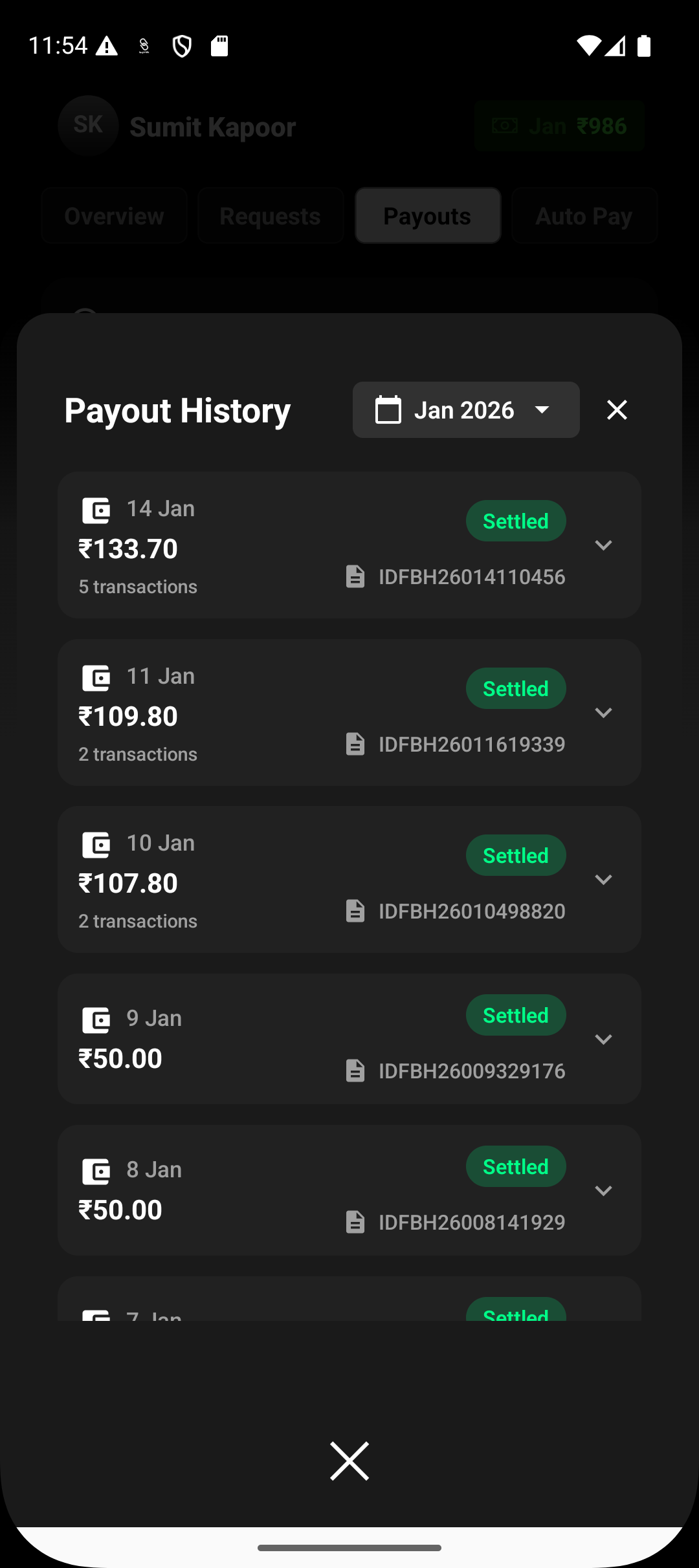
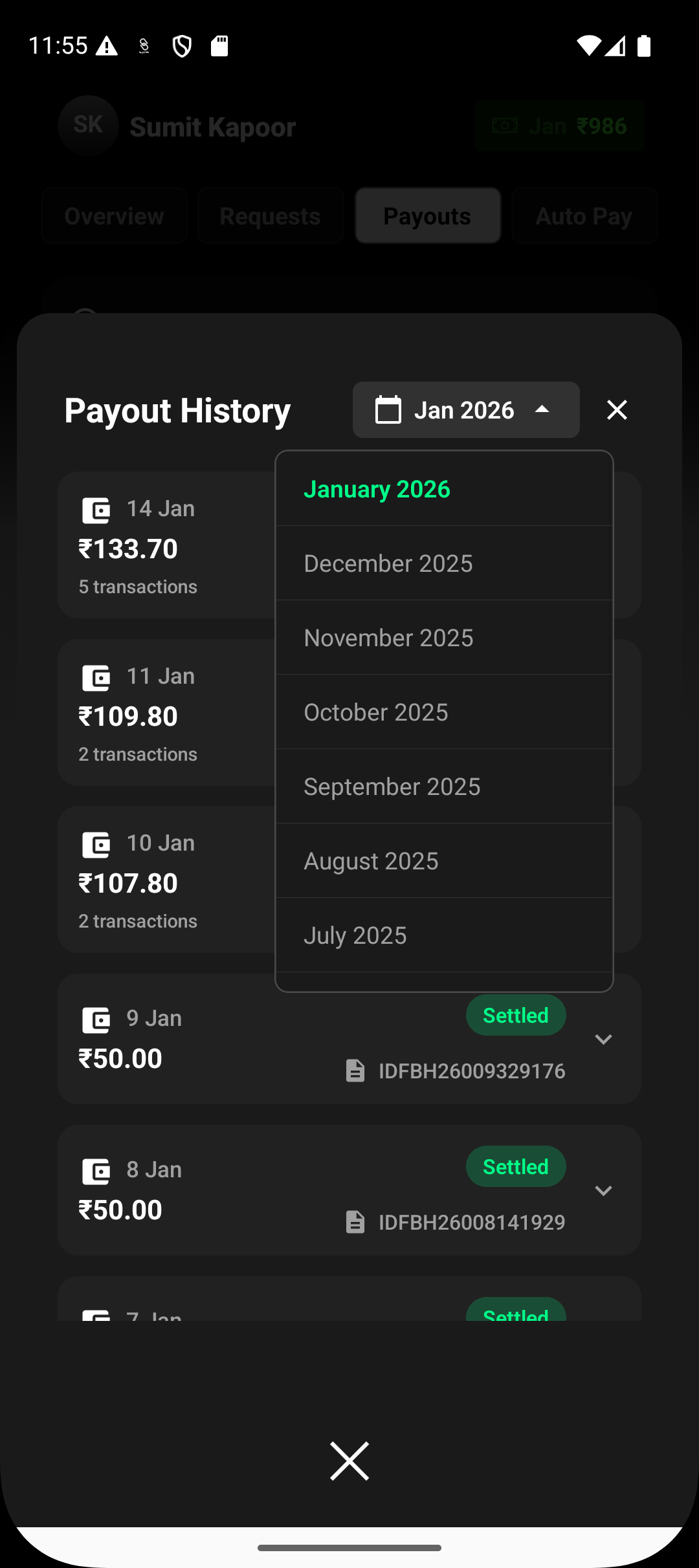
From the Payments → Payouts tab, you can:
View today’s payout status
Review past payouts with their settlement status
Identify successful and failed payouts separately
Each payout entry acts as a record of what was transferred to your bank on that day.
Conclusion
Payouts in Lynk provide a clear, predictable settlement flow—collect payments today, see them calculated overnight, and receive them in your bank the next working day. With defined states and transparent timelines, you always know what’s coming, what’s processing, and what’s already deposited.