What is Auto Payments
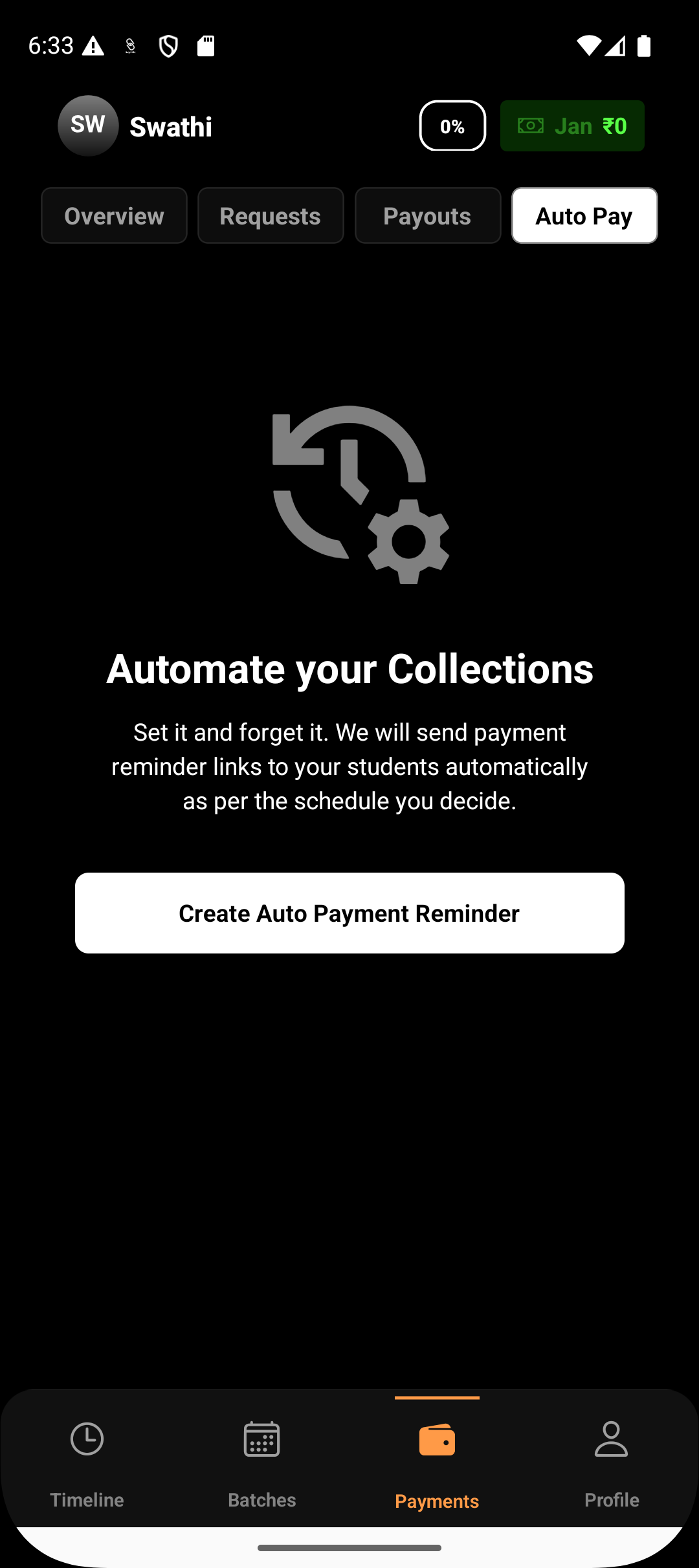
Auto Pay helps you collect payments on time by automatically sending payment requests and reminders based on a predefined schedule. Instead of manually creating payment links every time, Auto Pay ensures that fees are requested on recurring basis
Written by Sumit Kapoor
Introductions
Auto payments is especially useful for businesses and coaches that charge regular monthly fees or bill students based on session or class counts attended.
How Auto Pay Works
Auto Pay operates on simple scheduling rules that you define once. Based on these rules, Lynk automatically:
Creates payment requests at the scheduled time
Sends payment links to customers
This removes the need to manually track due dates or remember to send payment requests.
When to Use Auto Pay
Auto Pay is best suited for predictable, recurring collections, such as:
Monthly coaching or subscription fees
Batch-based recurring payments
Class-count or session-based billing cycles
Long-term programs with regular payment intervals
If you collect the same type of payment repeatedly, Auto Pay helps standardize the process.
What Gets Automated
With Auto Pay enabled, Lynk automatically handles:
Payment request creation
Payment link sharing via WhatsApp and SMS
Payment tracking until settlement or expiry
You continue to receive updates on payment status without manual intervention.
Payment Link Behavior
Each Auto Pay request:
Generates a new payment link
Follows the standard 24-hour validity rule
Moves through familiar statuses such as Pending, Paid, Settled, or Expired
If a payment is not completed within the validity window, the request expires like any standard payment link.
Visibility and Control
Even though Auto Pay is automated, you still have full visibility:
All Auto Pay requests appear under the Payments → Requests section
You can track which payments are paid, pending, or expired
Fee handling (passing or absorbing gateway fees) follows the same rules as manual requests
Why Auto Pay Is Useful
Reduces missed or delayed payments
Saves time by removing repetitive manual work
Creates a predictable collection cycle
Ensures customers receive timely payment reminders
Auto Pay allows you to focus more on delivering your services while Lynk takes care of recurring payment follow-ups.
Summary
Auto Pay is designed for recurring payments
It works for monthly fees or class-count based billing
Payment requests and reminders are sent automatically
Payment links still follow standard expiry and fee rules