What is session status
Status tells you whether a session is upcoming, in progress, completed, not completed or missed.
Written by Sumit Kapoor
Introduction
Session status is a quick, at-a-glance indicator that shows where each session stands in its lifecycle. It helps coaches and organisations understand what needs action now, what is currently happening, and what has already been delivered.
By clearly defining whether a session is upcoming, in progress, or completed, not completed or missed, Lynk keeps daily operations predictable and reporting accurate.
The Different Session Statuses
Upcoming
An upcoming session is scheduled for a future date and time. It has not yet started and is awaiting execution. As the session time approaches, the card theme turns to pink to indicate that the session is now active and ready to be conducted.
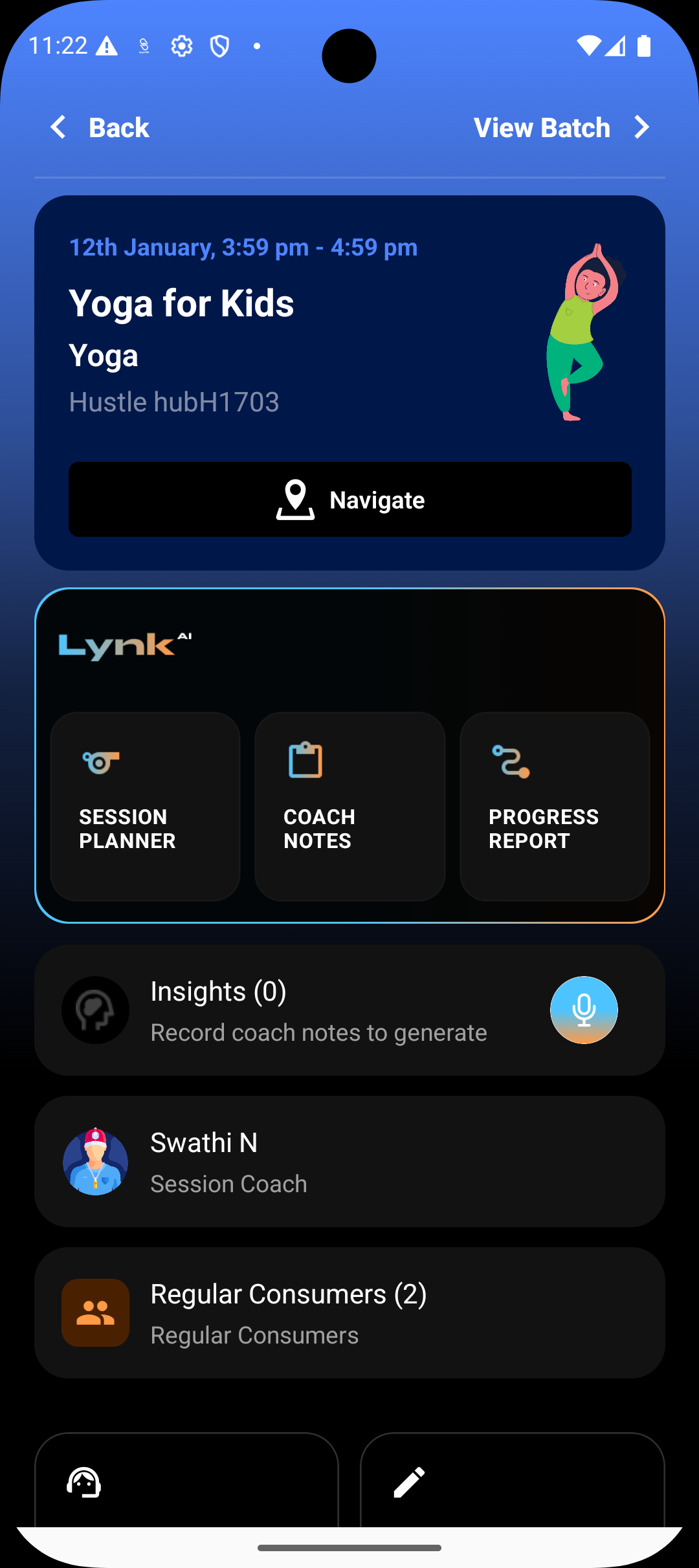
In Progress
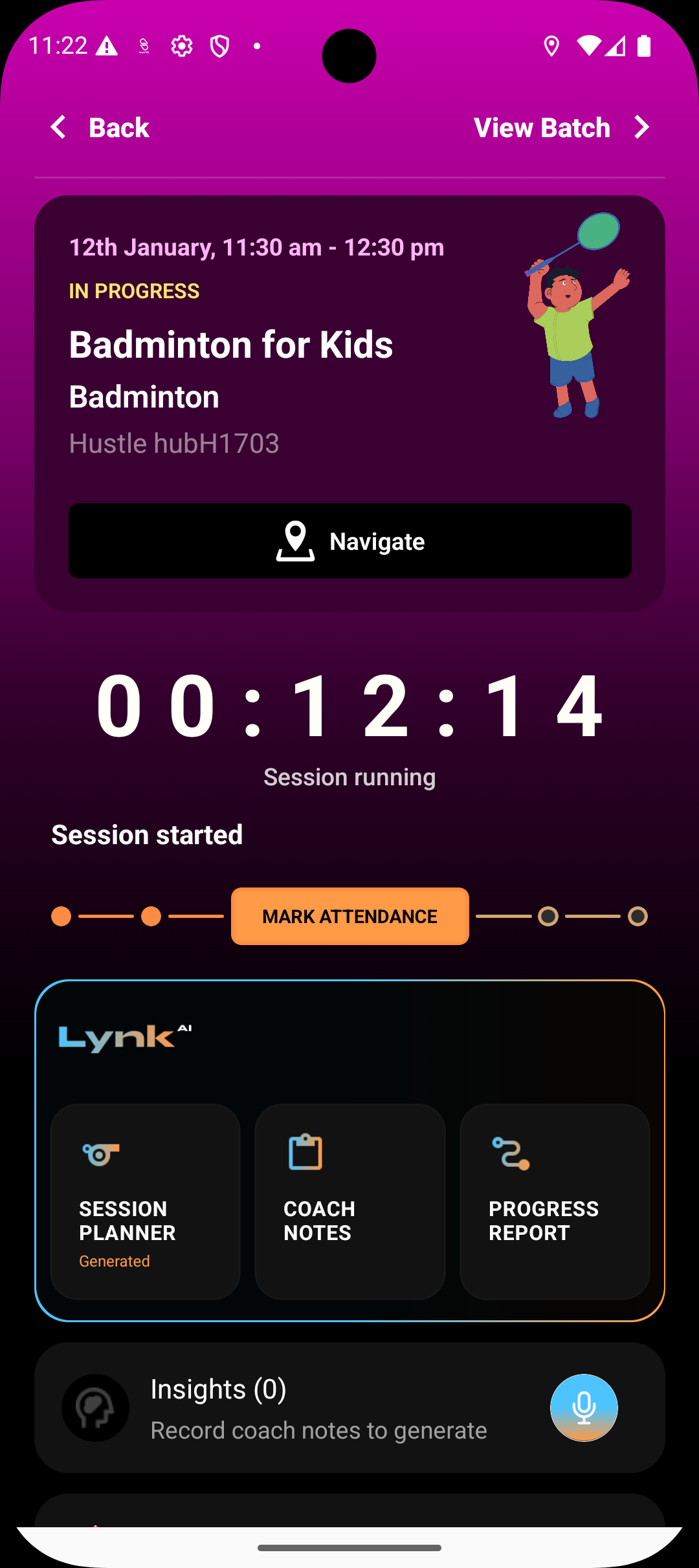
A session moves to in-progress once the coach starts it. This indicates the session is actively being conducted and allows actions like marking attendance and adding notes.
Completed
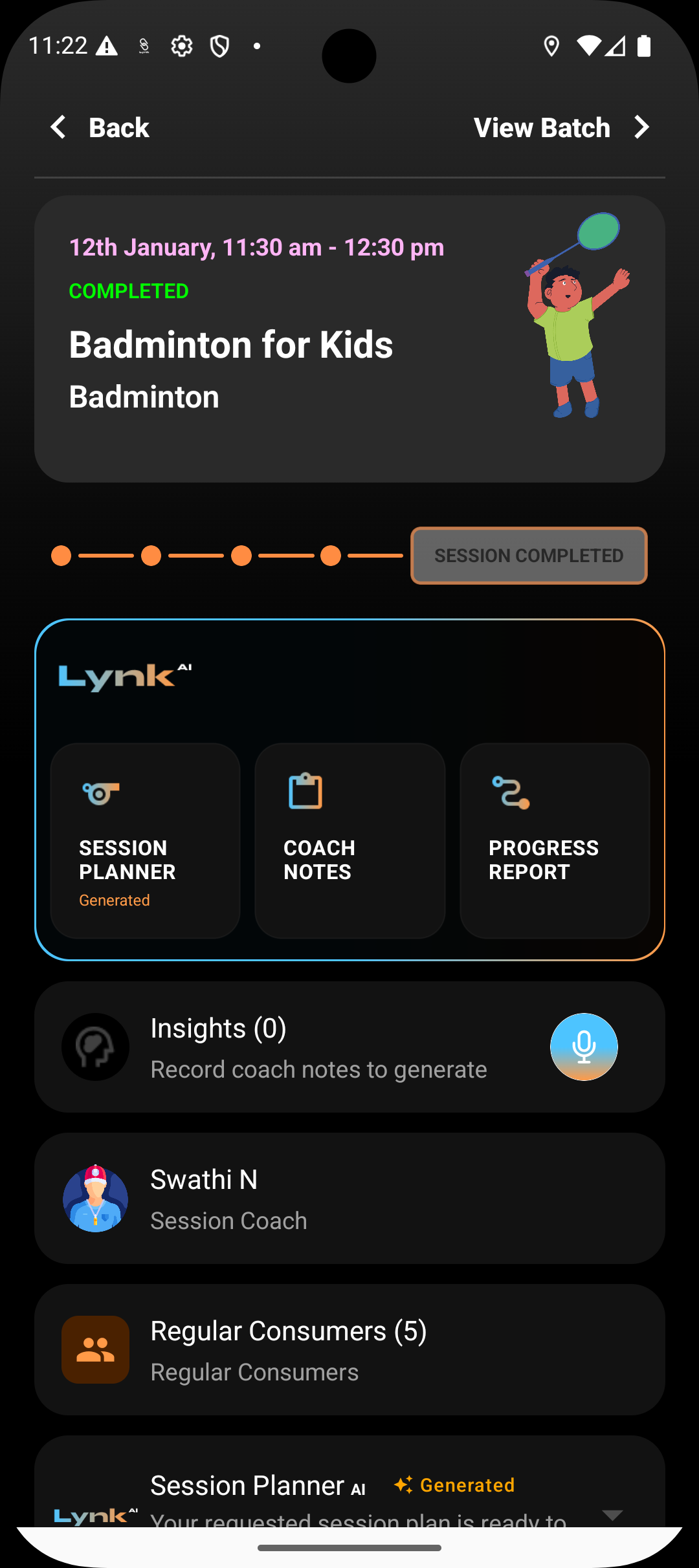
A session becomes completed once it is properly ended. Completed sessions are counted in reports, billing cycles, and progress tracking.
Not completed
A session is marked as not completed post its end time if it was started but not marked as complete by the coach. In such instances, the coach has a window of 24 hours to mark the session as complete post which it will stay in not completed state.
Missed
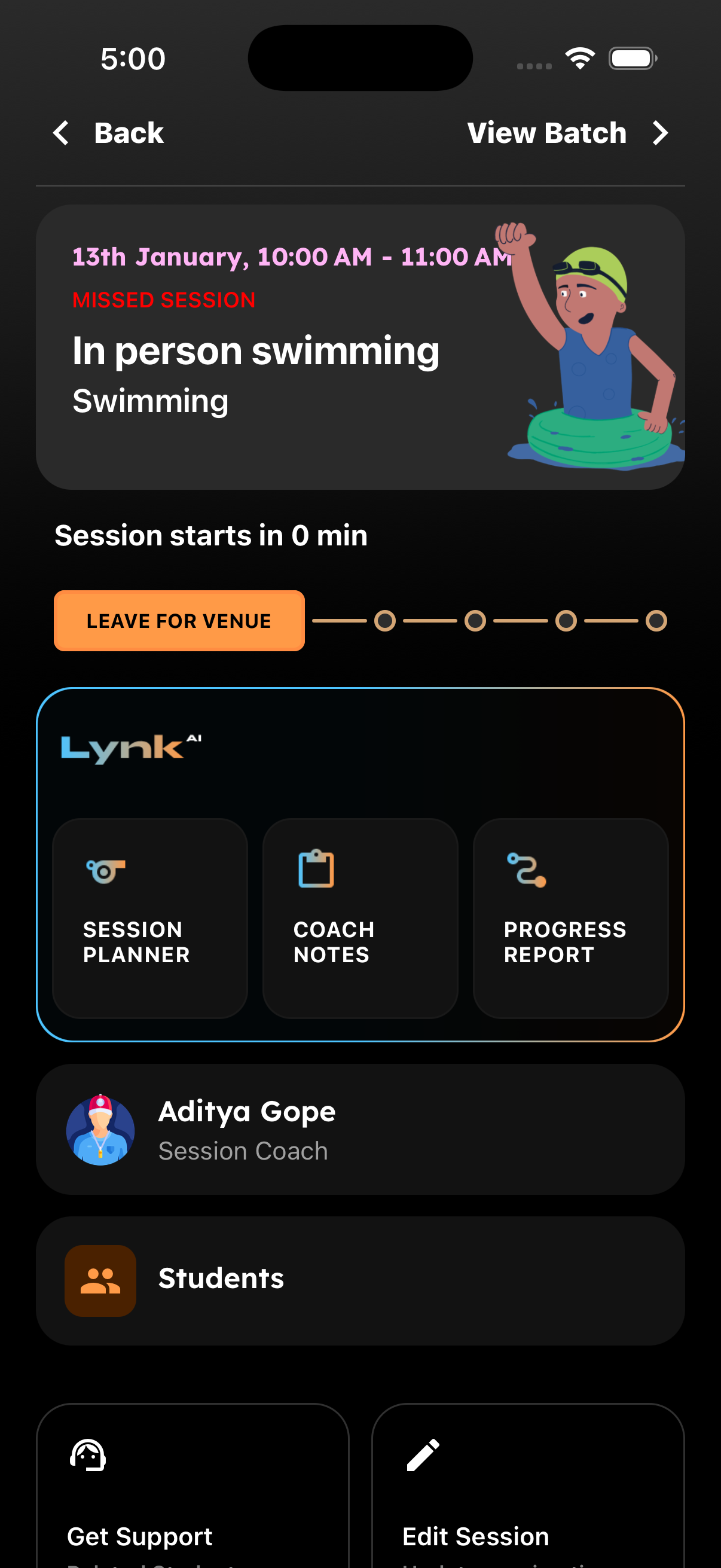
A session may be marked as missed if it was scheduled but not started. This helps maintain accurate historical records and prevents gaps in reporting.
Why Session Status Matters
Helps coaches know what action to take next
Keeps session history accurate and auditable
Drives correct reporting, insights, and billing flows
Provides organisational visibility at a glance
Status is the backbone of session tracking across Lynk.
Summary
Session status shows whether a session is upcoming, in progress, completed, or missed. It acts as a quick operational signal that keeps coaches aligned, ensures clean records, and supports reliable reporting across the platform.