Removing an active coach from your team roster
Easily manage your team by removing coaches who are no longer part of your organisation
Written by Swathi N
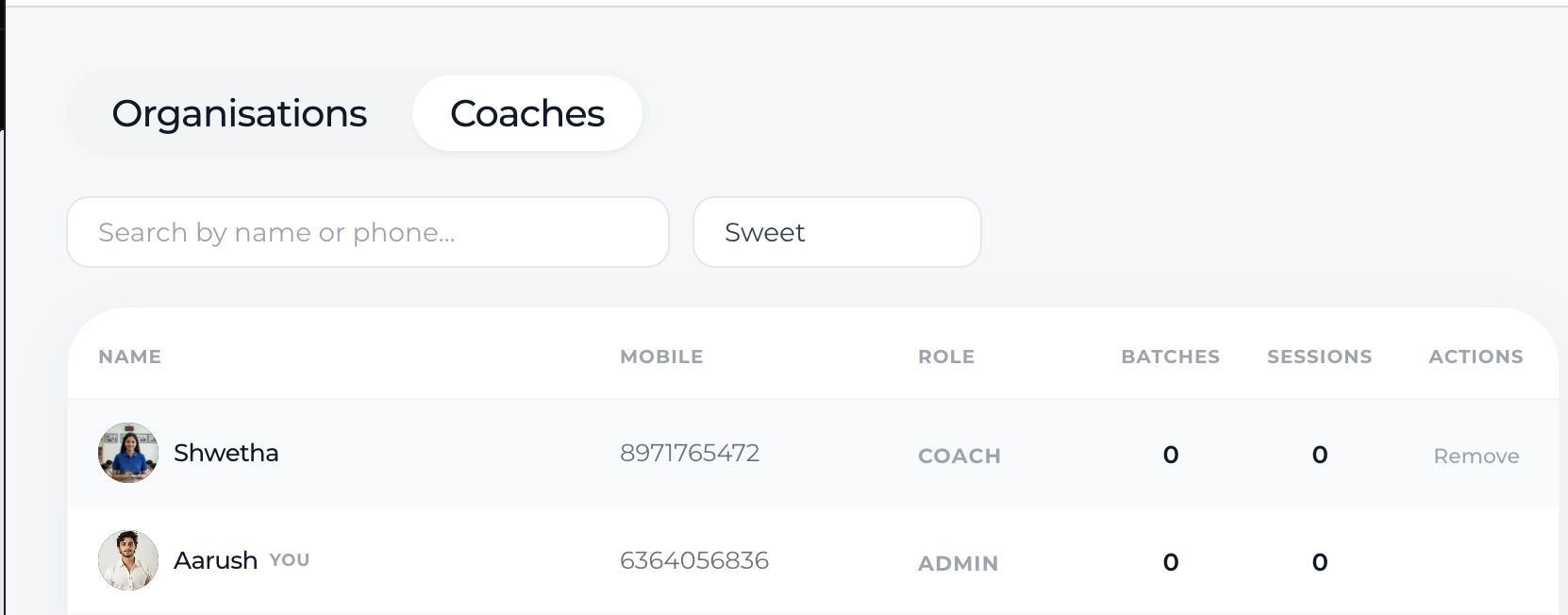
Keeping your team roster up to date is essential for smooth operations. If a coach has already accepted the invite and is active, you can remove them anytime from the Coaches tab.
Steps to Remove an Active Coach
Go to the Coaches tab under your organisation.
Locate the coach you want to remove from the list.
In the Actions column, click on the Remove option next to the coach’s name.
Confirm the action when prompted.
What Happens After Removal?
The coach will no longer have access to the organisation.
They will lose visibility of organisation batches and students.
Any association with the organisation will be removed immediately.
Conclusion
Removing an active coach is a quick way to keep your organisation’s team accurate and secure. Make sure to review your roster regularly to ensure only the right members have access.