How the payment gateway fee is calculated
The fee is computed on the payment request input amount and displayed before you create the request.
Written by Sumit Kapoor
Introduction
When you request an online payment on Lynk, a payment gateway fee is applied for processing the transaction.
This fee is calculated automatically and shown clearly before you create the payment request, so you know exactly how much the student pays and how much you receive.
The calculation is consistent across all payment requests and works the same way whether the fee is absorbed by you or passed on to the student.
What Is the Payment Gateway Fee
The gateway fee is a processing charge applied on online payments handled through Lynk’s payment partner infrastructure.
It covers payment processing, settlement handling, and bank transfers
It is applied per transaction, not monthly or in bulk
The fee is calculated on the base amount you enter
Gateway Fee Rate (Based on Your Plan):
Free Plan: 4%
Lite Plan: 3%
Growth Plan: 2%
Where You See the Gateway Fee
The gateway fee is shown directly inside the Request Payment and Auto Pay creation screens.
Before you create the request, Lynk displays:
Requested amount
Gateway fee amount
Final amount paid by the student
Net amount you will receive
This ensures there are no hidden deductions after payment is completed.
How the Fee Is Calculated
Lynk calculates the gateway fee based on your active plan:
Gateway Fee = Plan % × Entered Requested Amount
This calculation happens instantly when you enter the amount.
Example (Lite Plan – 3%)
If you request ₹1,000:
Gateway fee (3%) = ₹30
Total processing follows based on your fee setting
Passing the Fee vs Absorbing the Fee
Lynk gives you control over who pays the gateway fee for each request.
When You Pass the Fee to the Student
Student pays: Requested amount + gateway fee
You receive: Full requested amount
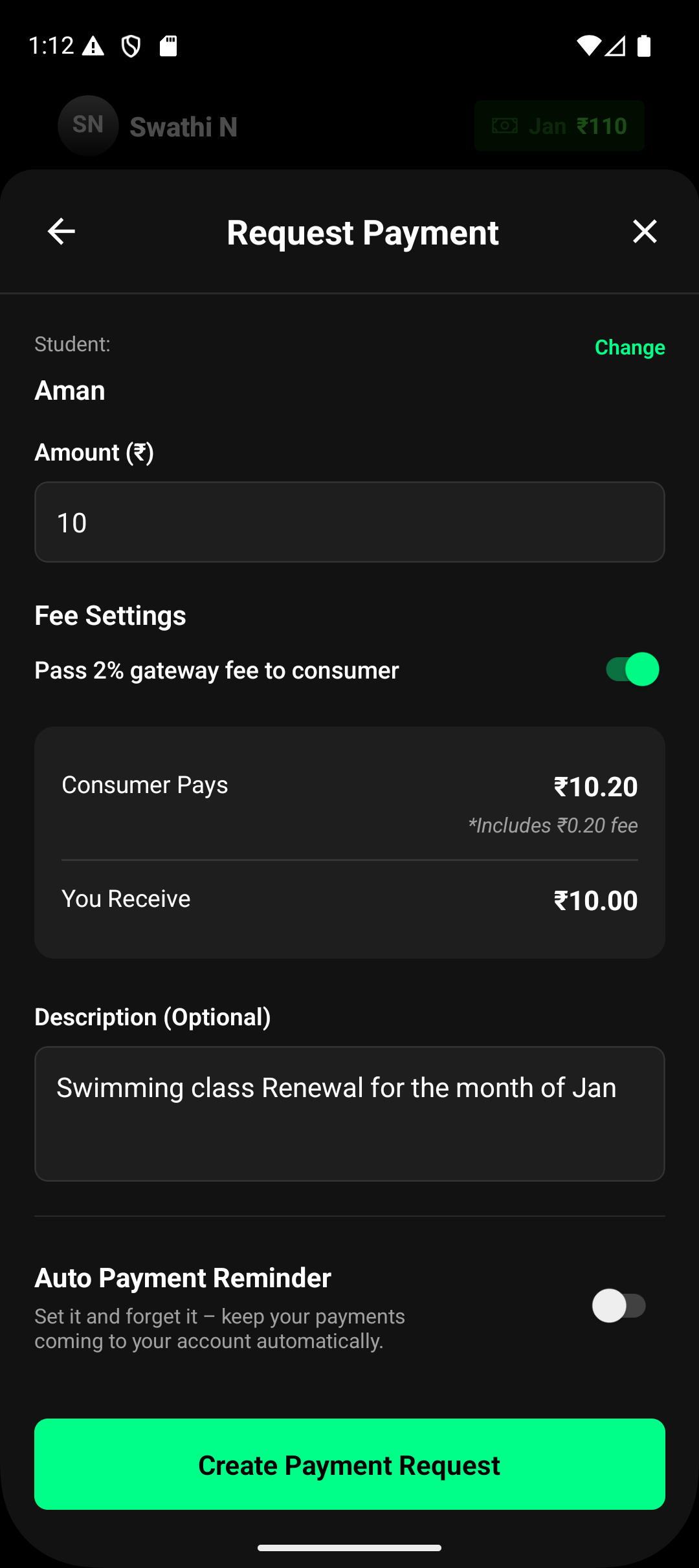
Example (Growth Plan – 2%)
Requested: ₹1,000
Gateway fee: ₹20
Student pays: ₹1,020
You receive: ₹1,000
When You Absorb the Fee
Student pays: Only the requested amount
Gateway fee is deducted from your payout
Your net received amount is reduced based on your plan
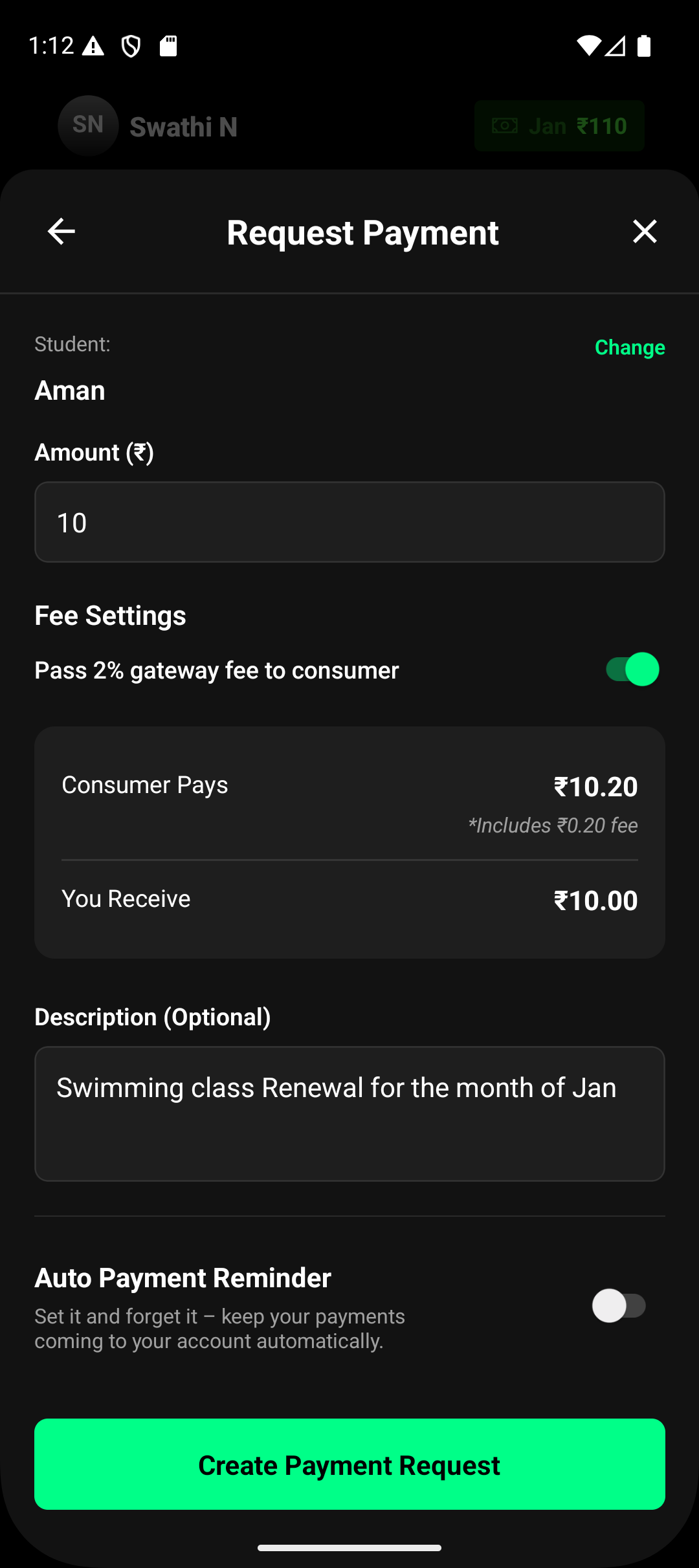
Example (Free Plan – 4%)
Requested: ₹1,000
Gateway fee: ₹40
Student pays: ₹1,000
You receive: ₹960
Fee Visibility and Transparency
To avoid confusion:
The fee breakdown is shown before request creation
Students see the final payable amount clearly
Your payout view shows the exact fee deduction or pass-through
All records remain available in Requests and Payouts
This ensures full transparency for both you and your students.
Summary
Lynk calculates the gateway fee based on your plan and shows it upfront during payment creation.
Whether you pass the fee to the student or absorb it yourself, the full breakdown is always visible—so you stay in control of pricing and payouts without surprises.