What organisation details can be edited
Admins can update organisation details to keep academy information accurate and up to date.
Written by Sumit Kapoor
Introduction
Lynk allows organisation admins to edit key organisation details at any time. This flexibility ensures that your academy’s identity, team structure, and operational setup remain accurate as your organisation grows or changes.
All editable organisation settings are accessible only to admin role.
Editable Organisation Details
1. Organisation Name
Admins can update the organisation name to reflect:
Rebranding
Name corrections
Academy expansion or restructuring
Any name update is applied immediately across the platform.
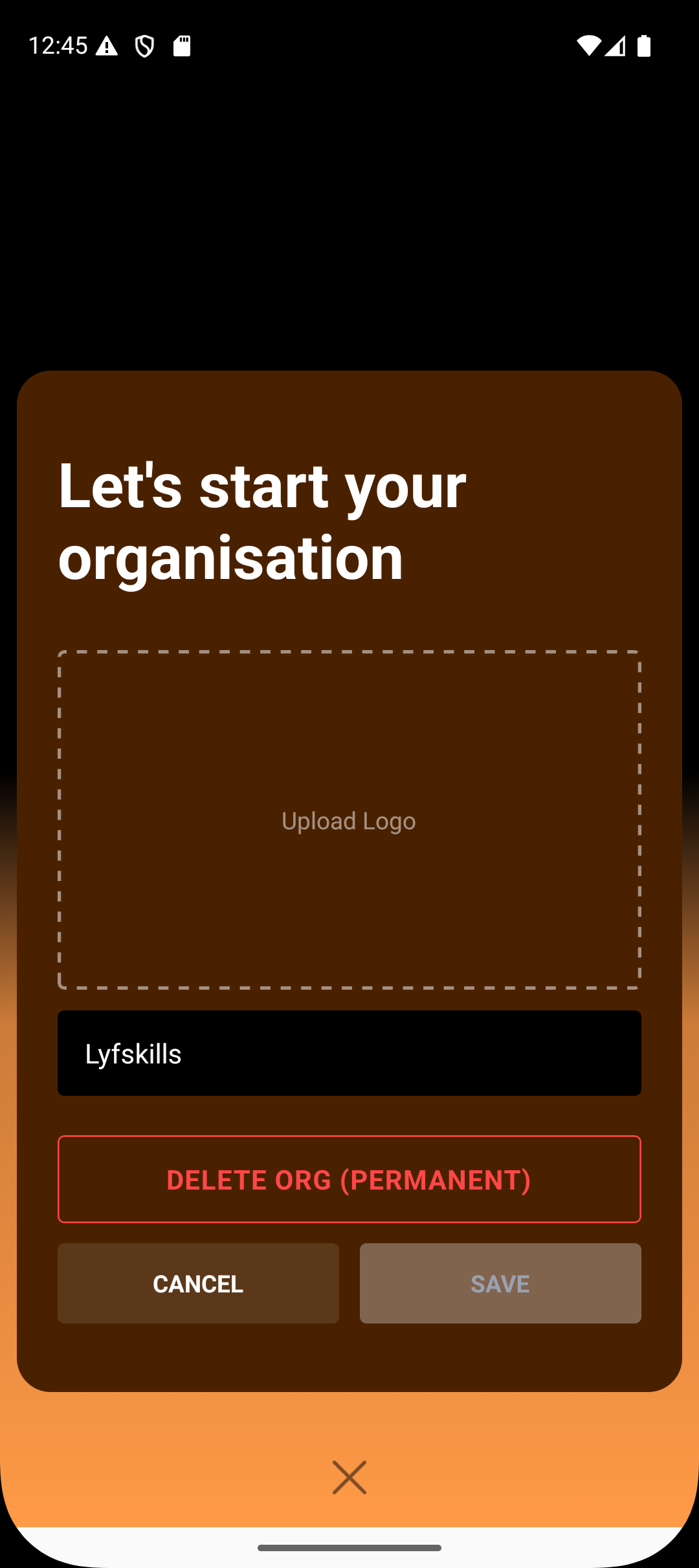
2. Organisation Logo
The organisation logo can be uploaded or changed at any time.
Helps maintain a professional academy identity
Appears across organisation-related views
Can be updated whenever branding changes
3. Coach Management (Add or Remove Coaches)
Admins can manage the coaching team directly from organisation settings.
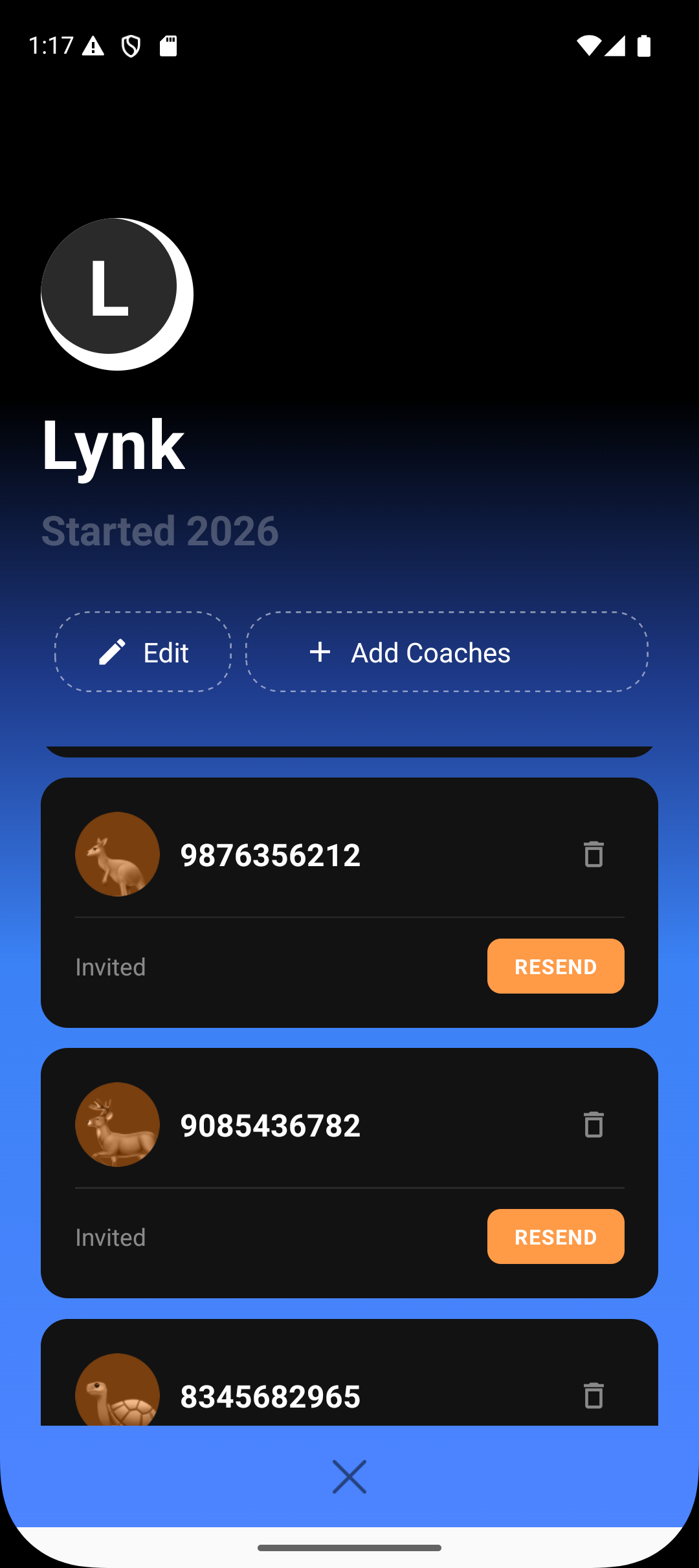
Admins can:
Add new coaches to the organisation
Remove coaches who are no longer active
Maintain a clean and accurate coach roster
Coach changes do not affect historical session data.
4. Delete Organisation (Permanent)
Admins have the option to permanently delete the organisation.
Important notes:
Deletion is irreversible
All organisation-level data is removed
This action should be used only if the organisation is no longer required
A confirmation step ensures accidental deletion is avoided.
Best Practices
Keep organisation name and logo updated for clarity
Review coach list regularly to remove inactive members
Avoid deleting organisations unless absolutely necessary
Make branding changes during low-activity periods
Summary
Organisation admins in Lynk can edit key organisation details, including the organisation name, logo, and coaching team. Coaches can be added or removed as needed to maintain an accurate roster. Admins also have the option to permanently delete the organisation if it is no longer required. These controls ensure academy identity and operations remain up to date and well managed.