What session details can be edited
Coaches can update upcoming sessions timings, duration or past session attendance. Admins of organisations can also reassign coach of upcoming sessions.
Written by Sumit Kapoor
Upcoming Sessions
Date & time
Update the session date and time if the schedule requires a change
Duration
Modify the session duration
Use quick presets (30m, 60m, 90m, etc.) or set it manually
Coach
Reassign organisation coach if the original coach is absent or cant make it to the session
Past Sessions
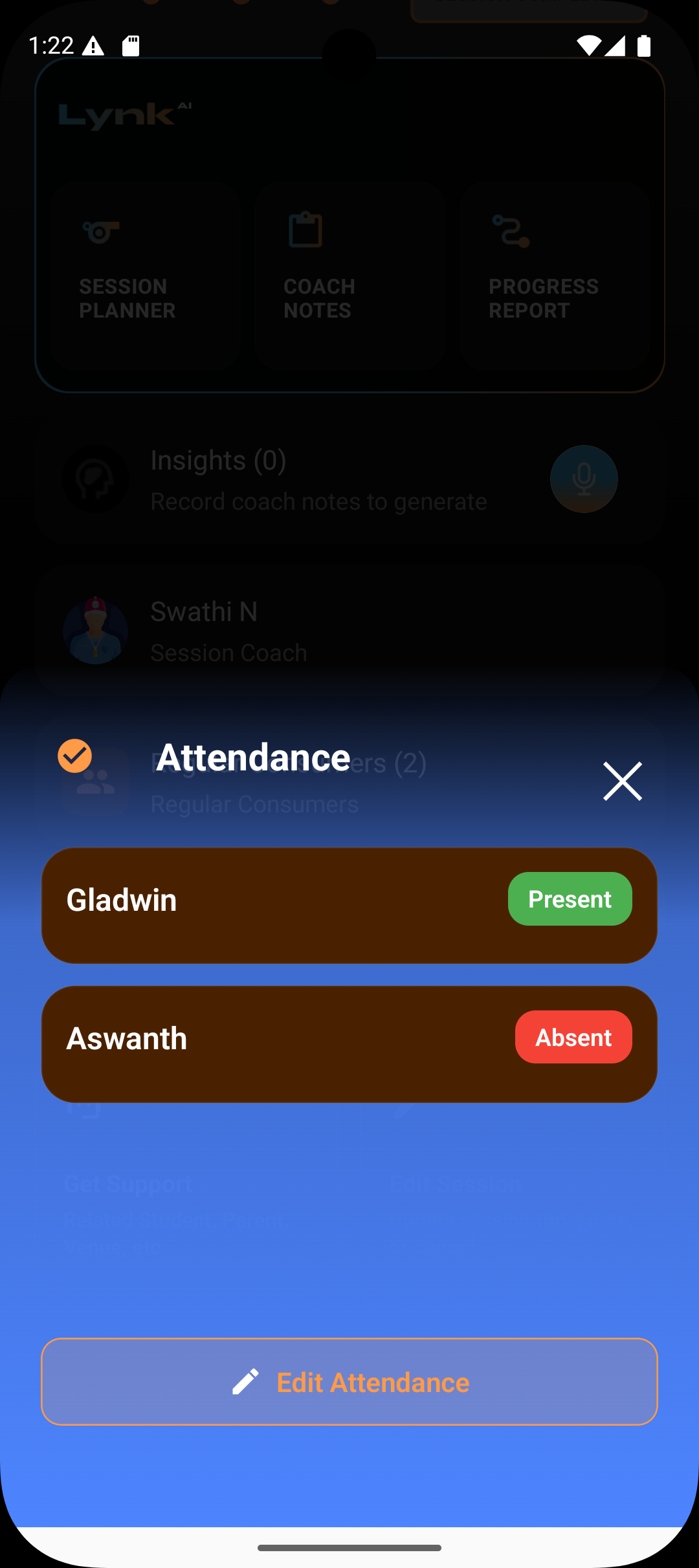
Attendance
Correct present / absent markings for students
Useful if attendance was marked incorrectly during the session
What stays protected
Session edits apply only to the selected session
Batch schedules and other sessions remain unchanged
Completed session history remains intact except for the corrected fields
Summary
Session edits are meant for accuracy, not restructuring
You can update attendance, date, time, and duration
Changes apply only to the specific session
Batch schedules and historical integrity remain protected