How to view lead details
Navigate to the profile section and look for the leads card to view details of all prospective students who have shown interest in your profile
Written by Sumit Kapoor
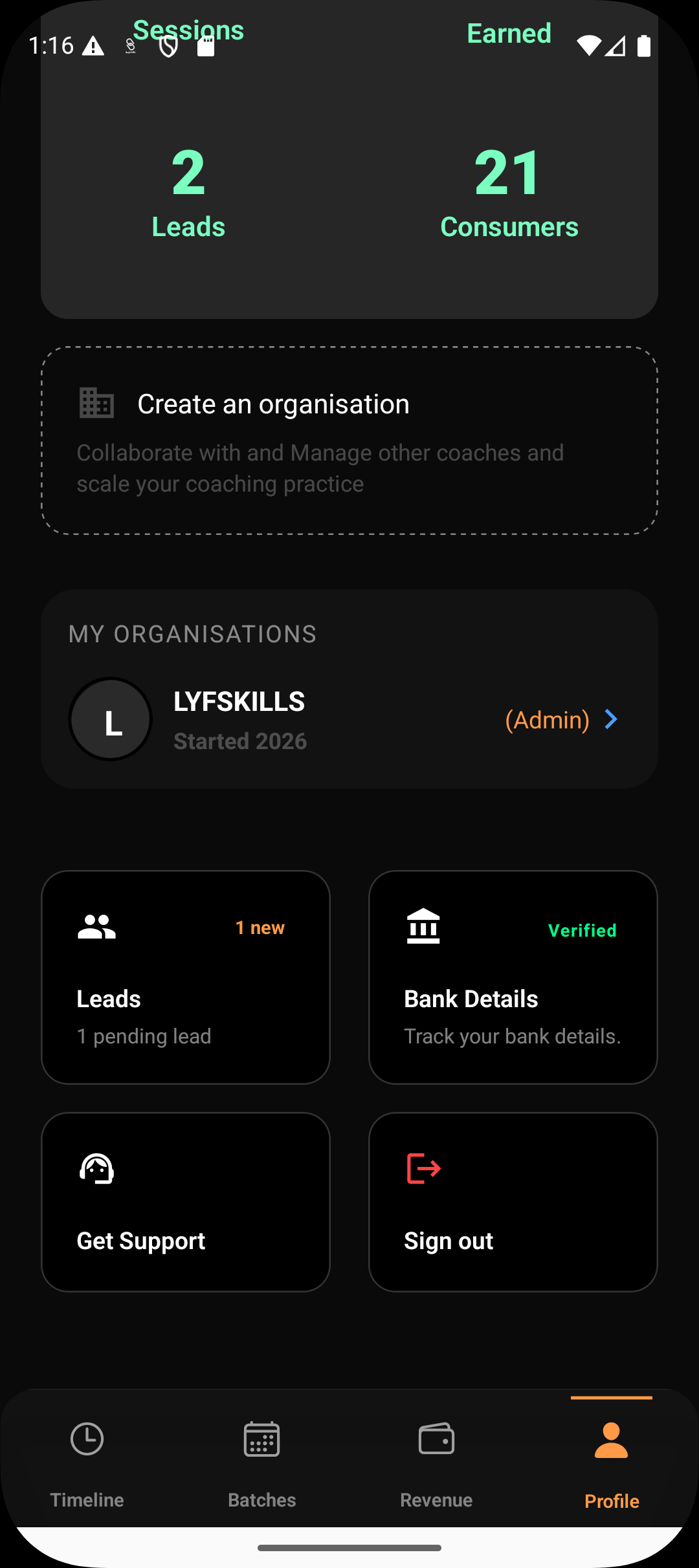
Lead detail view shows complete contact information and the consumer’s coaching requirement.
Once a consumer submits an enquiry through your profile, Lynk captures it as a lead and lists it in the Leads section. Viewing lead details allows you to understand the consumer’s intent clearly before reaching out, helping you respond in a more informed and relevant way.
Accessing the Leads section
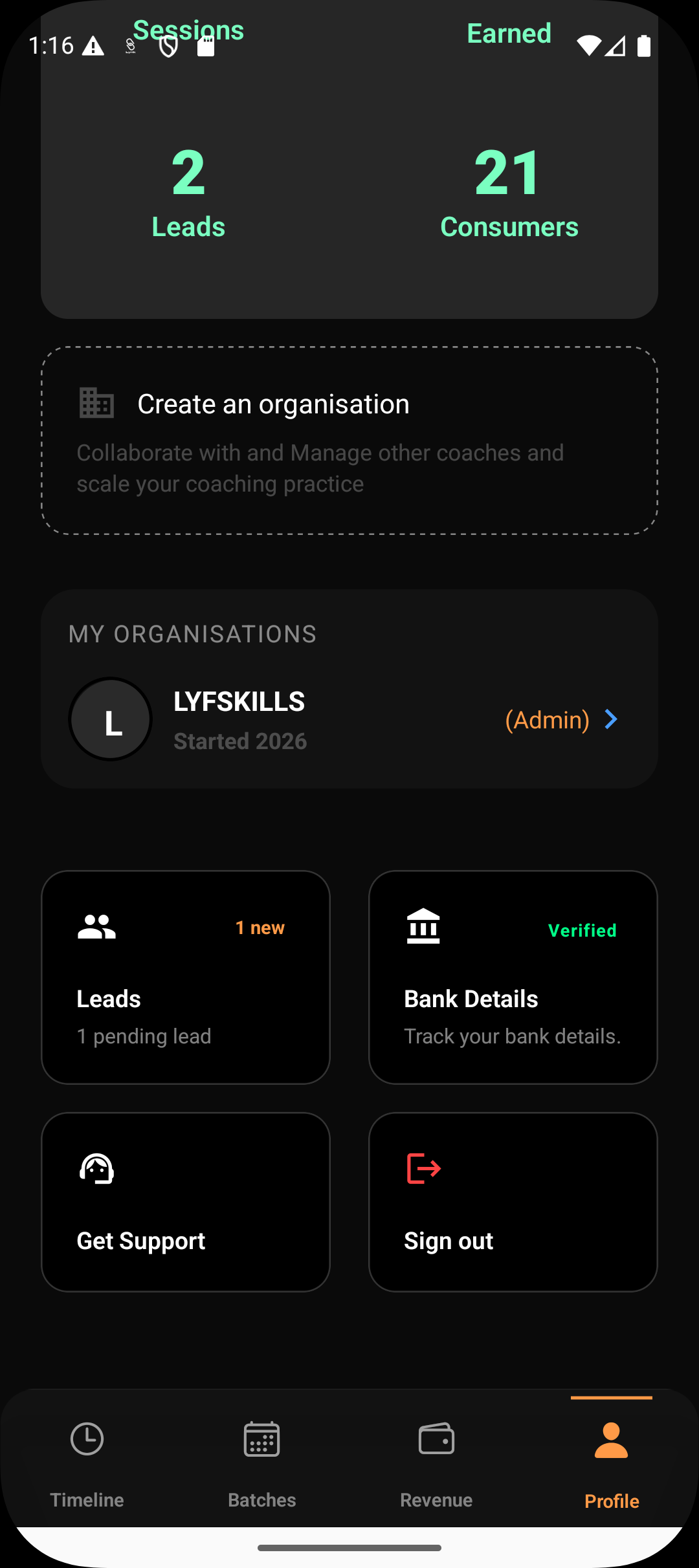
To view lead details:
Go to Profile
Open the Leads section
This section acts as your central inbox for all incoming enquiries.
Opening a lead card
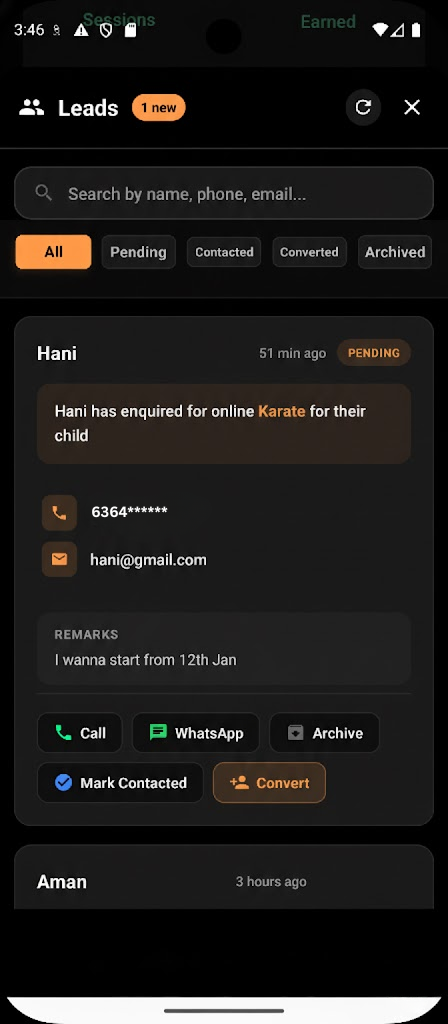
Each lead appears as a card showing a brief summary such as:
Consumer name
Subject or activity of interest
Time since enquiry
Current lead status (Pending, Contacted, Converted, or Archived)
To see full information, tap on a lead card.
What information is visible inside a lead
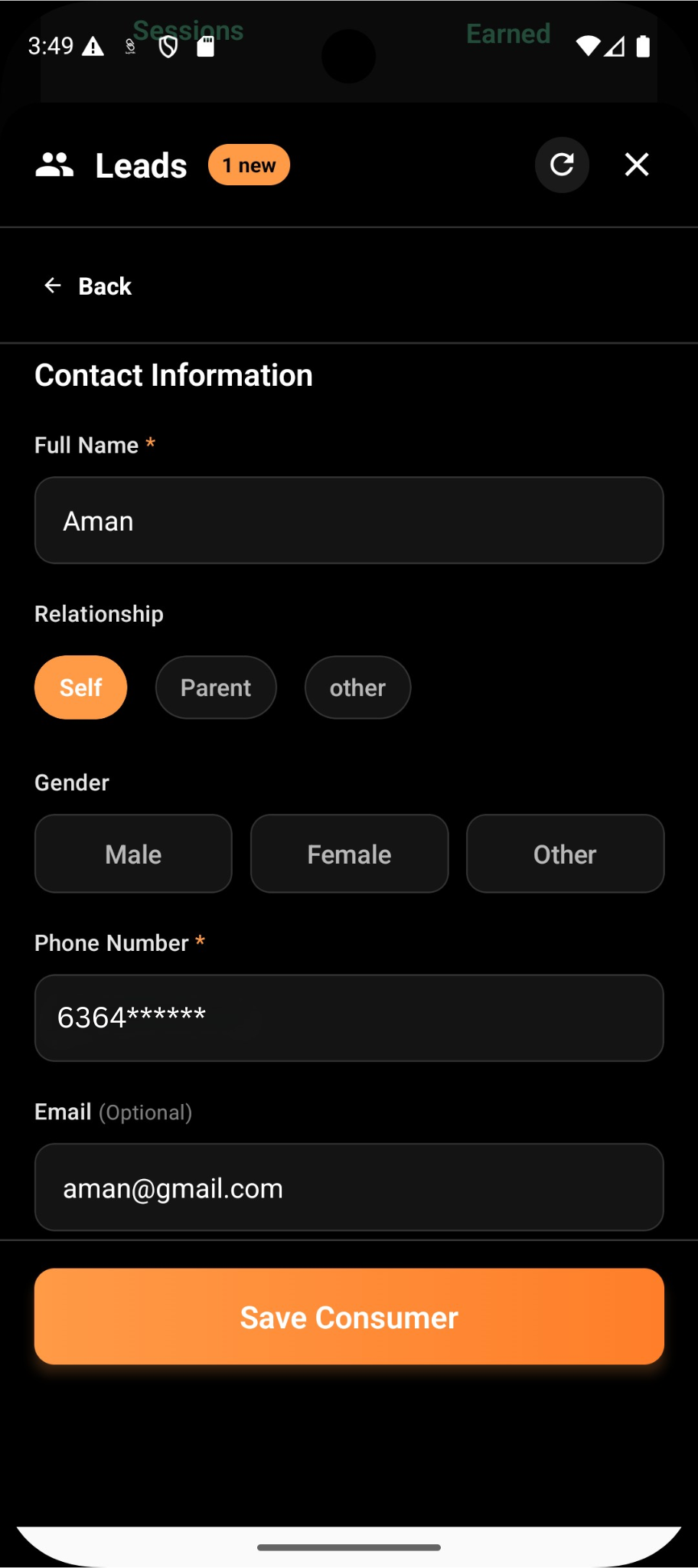
When you open a lead, you can view the complete submission details, including:
Consumer name
Phone number and email address
Subject or activity they enquired about
Preferred mode of class
Any remarks or notes shared by the consumer
This gives you a clear picture of what the consumer is looking for before you contact them.
Filtering leads by status
To manage multiple enquiries efficiently, Lynk allows you to filter leads by status:
Pending
Contacted
Converted
Archived
Using filters helps you:
Focus on new or unanswered enquiries
Revisit previously contacted leads
Track conversions over time
You can open and view lead details from any filtered list.
Actions available from the lead detail view
From within a lead’s detail view, you can:
Call or message the consumer directly
Mark the lead as contacted
Convert the lead into a consumer when ready
Archive the lead if it’s no longer relevant
All actions are manual, ensuring you stay fully in control of follow-ups and enrollments.
Why detailed lead view matters
The lead detail view ensures that:
Coaches don’t lose context when responding
Enquiries are handled professionally
No consumer interest is overlooked
It bridges the gap between initial interest and eventual enrolment.
Summary
Viewing lead details in Lynk:
Happens by tapping any lead card in Profile → Leads
Shows full contact information and enquiry details
Allows filtering leads by status for easy tracking
Supports follow-up, conversion, or archiving actions
This structured approach helps coaches manage enquiries confidently and convert interest into active coaching relationships.