Quick Start
Four simple steps to get you up and running on Lynk
Written by Sumit Kapoor
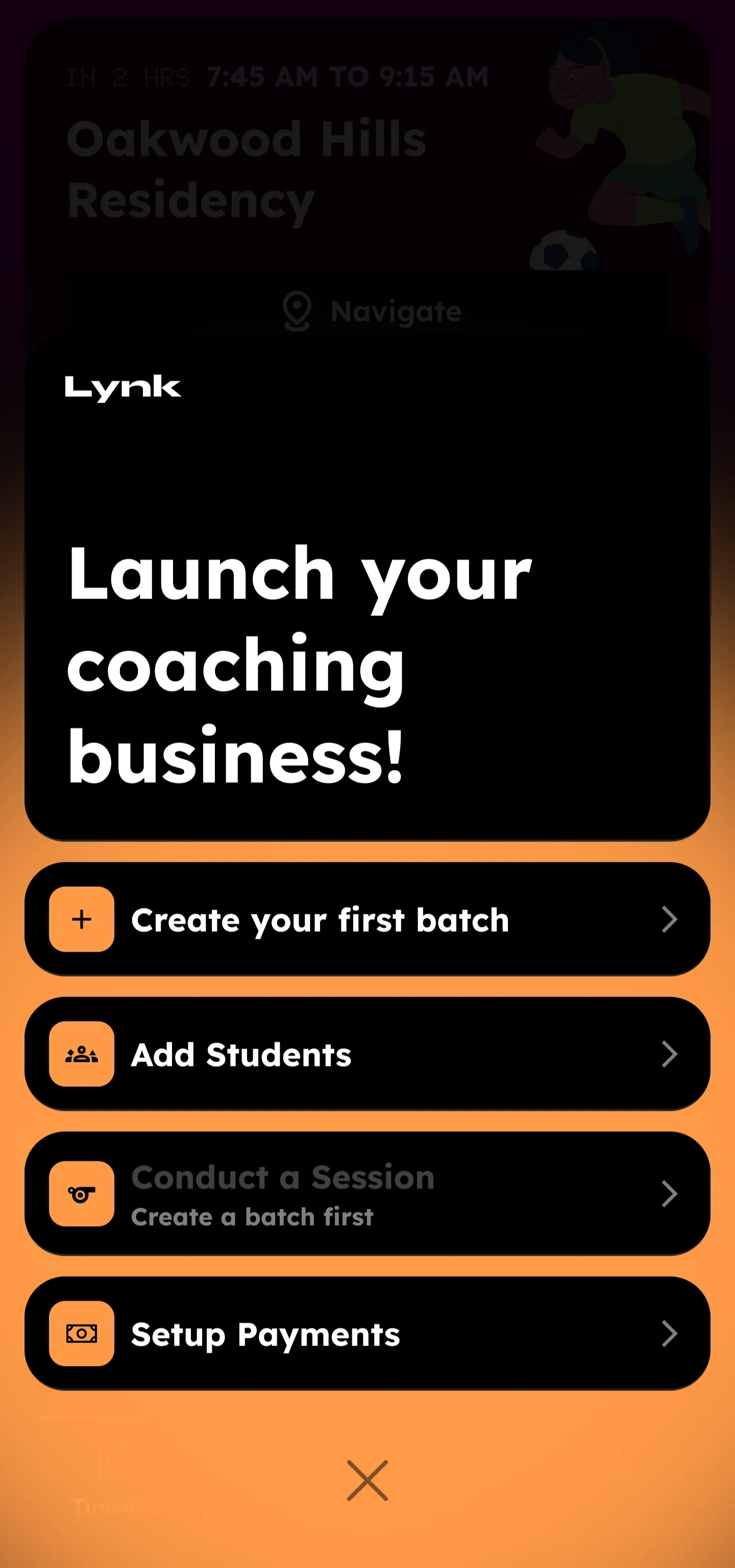
After creating your profile, you'll see a checklist that covers the four key areas that are essential for your daily usage and ongoing management of your coaching activities.
Create your first batch
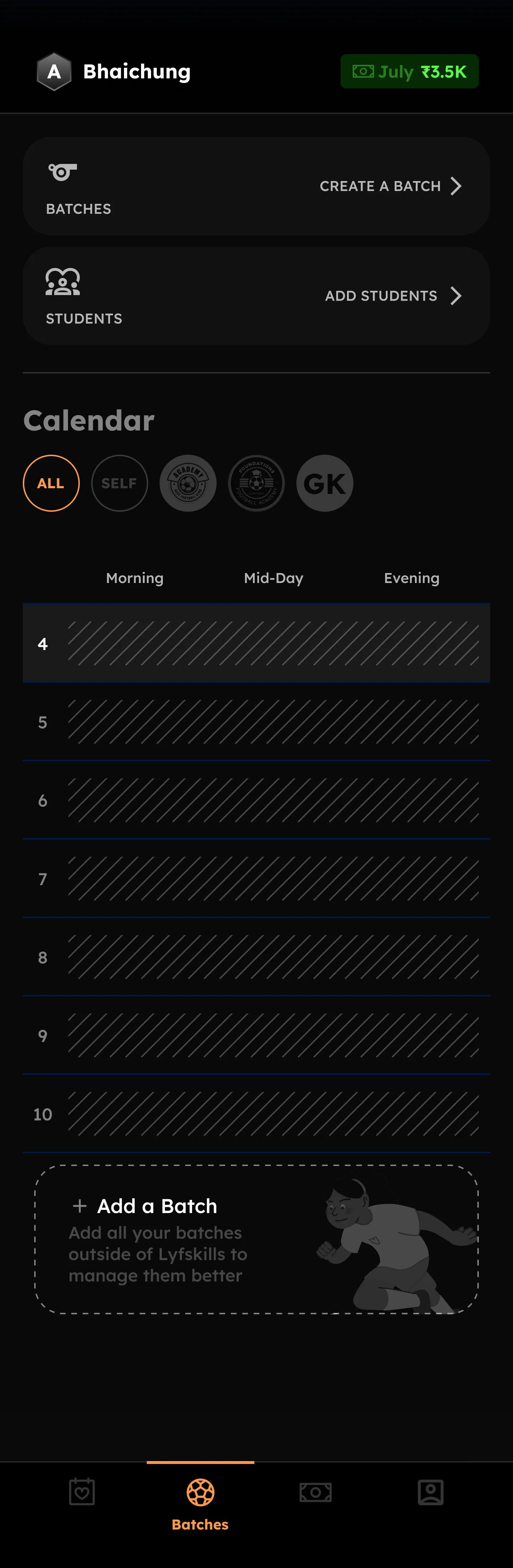
Click to open batch creation. Follow the simple steps to create your first batch. Add details like schedule, location, and batch type. Review your batch when done, then add students to it.
Add students
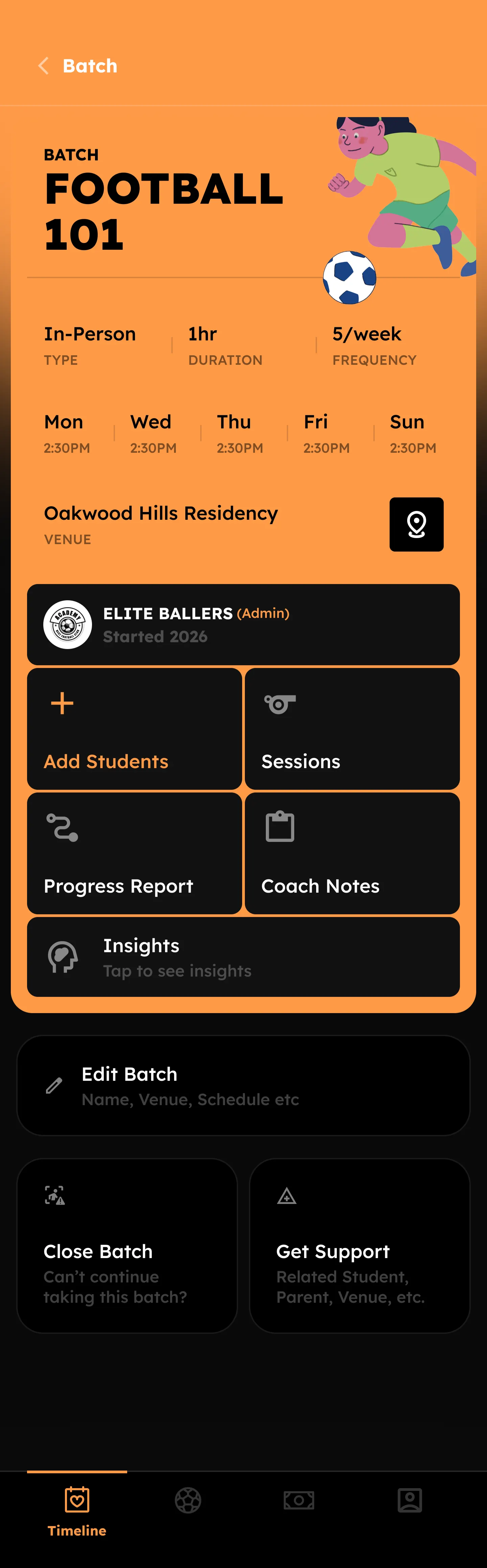
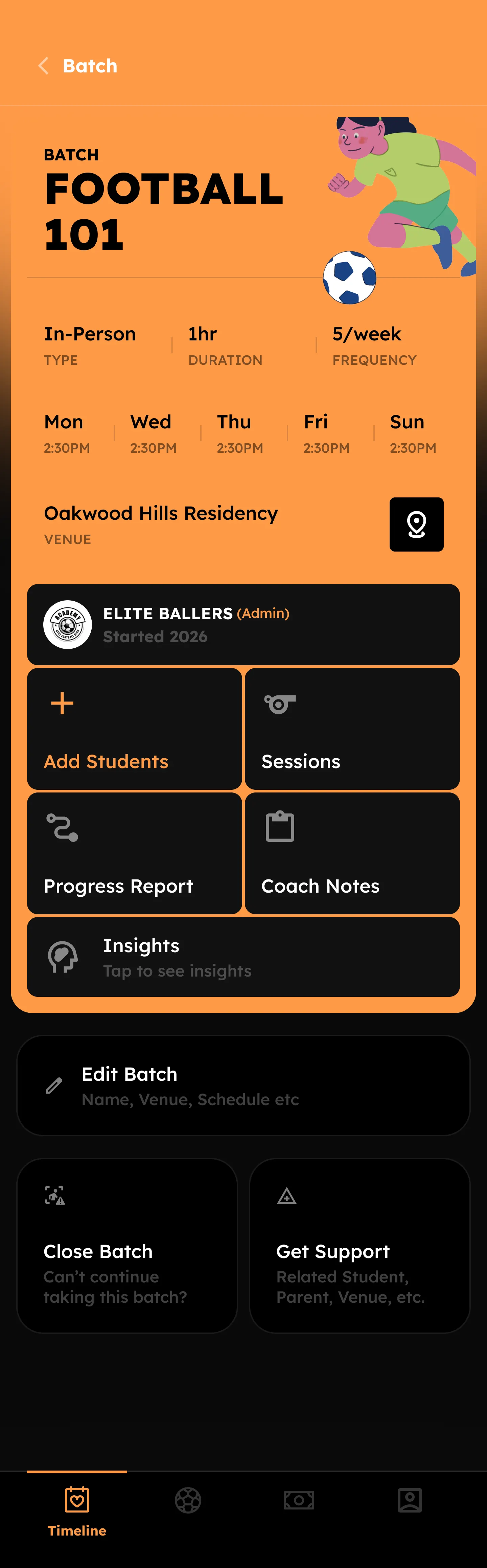
Once you've created your batches, you can add students to them. Follow the simple steps to add each student's name and contact information. This information helps you keep students updated about upcoming sessions and batch progress.
Conduct a Session
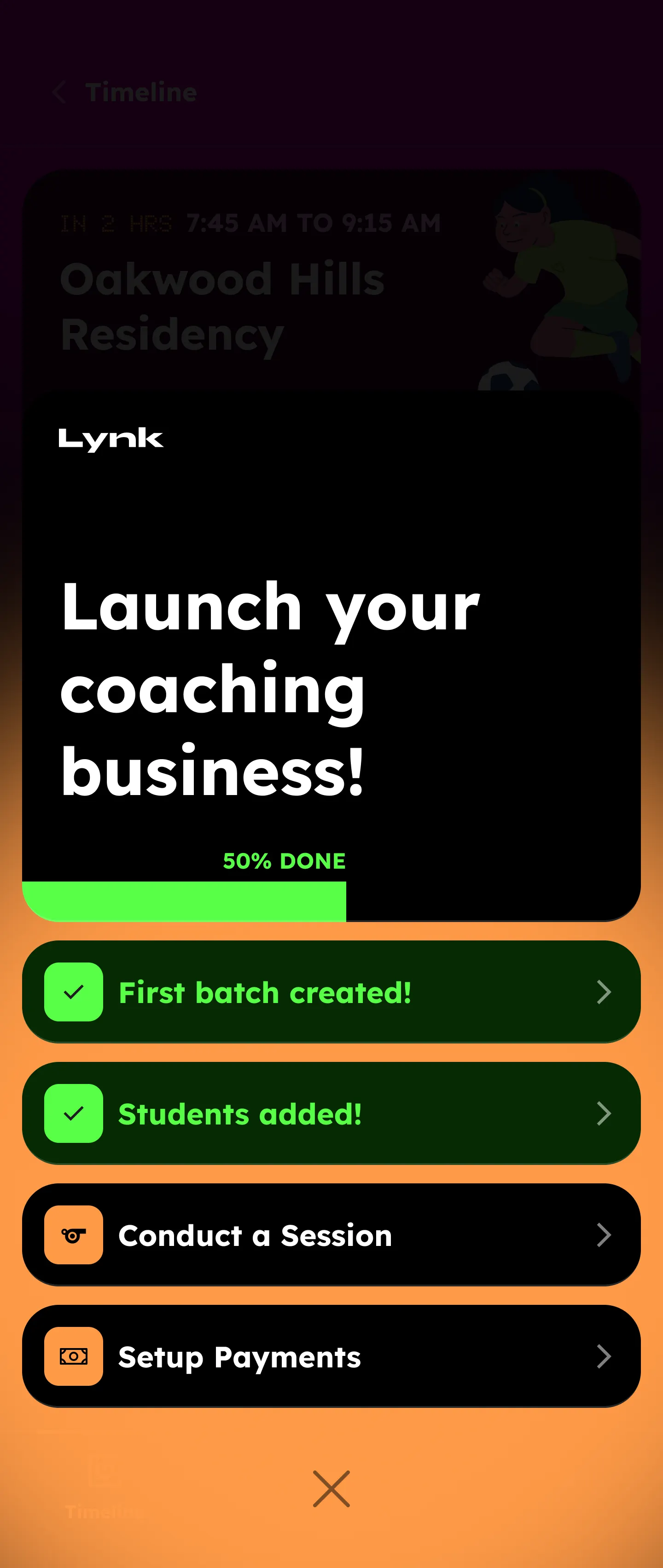
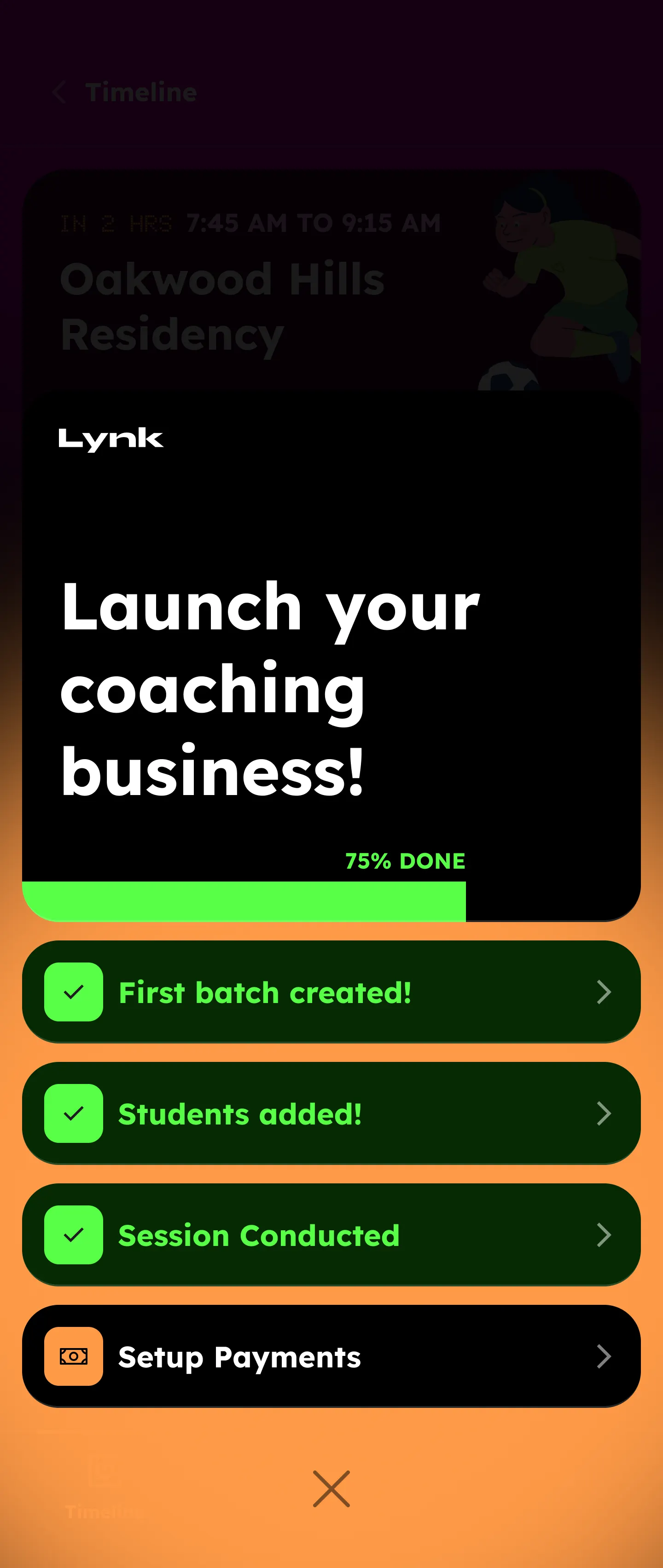
When it's time for a scheduled session, the session card will appear in your timeline dashboard. Click "Start class" to begin. Then follow the simple steps to complete the session, including marking student attendance.
Setup Payments
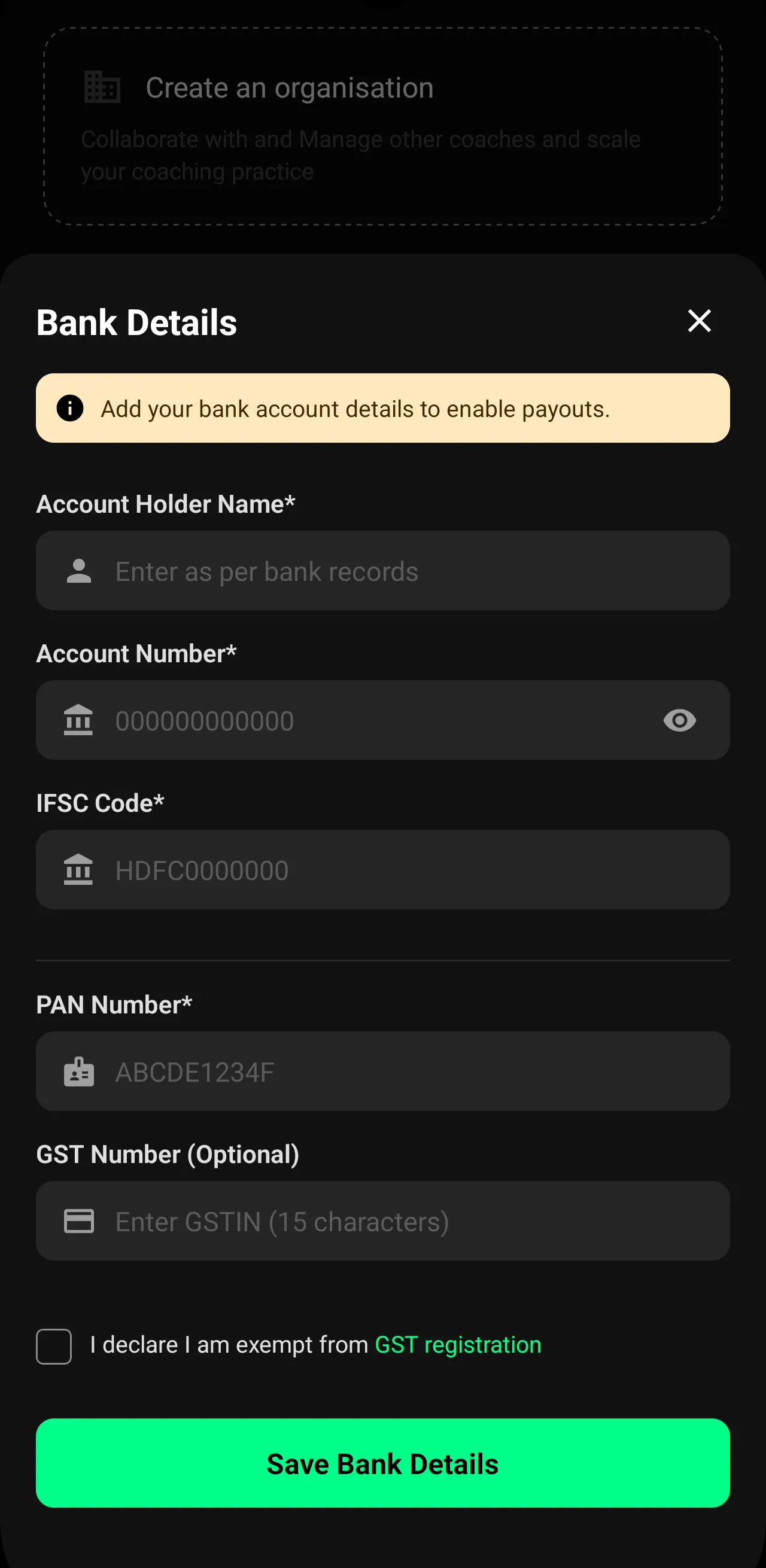
Once you've started conducting sessions, the next step is to accept payments. To receive payments in your bank account, you'll need to share your banking information. After that, you can create payment requests and manage them through the payments module.
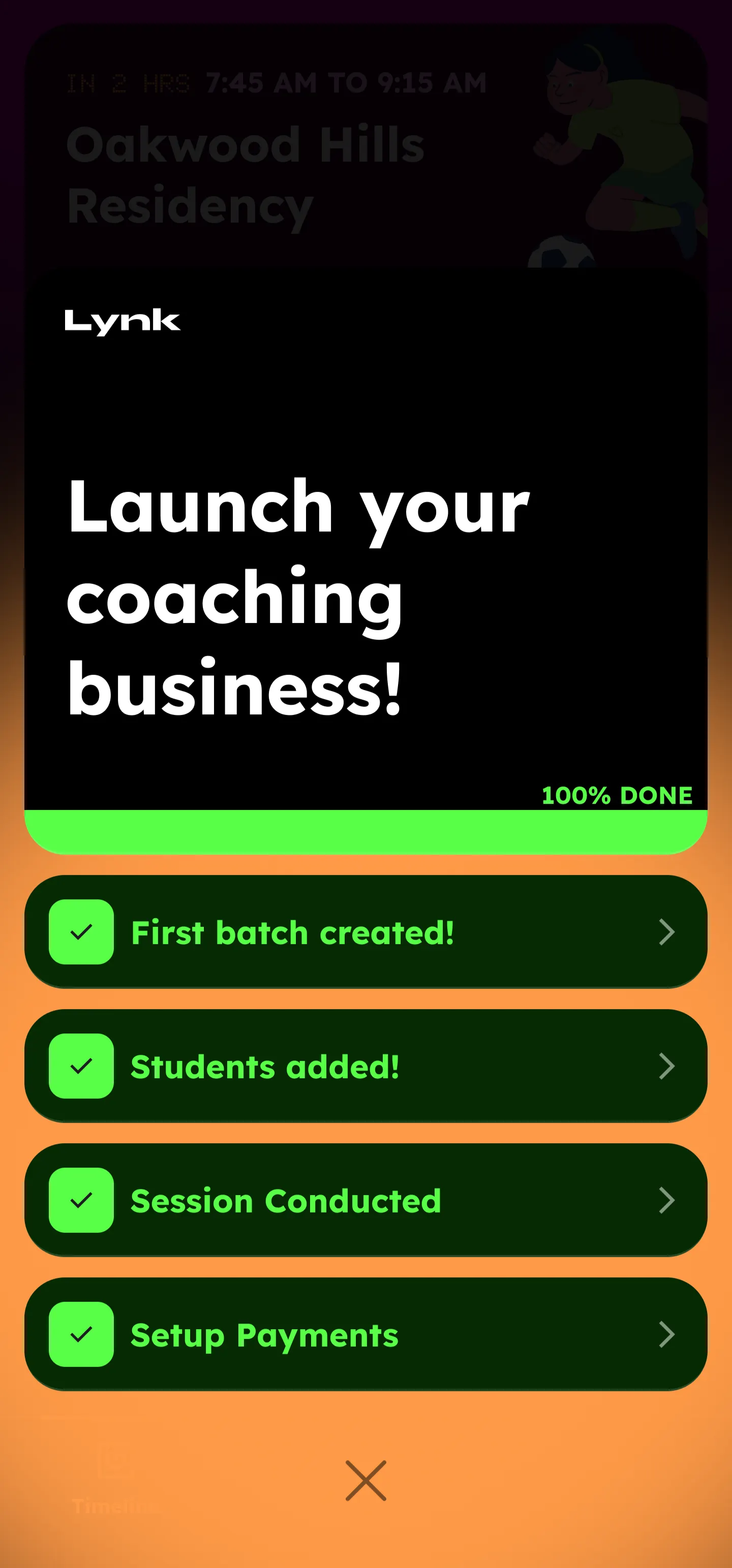
Once you've completed these steps, you're all set to manage your coaching practice efficiently with Lynk. If you need help with any feature, explore the other articles in our Help Centre or reach out to our support team.
Get started on the go! Download the Lynk app to manage your batches, track attendance, and accept payments from anywhere.
Available on:
IOS
Android