What are session notes?
Learn how to record voice notes after a session and let Lynk AI automatically convert them into structured summaries, student feedback, and shareable progress reports.
Written by Swathi N
Session Notes are a powerful, voice-activated feature in Lynk that helps coaches quickly capture their observations right after a class. Instead of typing long summaries, you can simply speak your thoughts—Lynk’s AI will automatically transcribe, organize, and structure them into clear, actionable feedback within seconds.
This makes it easier to document sessions consistently without interrupting your coaching flow.
Why Use Session Notes?
Session Notes are designed to make post-session documentation fast, structured, and meaningful.
Save Time
Skip manual typing. Just record your thoughts and instantly generate both session-level summaries and student-specific feedback.
Plan Ahead
Get clear, structured insights from each session that help you refine and improve your upcoming classes.
Smarter Reporting
Your notes automatically contribute to future progress reports, making long-term student tracking seamless and accurate.
How Session Notes Work
1. Record Your Thoughts
After marking a session as completed:
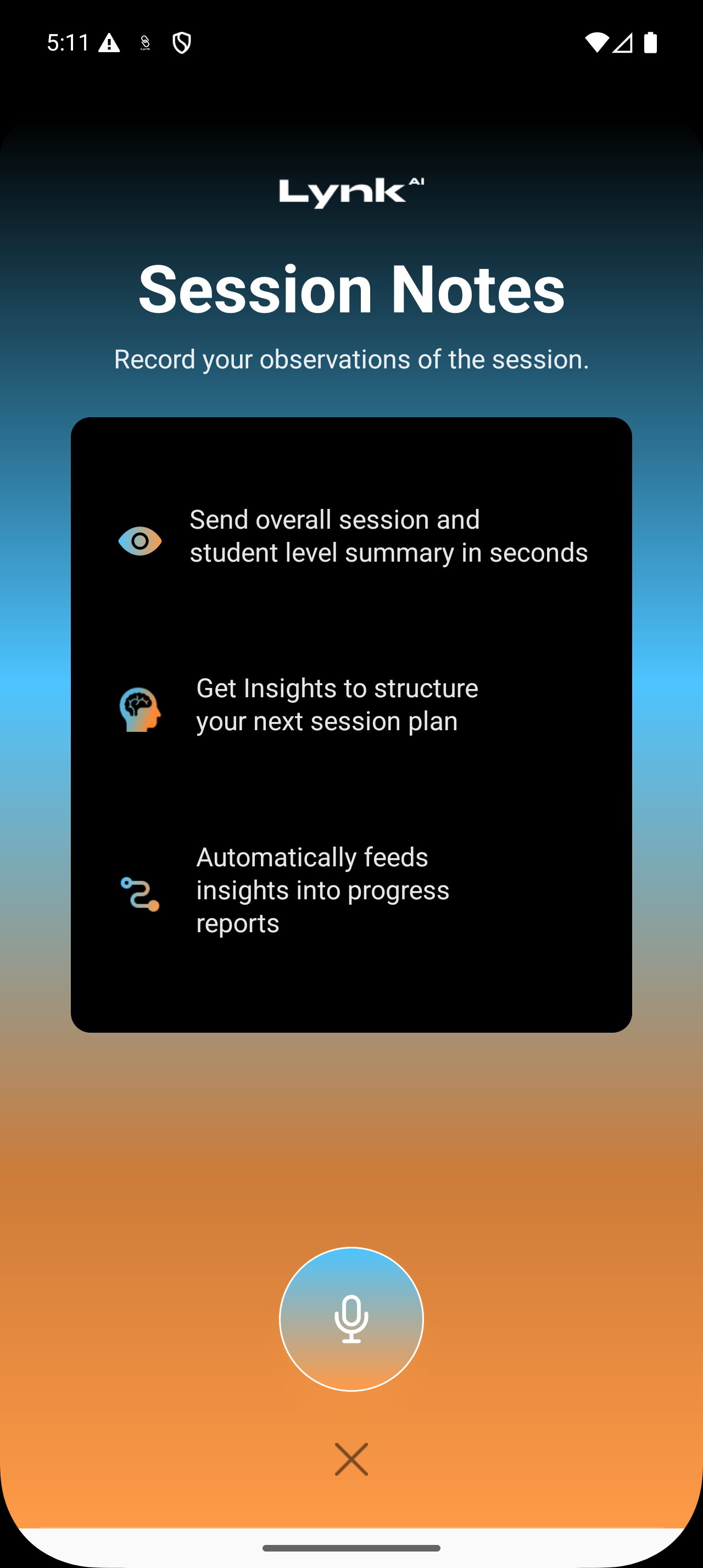
Open the Session Notes card from the session details screen
Tap the microphone icon to start recording
Speak freely about:
Overall session performance
Attendance
Individual student feedback
Key observations
Example:
“Swathi showed great improvement in balance today, but needs to work on consistency.”
2. Let Lynk AI Process Everything
Once you finish recording:
Your voice note is automatically transcribed
The AI breaks it into structured sections, such as:
Session Overview
Attendance Insights
Student Feedback
Students mentioned by name are auto-tagged
This eliminates manual organization and ensures your notes are always structured.
3. Review, Edit, and Enhance
You stay in full control of the final output.
Edit Transcripts Tap any section to correct text, refine feedback, or update student tags
Refine Session Summary Lynk generates:
An Overall Summary
Key Highlights You can edit these anytime
Add Photos Upload session images to visually document the class
4. Generate and Share Summaries
Session Notes don’t just stay internal—they’re built for sharing.
Go to the Students tab within notes
View personalized feedback for each student
See auto-generated tags like:
“Good consistency”
“Needs improvement in posture”
Then:
Tap Preview to generate a formatted PDF report
Tap Send to share it instantly via WhatsApp or other apps
What Makes Session Notes Powerful
Session Notes go beyond simple documentation:
Convert voice into structured insights
Automatically connect feedback to students
Feed directly into reports and analytics
Help maintain consistency across sessions
Summary
Session Notes in Lynk allow you to record, organize, and share session feedback effortlessly using voice. With AI-powered transcription, smart categorization, and instant report generation, you can focus more on coaching and less on manual documentation—while still delivering high-quality insights to students and parents.