What triggers new insights
Any meaningful record update can refresh insights.
Written by Sumit Kapoor
Introductions
Insights in Lynk are not static. They evolve as your coaching data evolves. Whenever you record new information or update existing records, the system reassesses patterns to determine whether fresh guidance is needed.
This ensures Insights always reflect the most recent and relevant coaching context.
Events That Trigger Insight Refresh
New Insights may be generated or existing ones updated when meaningful changes occur in your data.
These triggers include:
Adding Coach Notes
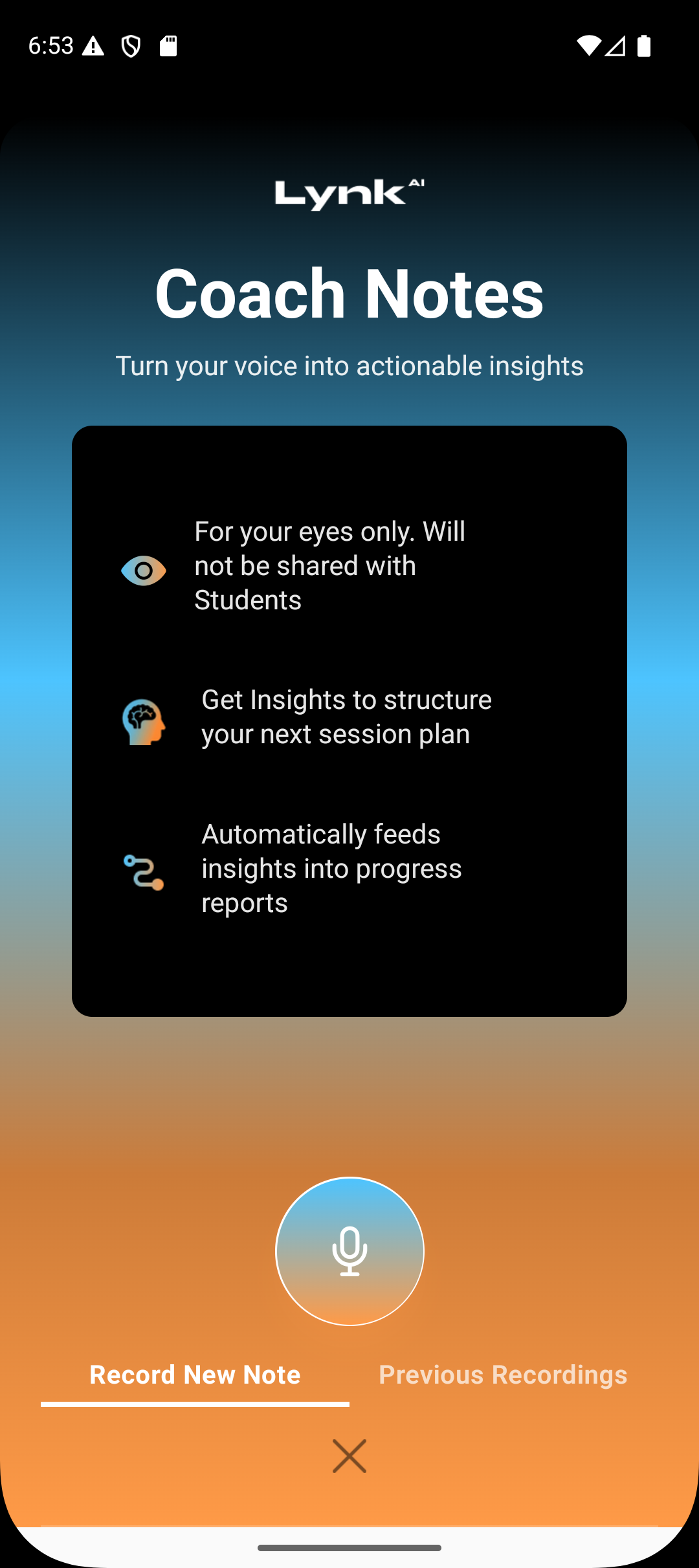
When you add coach notes:
New qualitative observations are recorded
Performance themes and challenges become clearer
AI reassesses recent sessions for updated patterns
This often leads to refined suggestions for what to focus on next.
Generating a Progress Report
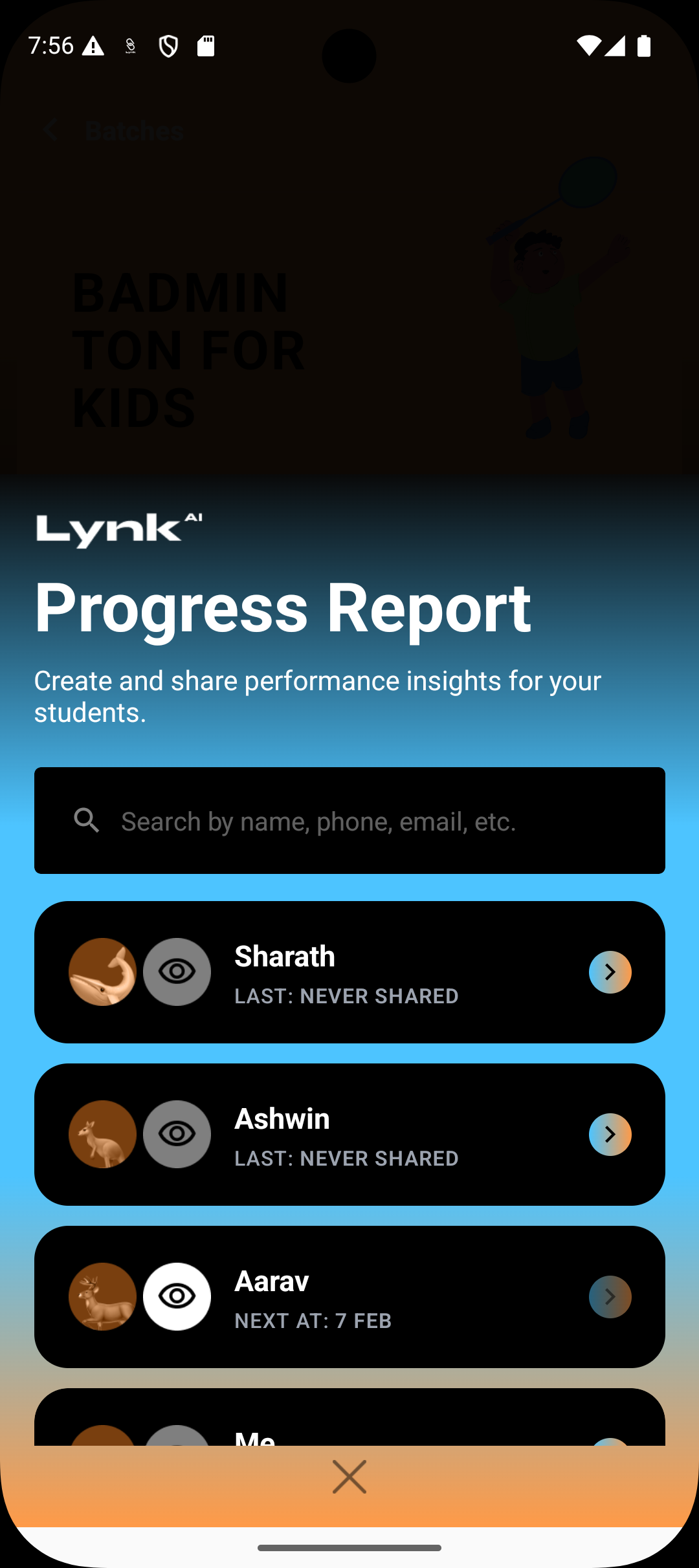
When a report is generated:
Formal skill evaluations are captured
Holistic and technical assessments are finalized
AI treats this as a strong signal of learner status
Reports commonly trigger new or refreshed Insights.
Updating Attendance
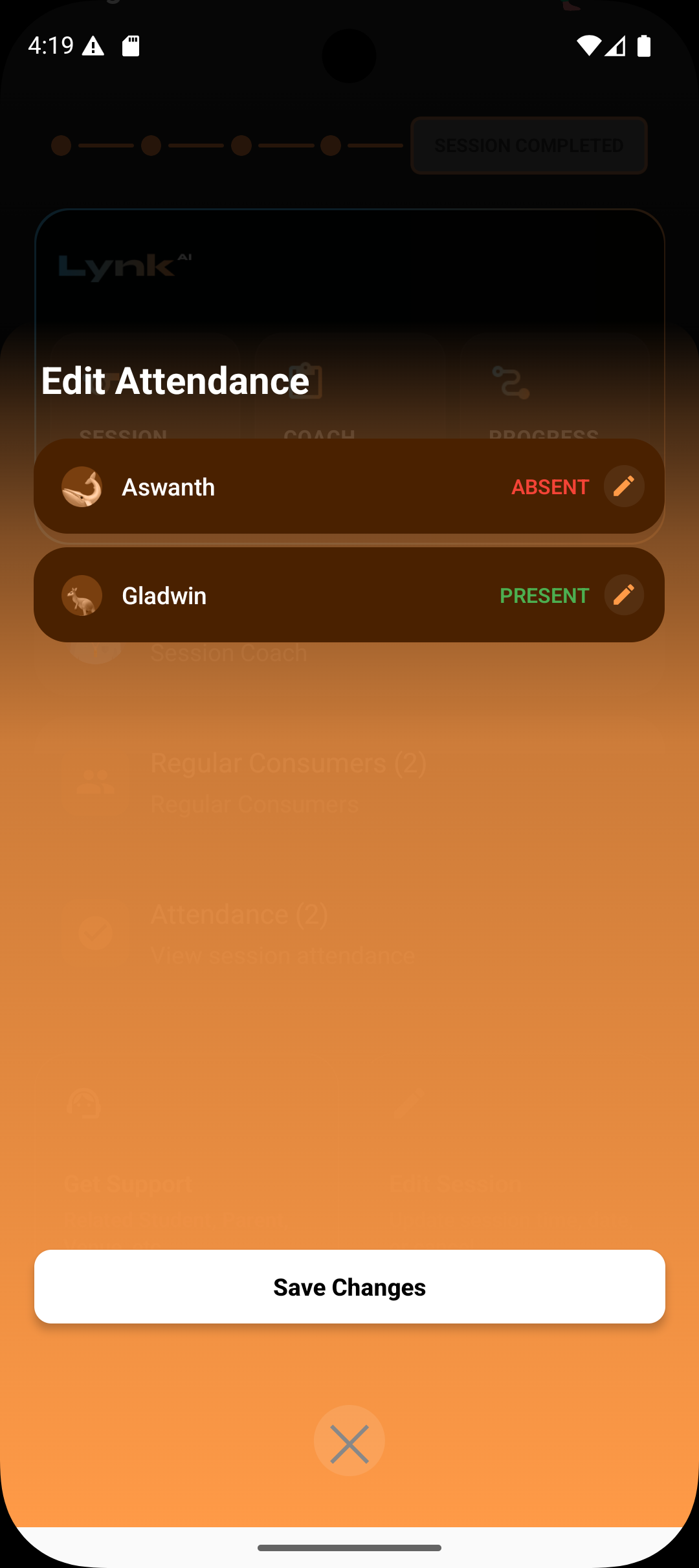
When attendance is edited in a way that changes trends:
Participation patterns may shift
Consistency or engagement signals are updated
If the change is meaningful, Insights are recalculated to reflect the new reality.
What Does Not Trigger Insights
Viewing data without editing
Minor changes that don’t affect patterns
Navigational actions
Only meaningful record updates cause refreshes.
Summary
Insights are refreshed whenever your coaching records change in meaningful ways—adding notes, generating reports, or updating attendance patterns. This keeps AI guidance aligned with your latest coaching reality, without requiring manual intervention.