How to add coach notes
Notes are added inside the session card as part of session details.
Written by Sumit Kapoor
Introduction
Coach notes help you capture qualitative observations from a session and turn them into structured insights. Lynk makes it easy to add these notes directly from the session so nothing important is missed.
Steps to add coach notes
1.Open the session
Go to the session card you want to add notes for.
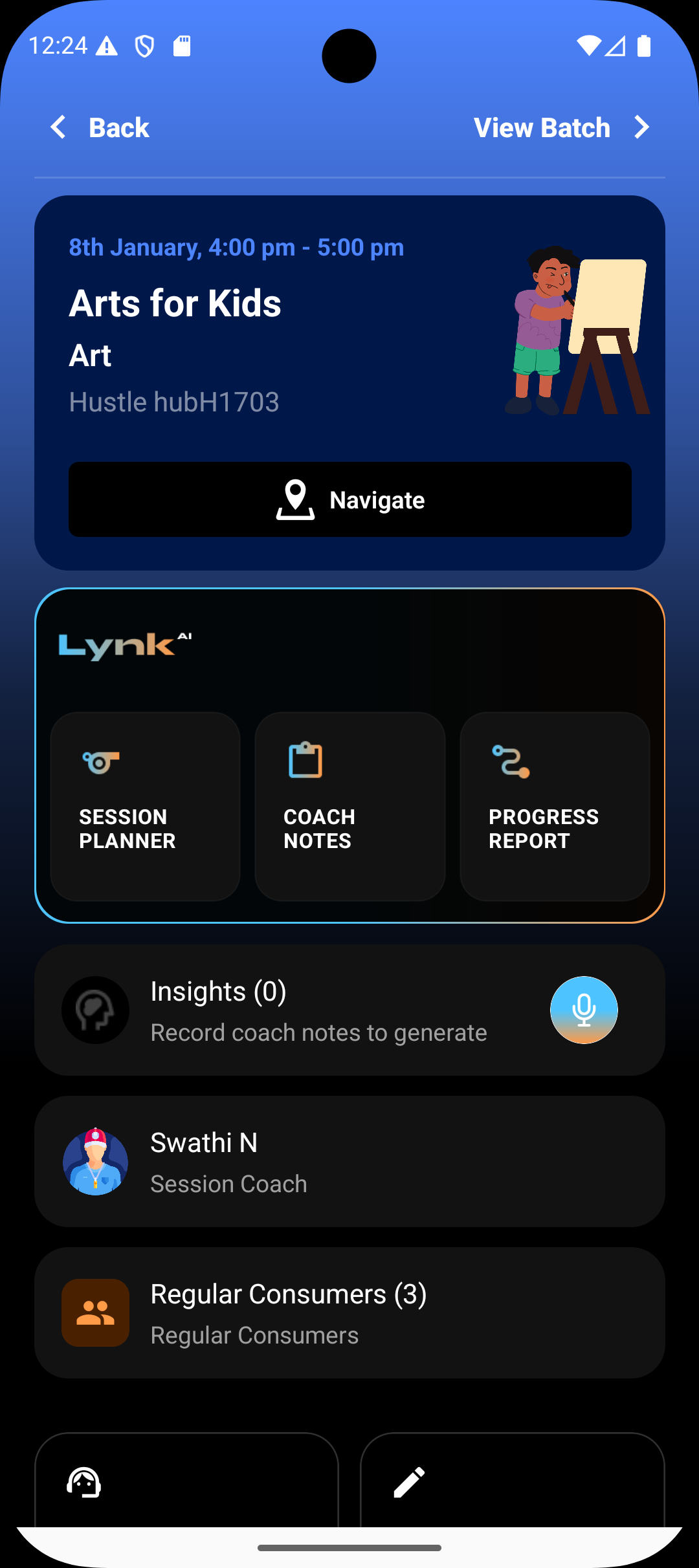
2. Locate Coach Notes
Tap on the Coach Notes section inside the session.
3. Record your observations
Record short, clear, and actionable notes.
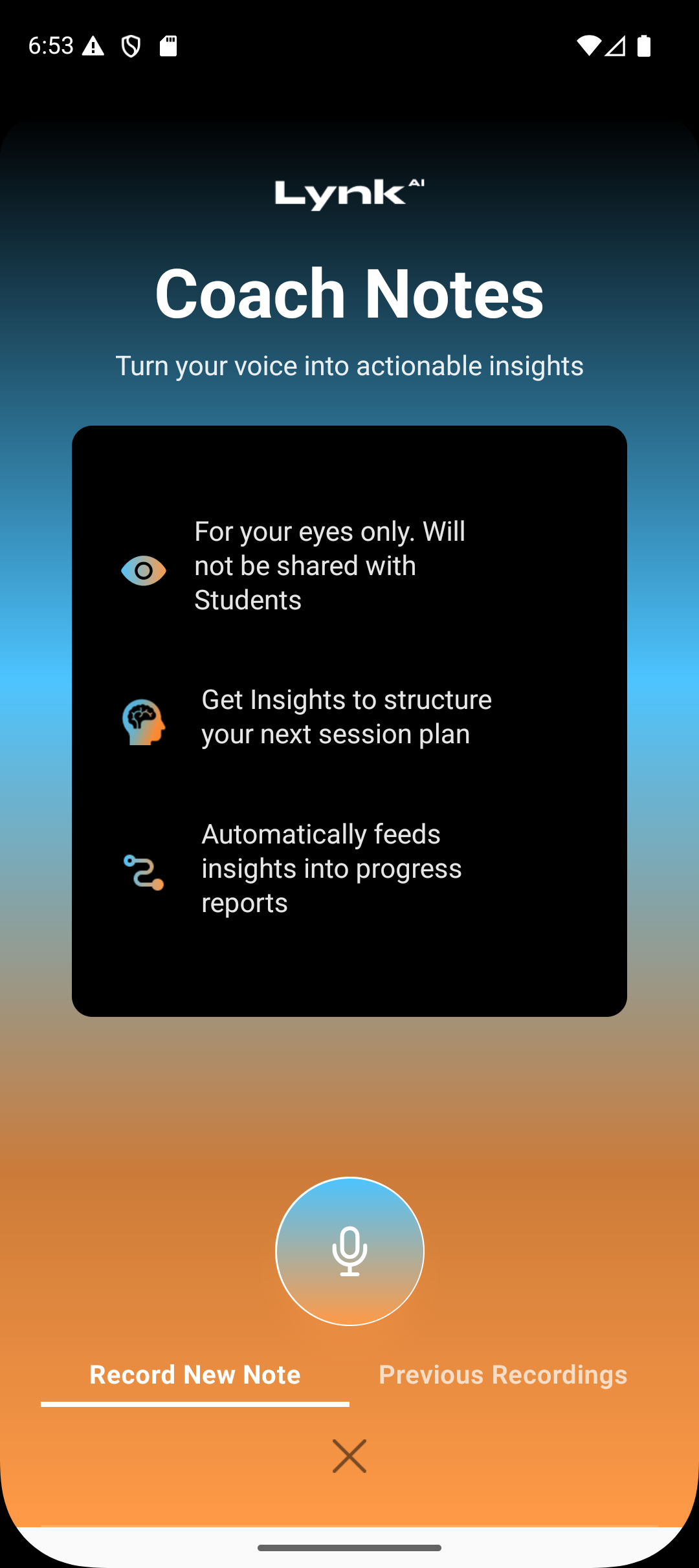
You can speak or record notes in any language. Coach notes supports all regional Indian languages.
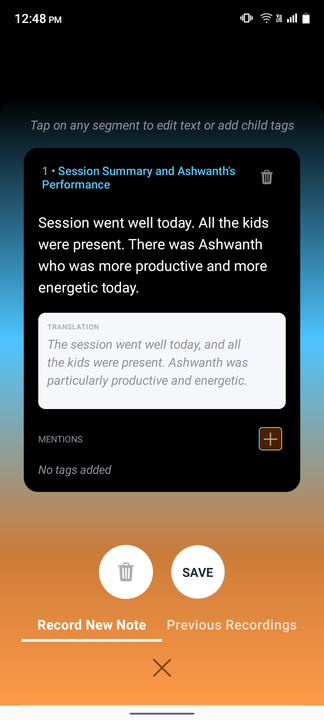
Lynk AI automatically converts them into clear, professional english.

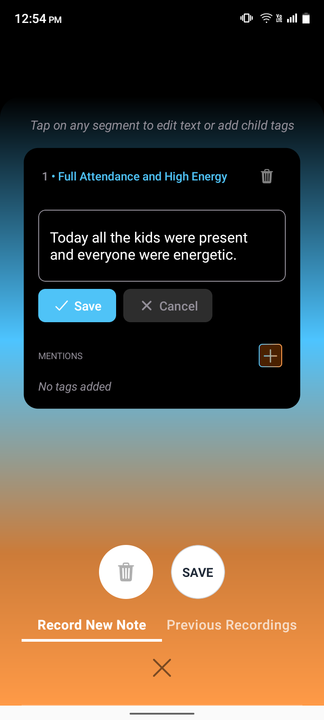
4.Review and edit AI-generated notes
Review the AI-generated version.
Edit or fine-tune the wording if needed to better reflect your intent.
5.Save the notes
Once saved, the notes become part of the session record.
Why coach notes matter
They are your future point of reference of what actually happened during the session.
They power progress reports and AI insights at a batch level.
The past context of coach notes also feeds into your session planner helping you plan and improve upcoming sessions.
All inputs in coach notes at student specific level return valuable insights on what you can do to improve on certain aspects of student performance.
Summary
Coach notes are added directly inside the session card. Open the session, record concise observations in any language, let Lynk AI structure them in professional English, and save. These notes strengthen continuity, reporting, and future session planning.