How to generate a session plan
Generate a structured session plan directly from the Session Planner inside the session card. Session plans can be generated before the session start time only. Currently coaches can generate up to 5 session plans a day.
Written by Sumit Kapoor
Introduction
A well-structured session plan helps coaches run classes with clarity, flow, and purpose. Lynk’s AI Session Planner is designed to quickly turn your intent—skills to focus on, age group, or session goals—into a practical, time-bound plan you can directly run in class.
The planner lives inside the session experience, so planning stays tightly connected to the actual batch, students, and past context.
How the Session Plan Is Generated
Step 1: Open the session
Navigate to the specific session from your batch where you want to plan the upcoming class.
Step 2: Open the Session Planner
Inside the session card, tap on Session Planner (AI). This opens the planner entry point.
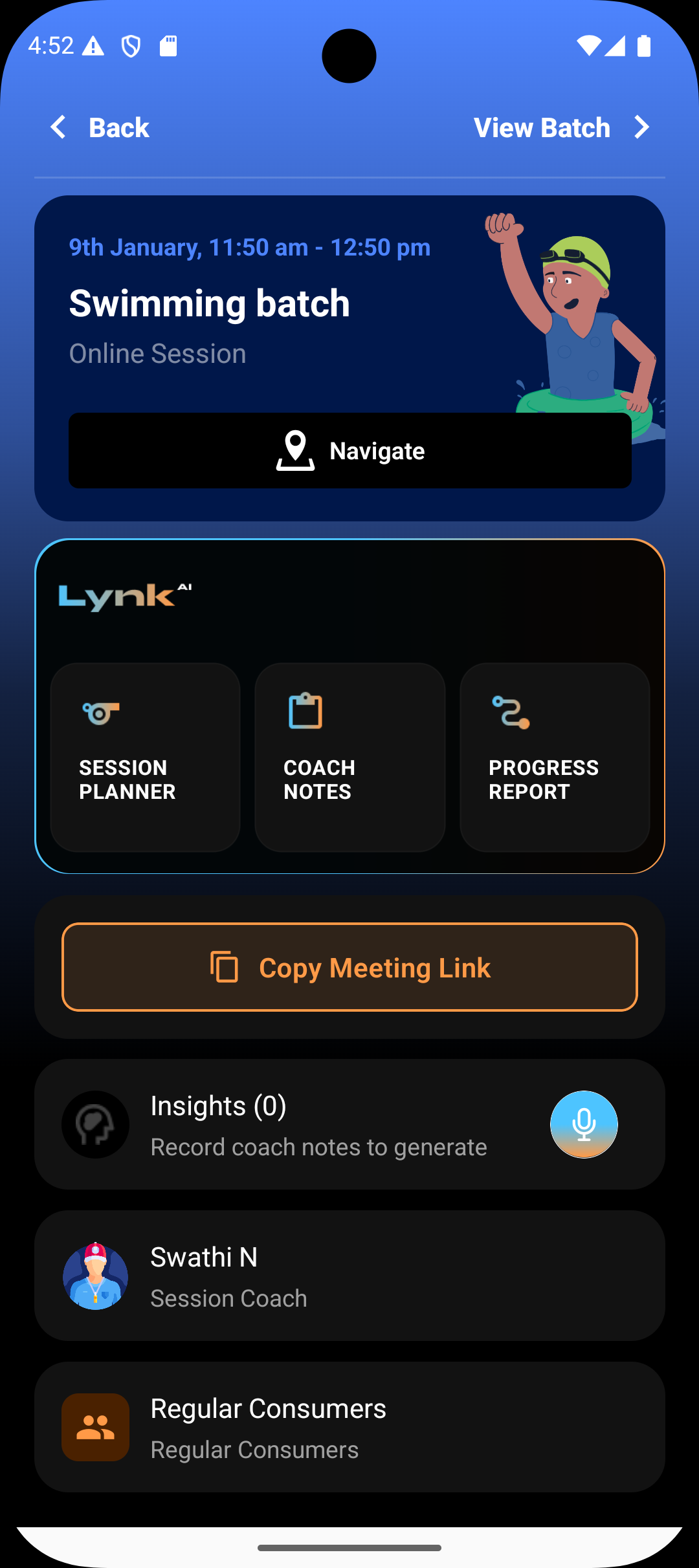
Step 3: Enter your prompt
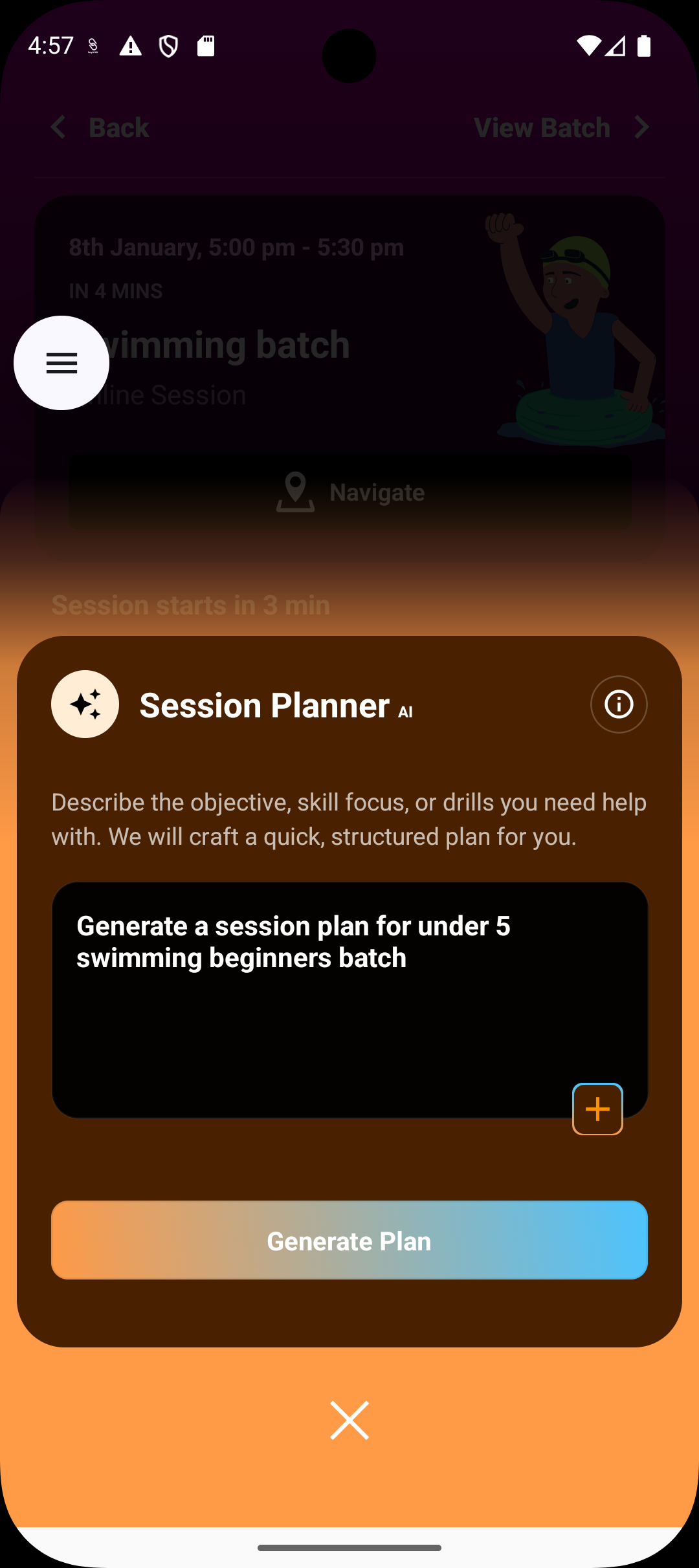
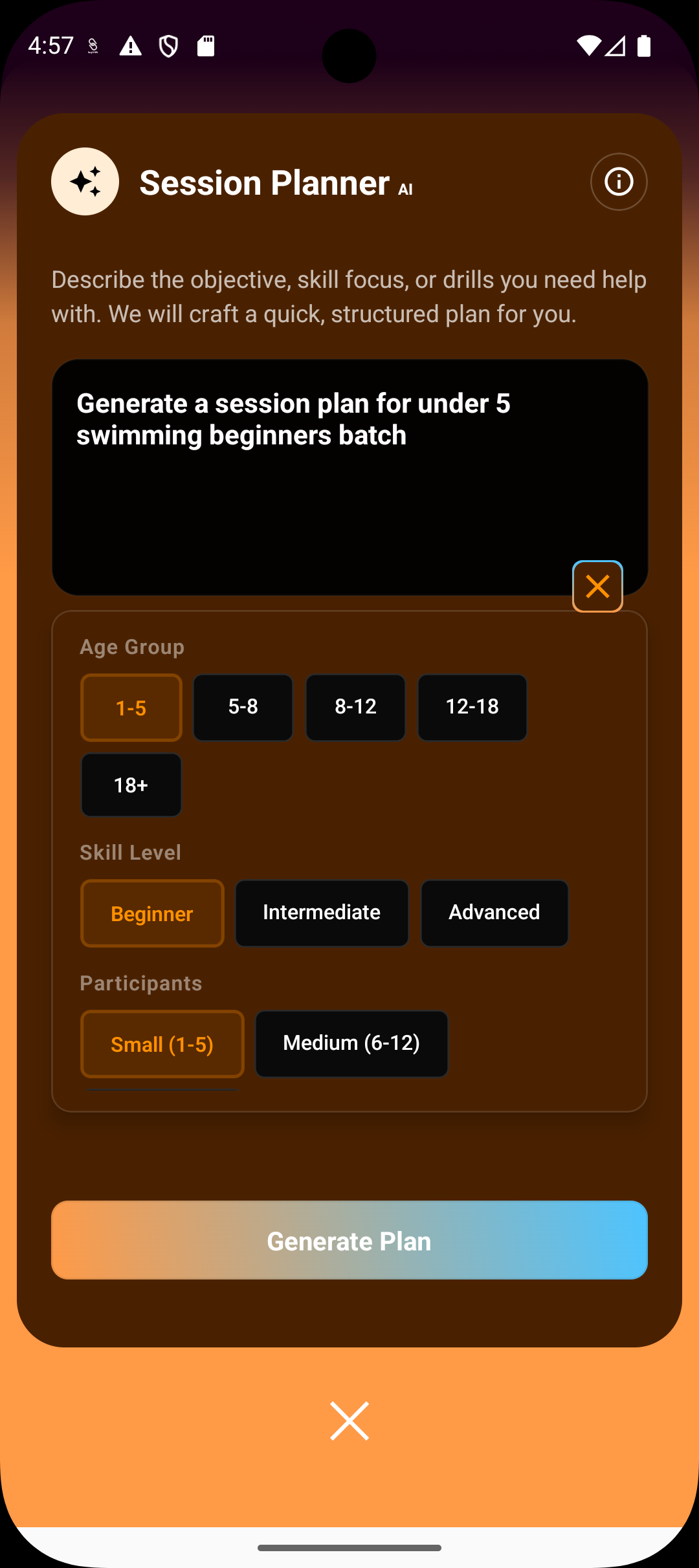
Describe what you want help with. For example:
Skill focus (e.g., balance, footwork, breathing)
Objective (e.g., introduction to basics, revision, progression)
Age group, skill level, or batch context
You can also add additional details like session duration, group size, or constraints.
Step 4: Generate the plan
Tap Generate Plan.
Lynk processes your input along with batch and session context in the background.
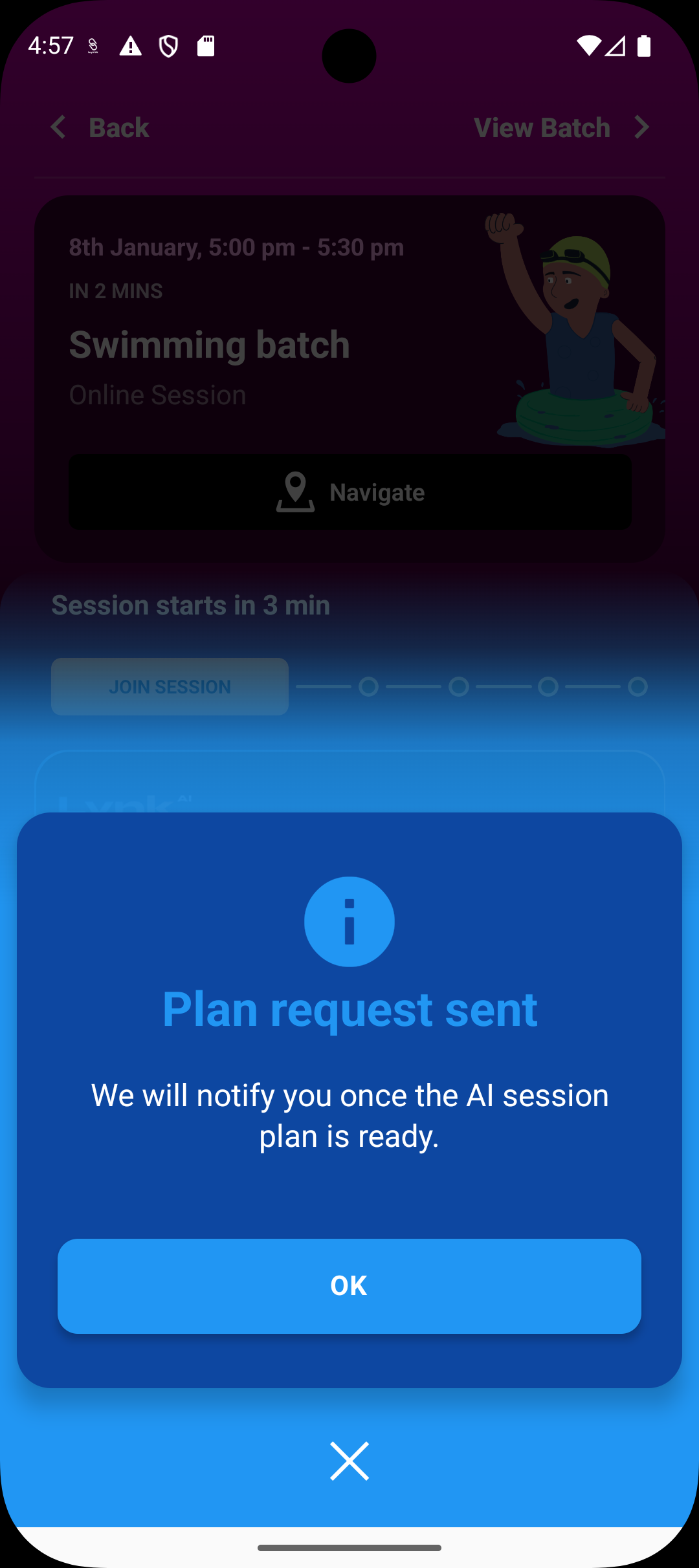
Step 5: Receive notification
Once the plan is ready, the application sends a notification letting you know it has been generated.
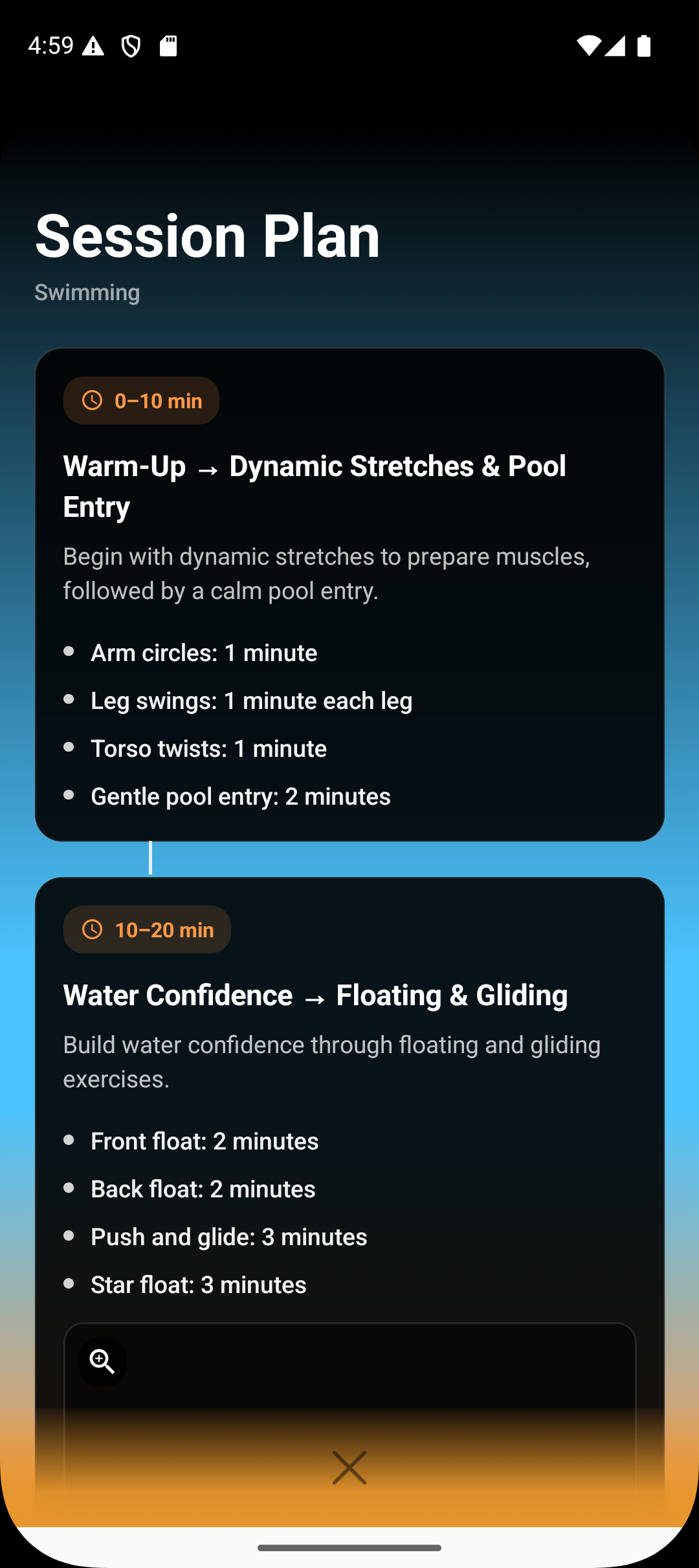
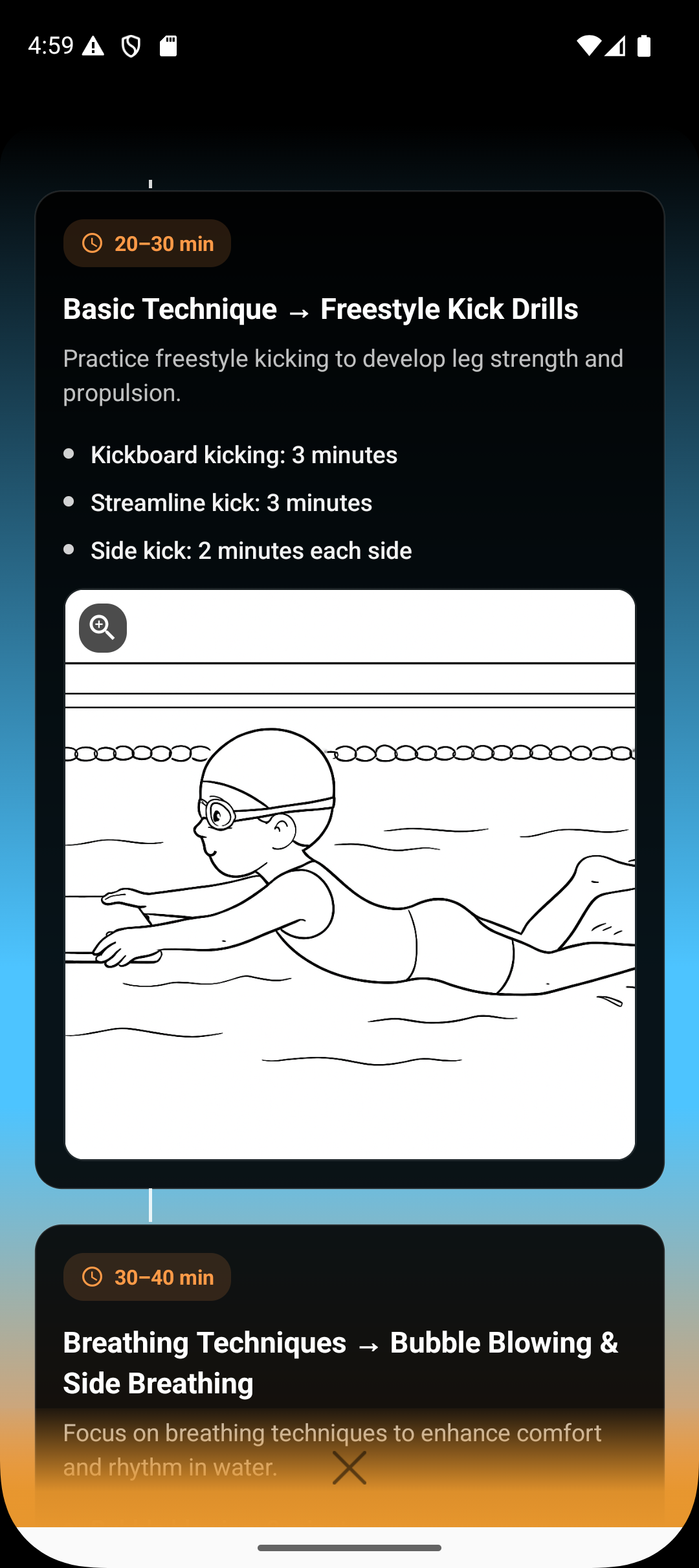
Step 6: Review the generated plan
Open the plan to review the suggested structure, drills, and flow for the session.
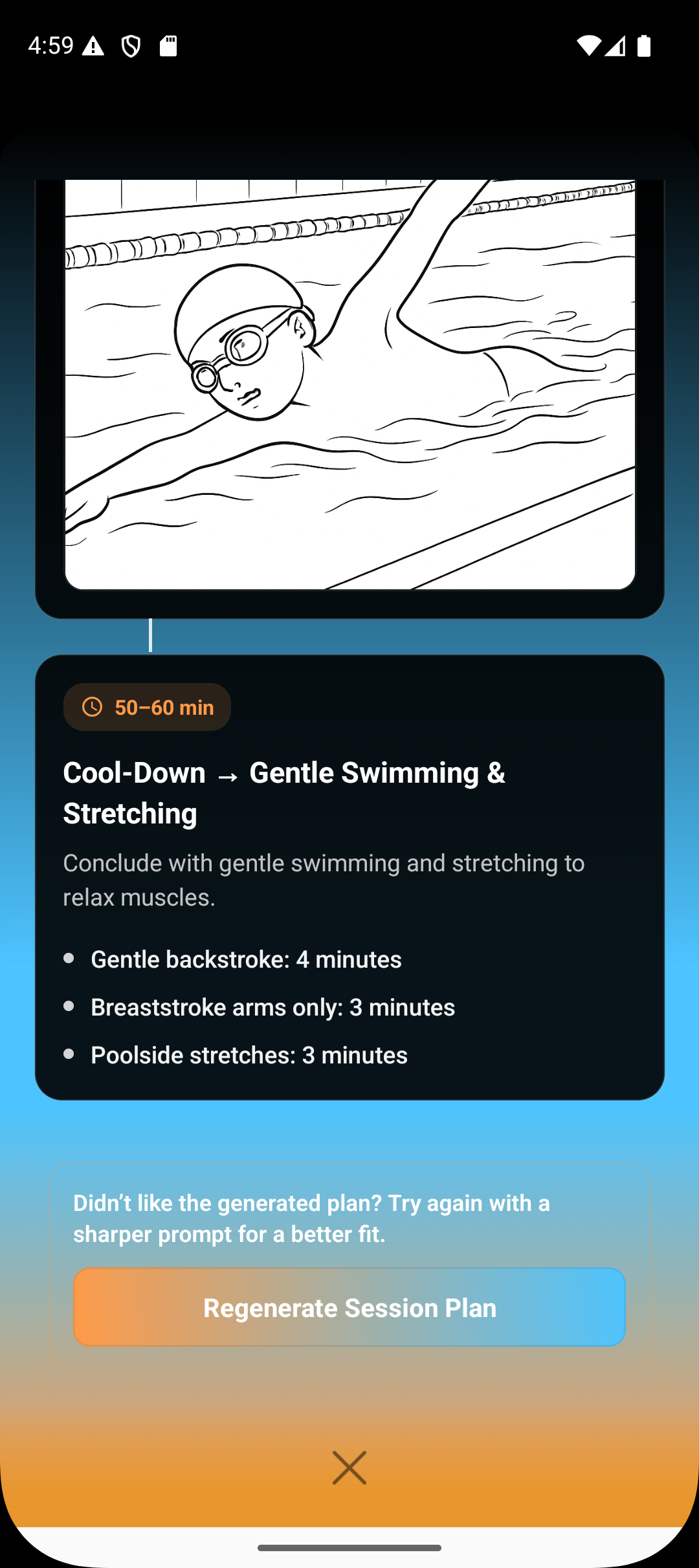
Step 7: Regenerate if needed
If the plan doesn’t fully match your expectation, you can regenerate it with updated inputs until it fits your needs.
What Happens After the Plan Is Generated
The plan is available inside the session for easy reference during class.
It aligns with the batch’s age group, skill level, and past context where available.
The plan can guide execution but does not lock you into a rigid structure—you remain in control.
Summary
The Session Planner allows you to quickly convert intent into execution. By entering the planner directly from the session, adding clear prompts, and reviewing the AI-generated structure, you can prepare effective sessions without manual planning overhead.
Plans are flexible, regenerable, and designed to support—not replace—your coaching judgment.