How attendance is marked
Attendance in Lynk is captured during the active session. After starting a session, you can quickly mark who attended and who didn’t, ensuring accurate records for progress tracking, reporting, and operations.
Written by Sumit Kapoor
Step-by-step: Marking attendance
Start the session from the session card
Once the session is active, tap Mark Attendance
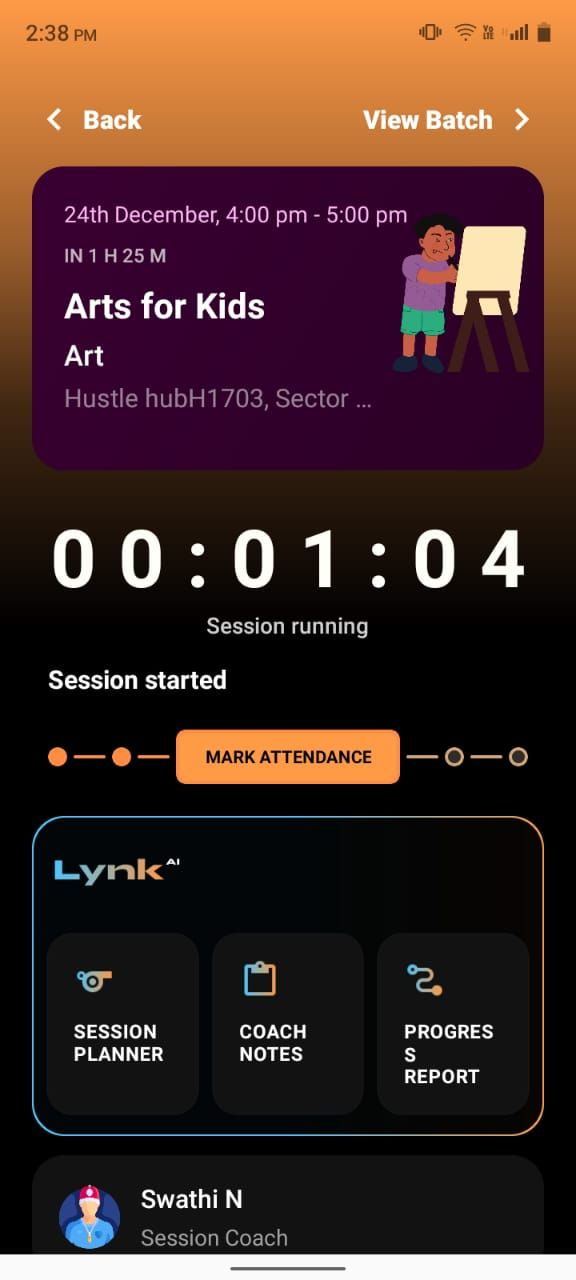
The list of students enrolled in the batch appears automatically
Mark each student as Present or Absent
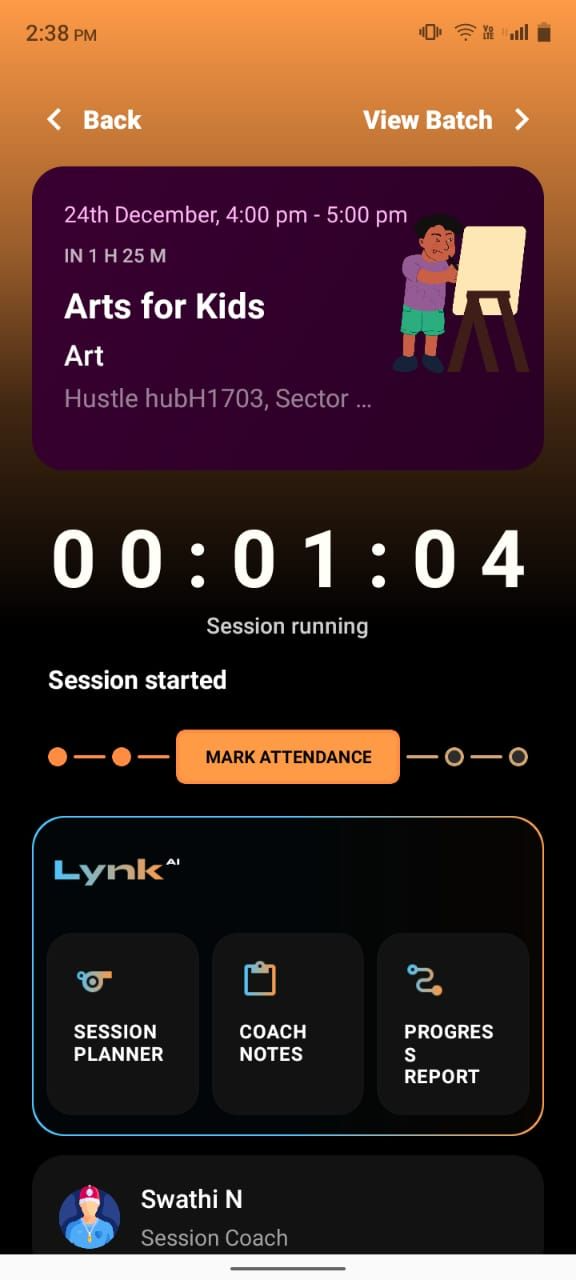
Review the attendance once for accuracy
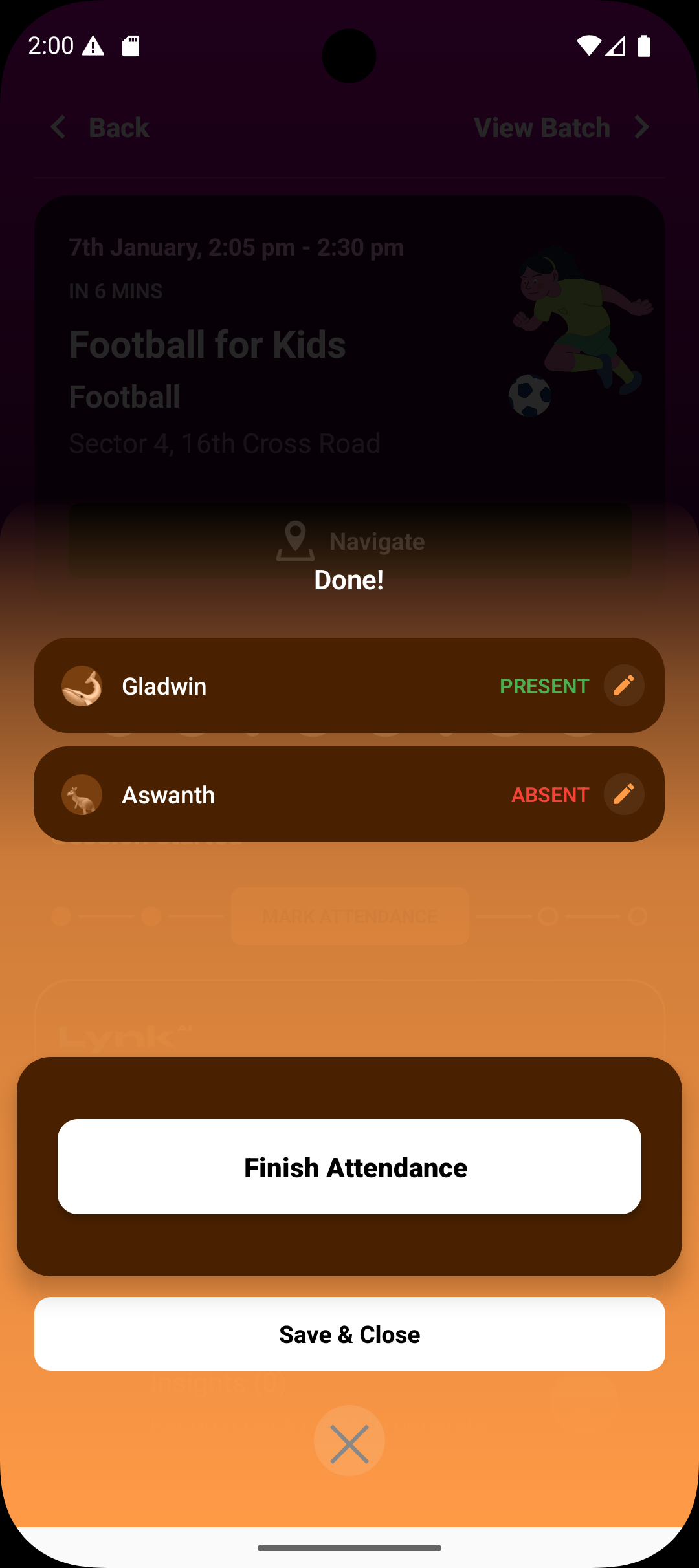
Tap Finish Attendance to confirm
What happens after finishing attendance
Attendance is saved as part of the session record
The session can continue with notes or be completed
Attendance data becomes available for progress and reporting
Summary
Attendance can only be marked after the session starts
Student roster is pulled directly from the batch
Each student is marked Present or Absent
Finishing attendance locks the record into the session
Accurate attendance supports trust, reporting, and continuity