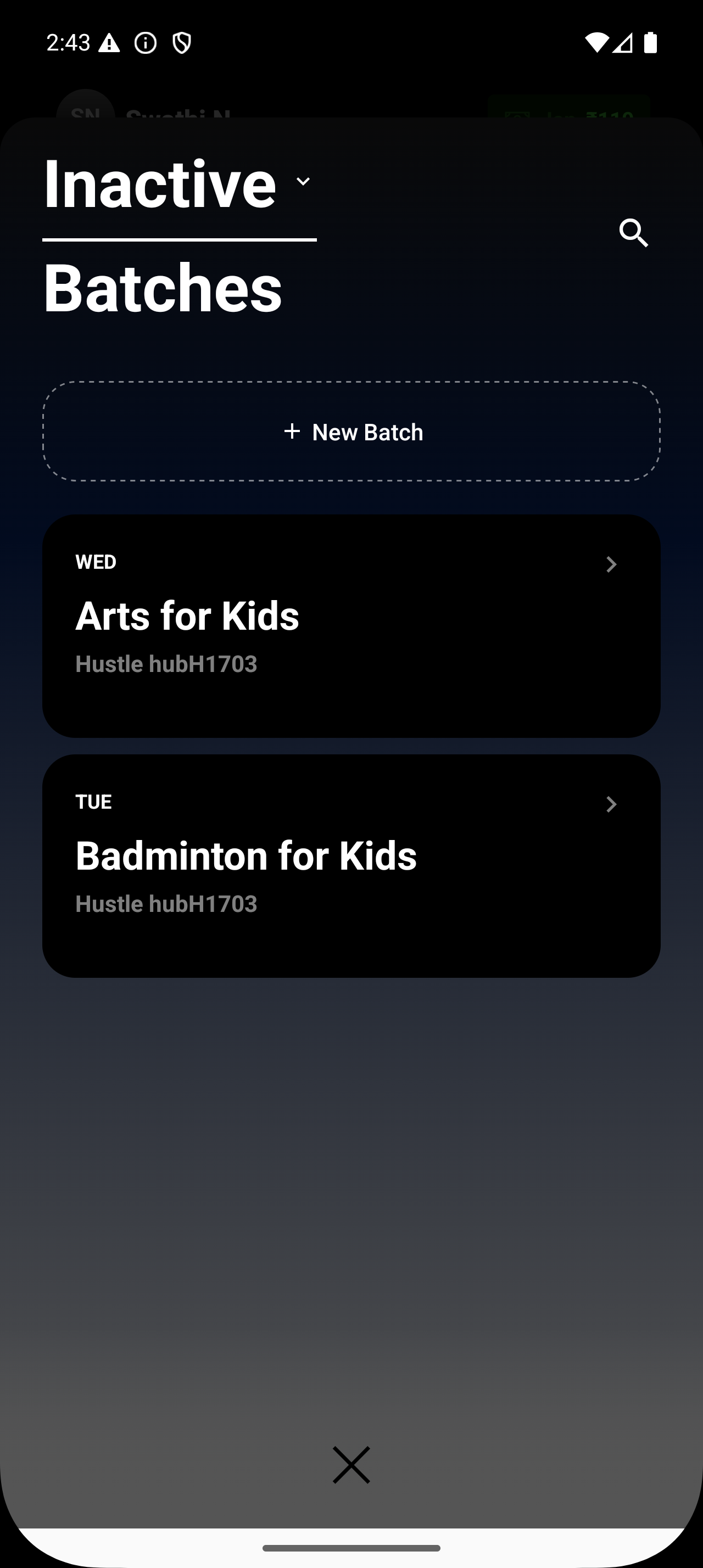
What happens when a batch is marked inactive
Inactive batches won’t be operationally useful until you reactivate them or add students. When a batch is marked inactive, Lynk limits how it participates in day-to-day operations.
Written by Sumit Kapoor
1. No New Sessions Are Created
The batch no longer drives automatic session creation.
Scheduled cadence is paused.
2. Reactivation Restores Operations
Once reactivated, the batch resumes session creation using its saved settings.
Future sessions follow the updated schedule and configuration.
When to Use Inactive Batches
Seasonal or temporary pauses.
Completed programs that may restart later.
Holding a batch without deleting its structure or data.