When should coaches/academy use the Lynk mobile app?
Know when to switch to the app for faster, on-ground execution.
Written by Swathi N
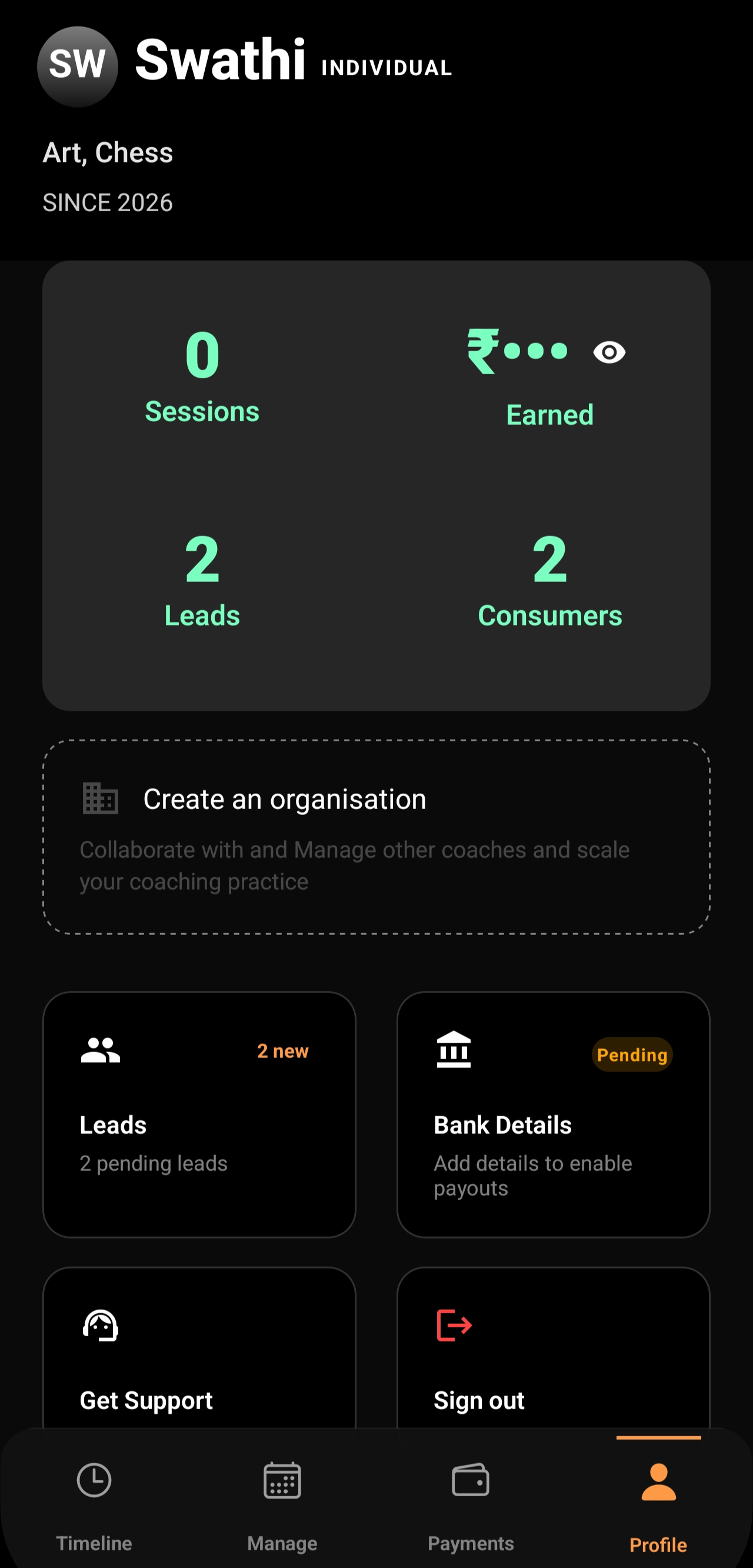
The Lynk mobile app is built for on-ground usage, helping coaches and admins manage sessions efficiently without needing a desktop. It ensures that all key actions—like attendance, notes, and session updates—can be handled instantly while classes are in progress.
Why Use the Lynk Mobile App?
The app is ideal for situations where speed, mobility, and real-time updates are important. Whether you are conducting a class or managing operations at a venue, the app keeps everything accessible in one place.
Scenario 1: Coaches Managing Assigned Batches
In an Organisation, admins can assign batches to coaches. These batches automatically appear in the coach’s Lynk app.
During sessions, coaches can:
Conduct and manage sessions
Mark attendance instantly
Generate session plans
Record coach notes
Track and update student progress
All actions performed by the coach are synced with Lynk Tower, allowing admins to monitor updates and progress in real time.
Scenario 2: Admins Using the App On-Ground
Admins can also log in to the Lynk mobile app using the same credentials as Lynk Tower.
This is especially useful when:
They are physically present at the venue
They need to make quick operational changes
They want to manage sessions without switching to a desktop
All data from Lynk Tower is available in the app, enabling admins to perform key actions on the go.
When to Use the Lynk App
The Lynk mobile app is ideal when you:
Are conducting or managing live sessions
Need to mark attendance instantly
Want to add notes or track progress during class
Require quick operational updates on the go
Conclusion
The Lynk mobile app is essential for real-time coaching operations. It empowers both coaches and admins to manage sessions efficiently on the ground while staying fully connected with Lynk Tower for complete visibility and control.