How to view past sessions
Past sessions are your teaching history. They help you review attendance, validate what was delivered, track learner progress, and maintain continuity across batches and sessions.
Written by Sumit Kapoor
Access past sessions from a batch
Open the Manage tab
Select the relevant batch
Tap on Sessions to view the full list of sessions linked to that batch
View session history
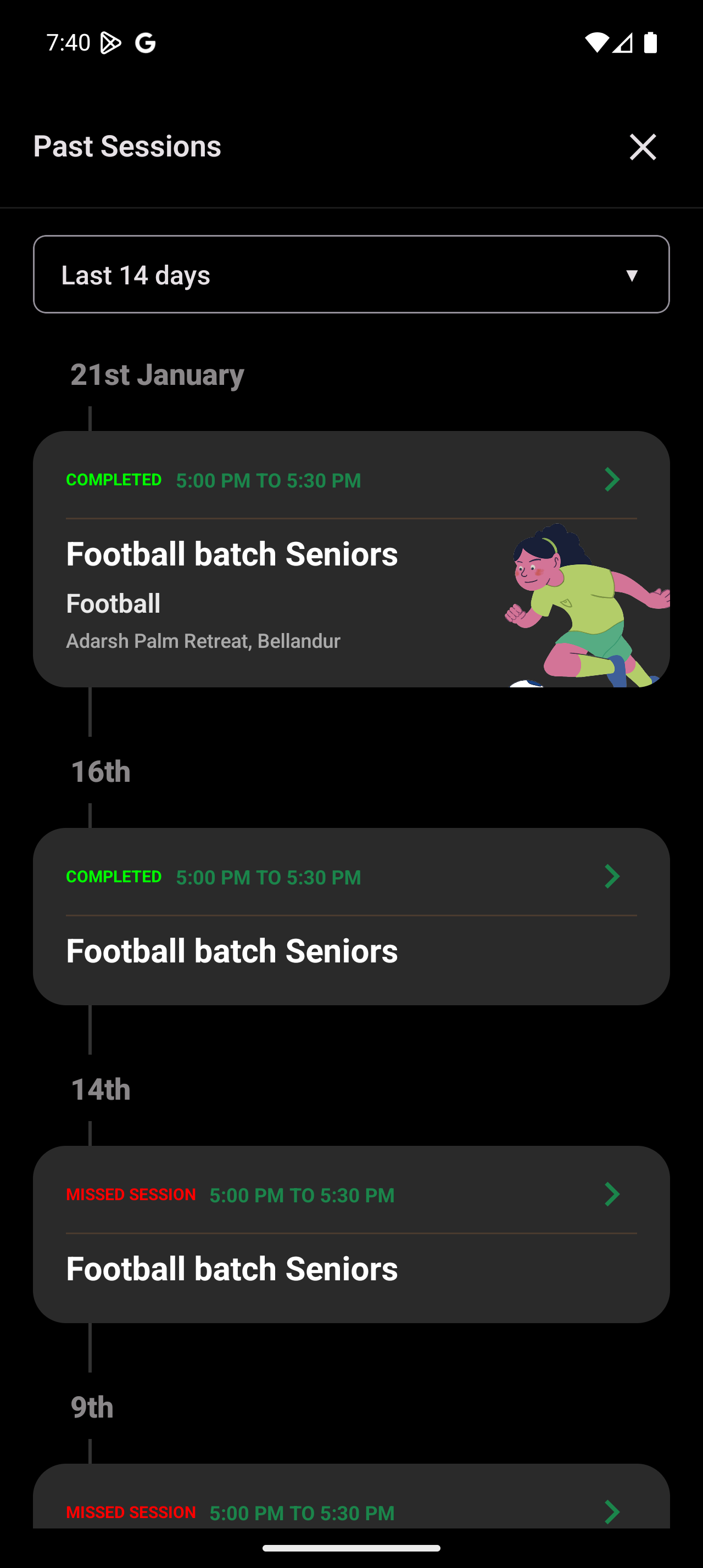
Navigate to Past Sessions
Use time filters (for example, last 14 days) to narrow results
Open a completed session
Tap on any completed session or missed session
View finalized attendance for that session
Review associated coach notes and session details
Summary
Past sessions are accessible from both batch and session views
Completed sessions store attendance and notes permanently
Session history supports audits, reporting, and progress tracking
Reviewing past sessions ensures consistency and continuity over time