How to create and edit a coach profile
Create your profile once so you can share it and start capturing enquiries.
Written by Sumit Kapoor
Where to Create Your Coach Profile
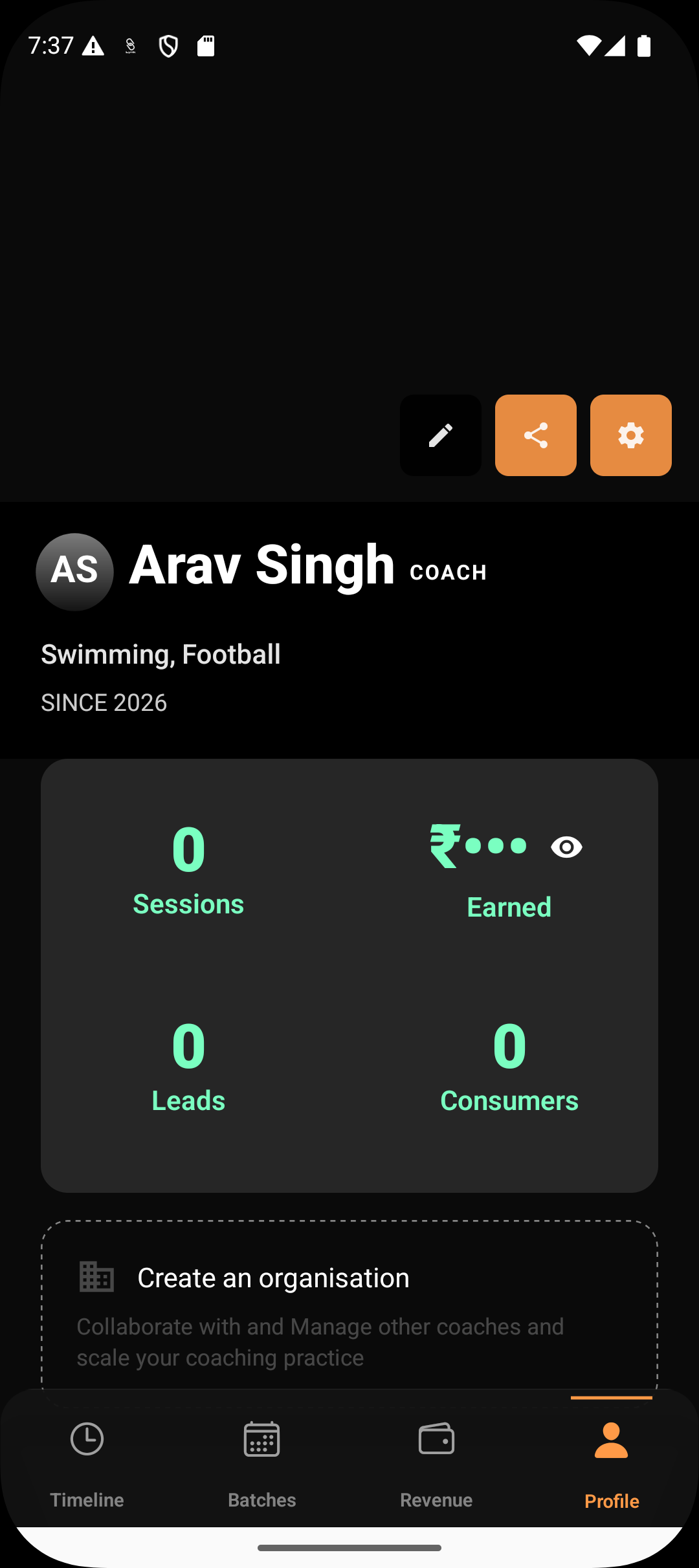
Your coach profile is managed directly from your account.
Navigate to the Profile section in the Lynk app
Tap on Edit Profile to begin creating or updating your profile
This opens the profile setup flow where all public-facing information is added.
Adding Your Core Details
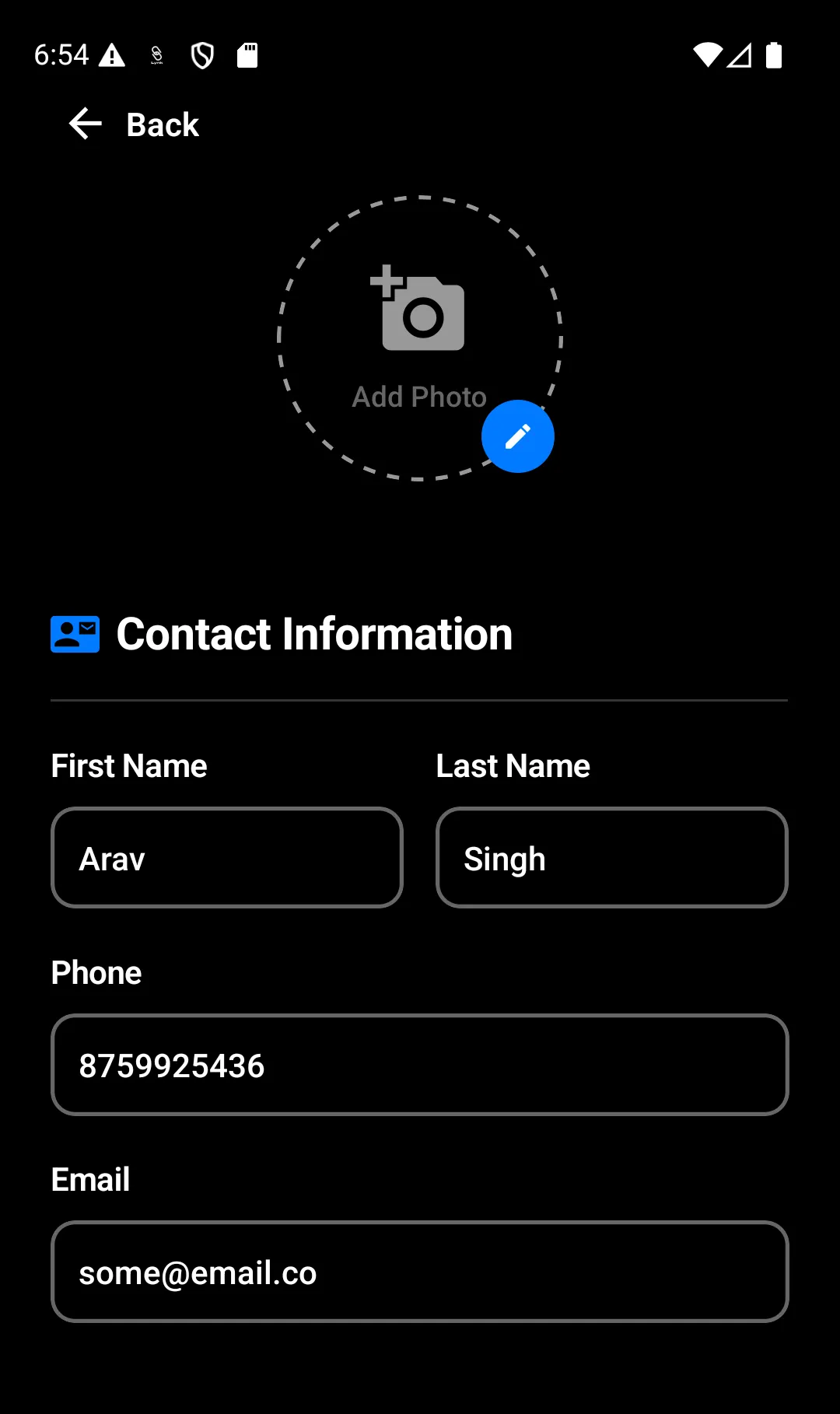
Start by filling in your basic information:
Coach name and profile photo
Contact-related details used for enquiries
A short bio describing who you are and your coaching approach
This information forms the foundation of your profile and builds initial trust with viewers.
Selecting Your Subject or Category
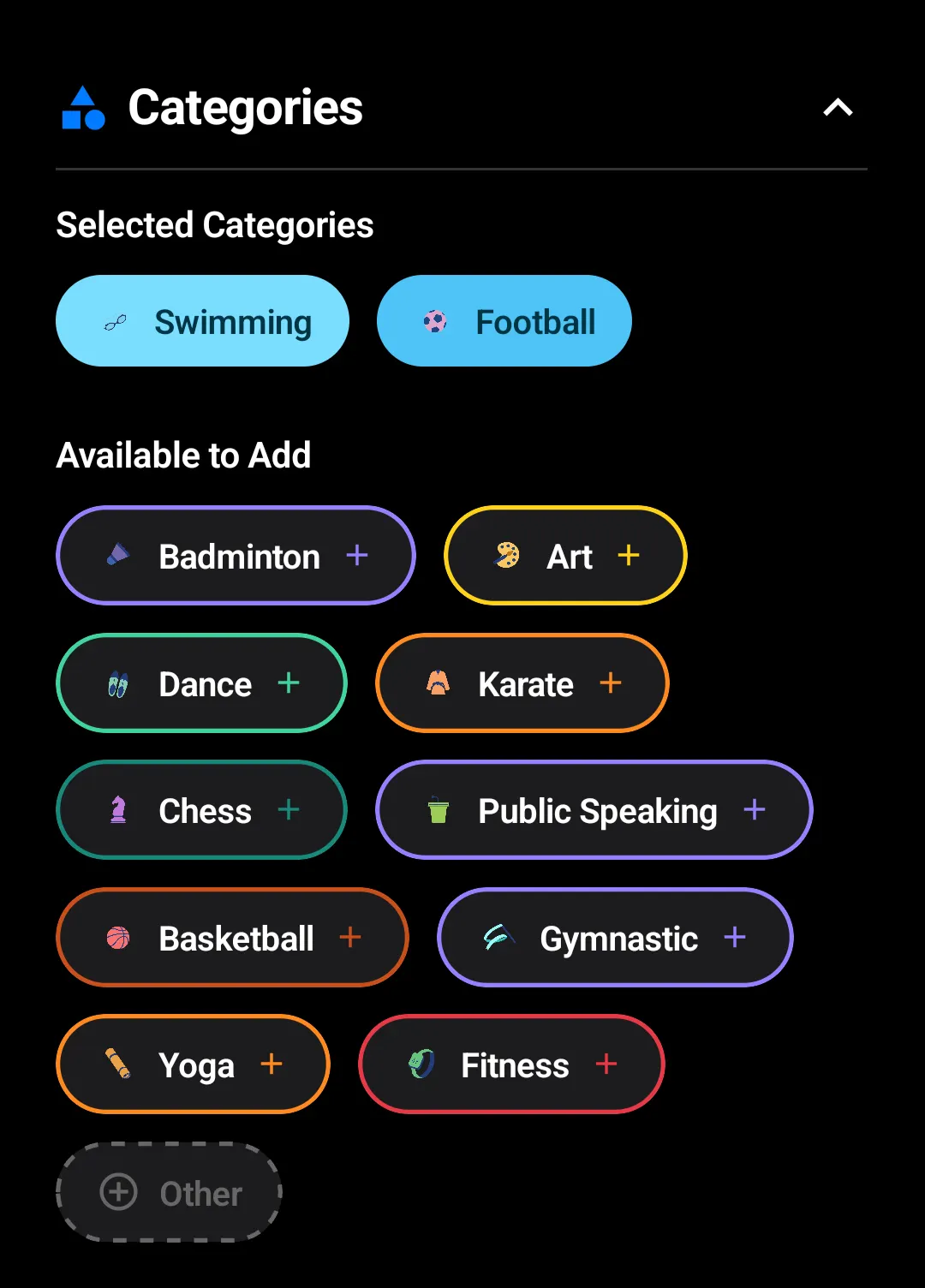
Next, define what you coach.
Choose your primary subject or activity (e.g., Football, Swimming, Art)
You can select multiple subjects if relevant
This helps Lynk categorise your profile correctly for discovery and enquiries.
Defining Focus Areas
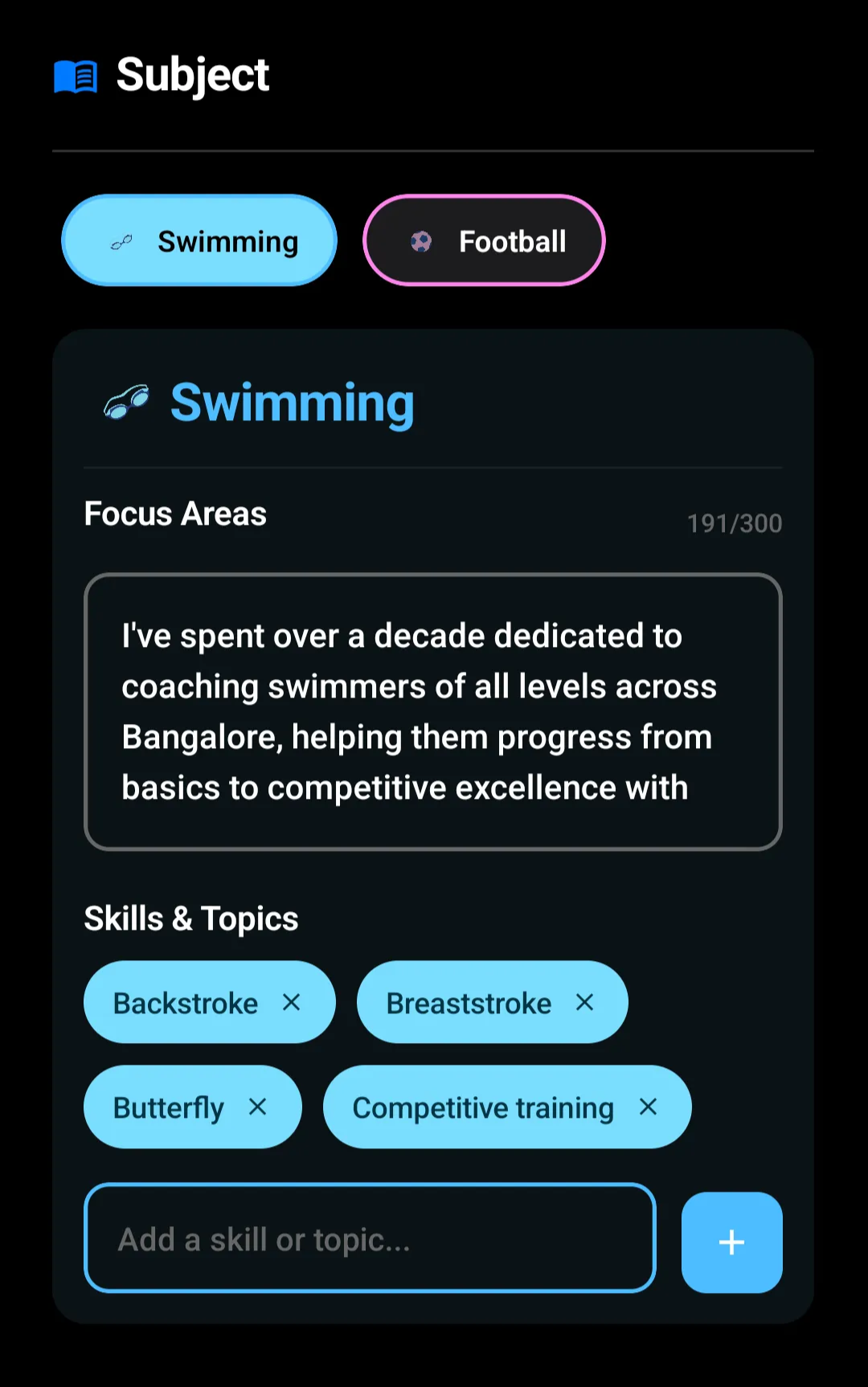
For each selected subject, you can add a focus area description.
Describe who you train (age group, skill level, goals)
Explain your coaching philosophy or learning outcomes
Highlight what makes your sessions effective
This section helps parents and students quickly understand whether your coaching fits their needs.
Adding Skills & Topics
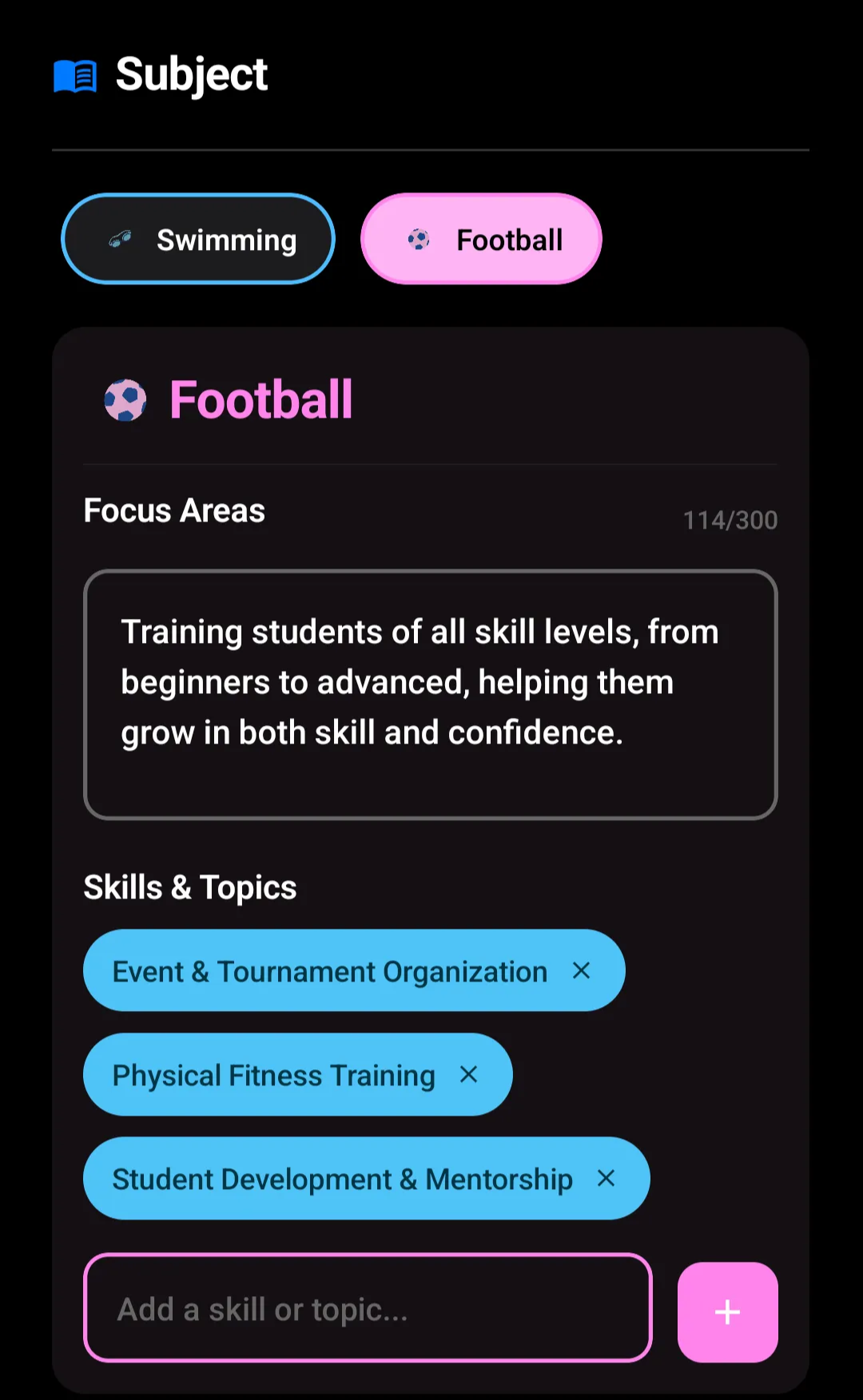
You can further refine your profile by listing specific skills or topics you cover.
Add skills such as technical training, physical fitness, mentorship, or event preparation
These appear as tags and make your expertise easy to scan
Clear skill tags improve clarity and relevance for enquiries.
Including Professional Highlights
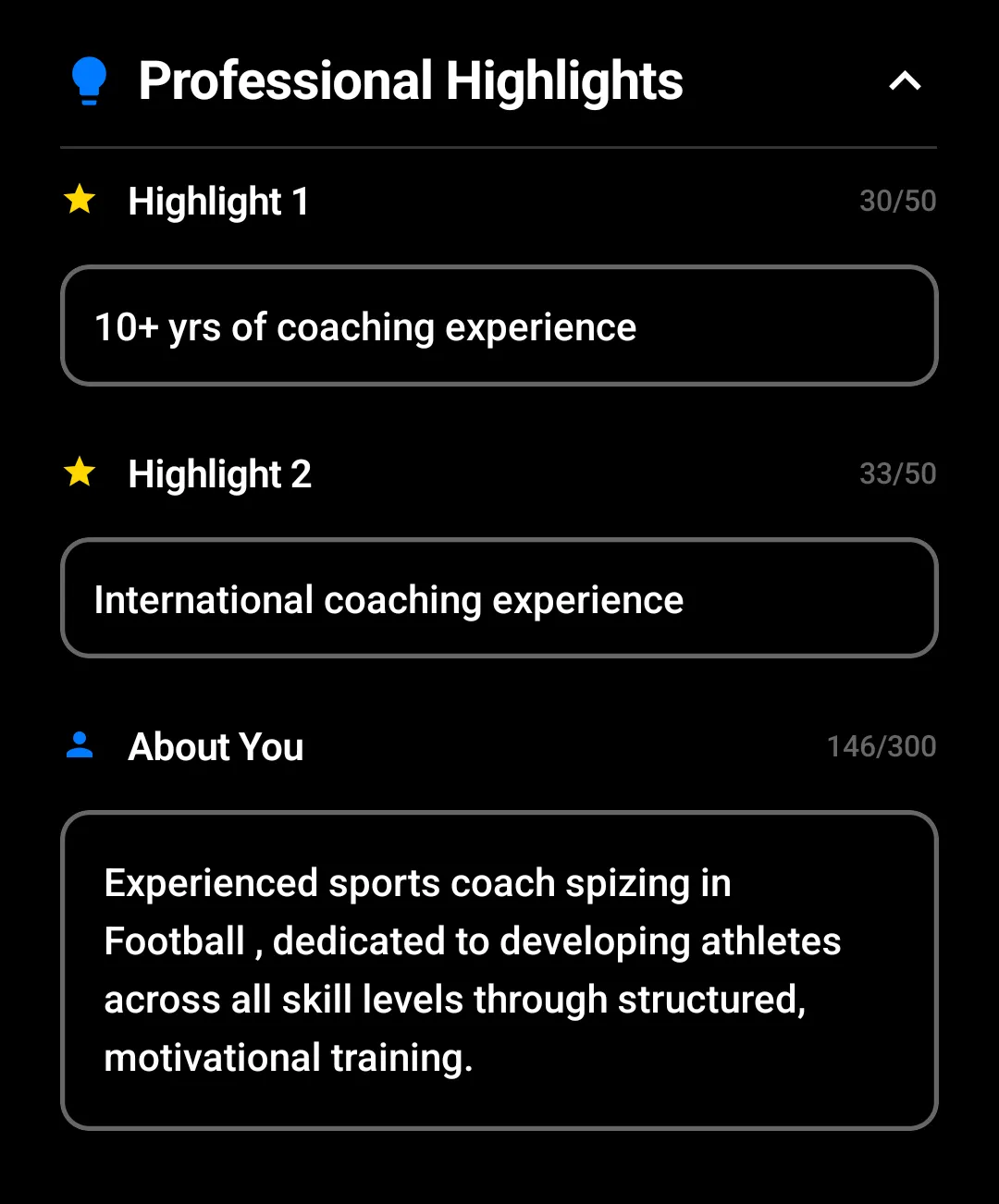
Add details that establish credibility:
Certifications or achievements
Past roles or coaching experience
Notable milestones
This section reassures consumers of your experience and professionalism.
Save Profile
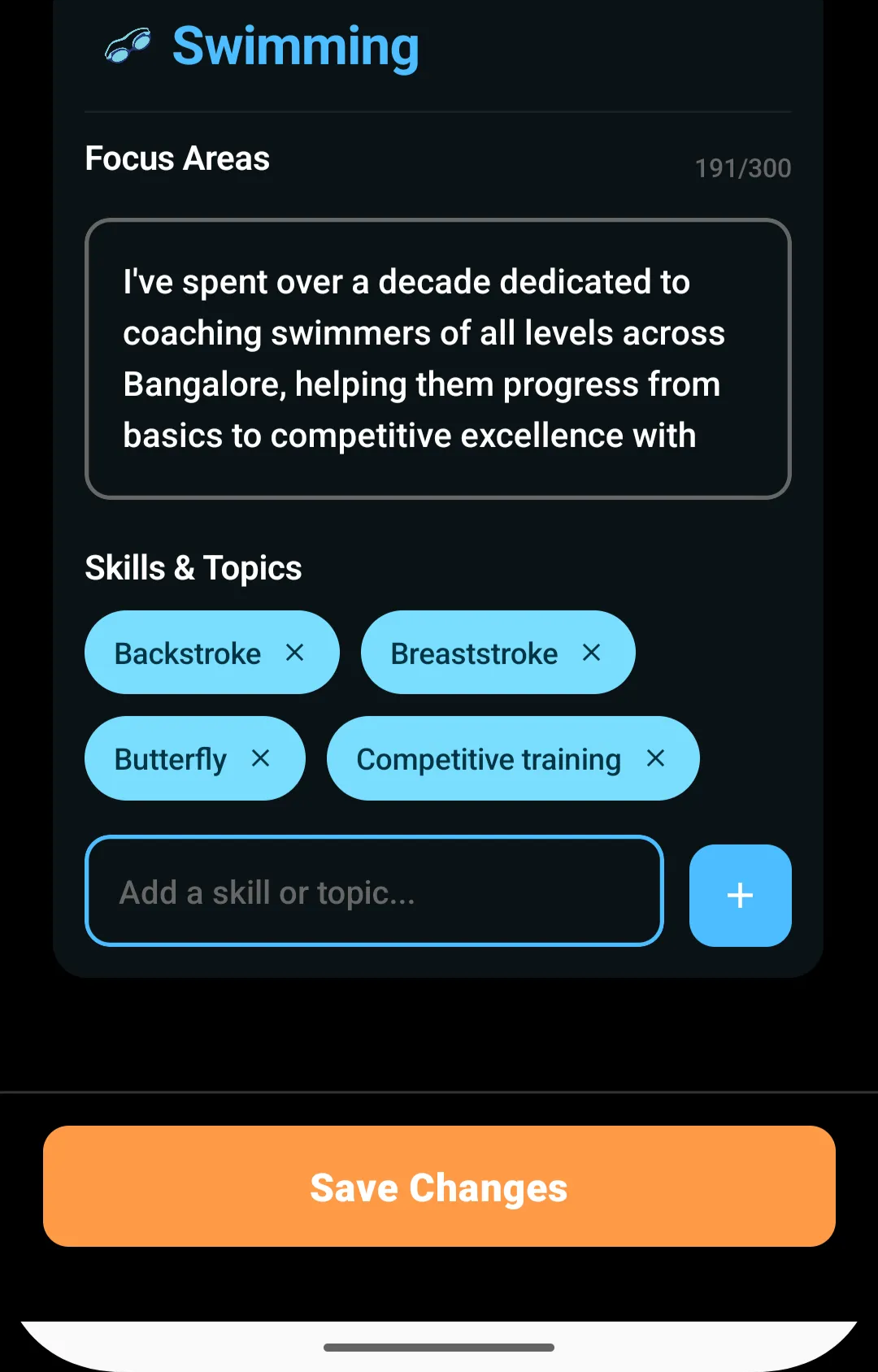
Once all details are added:
Review the information for accuracy
Tap Save Changes
Your profile is now created and ready to be shared. Any future edits can be made from the same profile section.
How the Profile Is Used
After creation:
Your profile becomes shareable with potential students or parents
Consumers can view your expertise and submit enquiries
You don’t need to recreate this information for individual batches
The profile acts as a single, consistent representation of your coaching brand.
Summary
Creating a coach profile involves navigating to the Profile section, adding your personal details, selecting subjects, defining focus areas, listing skills and professional highlights, and saving the information. Once created, the profile serves as your public-facing page for discovery and enquiries, helping you connect with the right students efficiently.